Jspreadsheet vs Numerous.ai
Compare Jspreadsheet vs Numerous.ai and see which AI Excel tool is better when we compare features, reviews, pricing, alternatives, upvotes, etc.
Which one is better? Jspreadsheet or Numerous.ai?
When we compare Jspreadsheet with Numerous.ai, which are both AI-powered excel tools, The upvote count reveals a draw, with both tools earning the same number of upvotes. Be a part of the decision-making process. Your vote could determine the winner.
Think we got it wrong? Cast your vote and show us who's boss!
Jspreadsheet

What is Jspreadsheet?
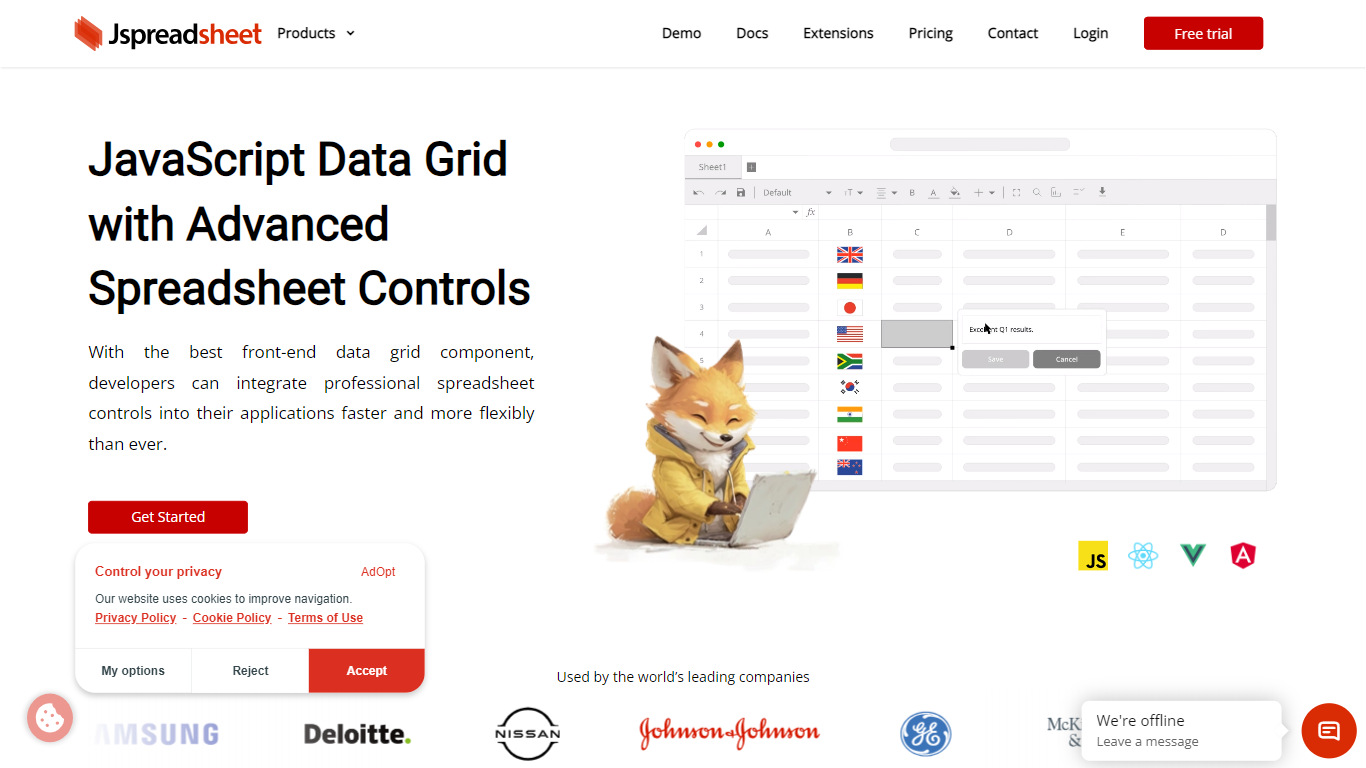
Jspreadsheet is a JavaScript spreadsheet component you drop into web apps when users expect Excel behavior, not just a sortable table. It ships as a front-end library for vanilla JavaScript, React, Vue, or Angular, with 500+ Excel-compatible formulas, import and export for 16+ file formats, and optional AI functions wired into cells. Because the code runs in your application, data stays on your infrastructure under your security model.
Most data grid libraries optimize for read-heavy tables with filtering and pagination. Jspreadsheet targets the opposite workload: modeling, bulk edits, and reporting where the fill handle, absolute references, and paste-from-Excel round-trips are what users test in the first minute. Google Sheets and Excel bake AI into their clouds; Jspreadsheet ships code so you choose the model endpoint, including a local one with no outbound traffic.
It fits teams building SaaS products, internal tools, financial dashboards, and data entry screens that still revolve around spreadsheets. Customer logos on the site include Samsung, Deloitte, and Johnson & Johnson. Jspreadsheet Server adds an optional Node.js backend for live multi-user editing, version history, and document persistence when a browser-only component is not enough.
Numerous.ai
What is Numerous.ai?
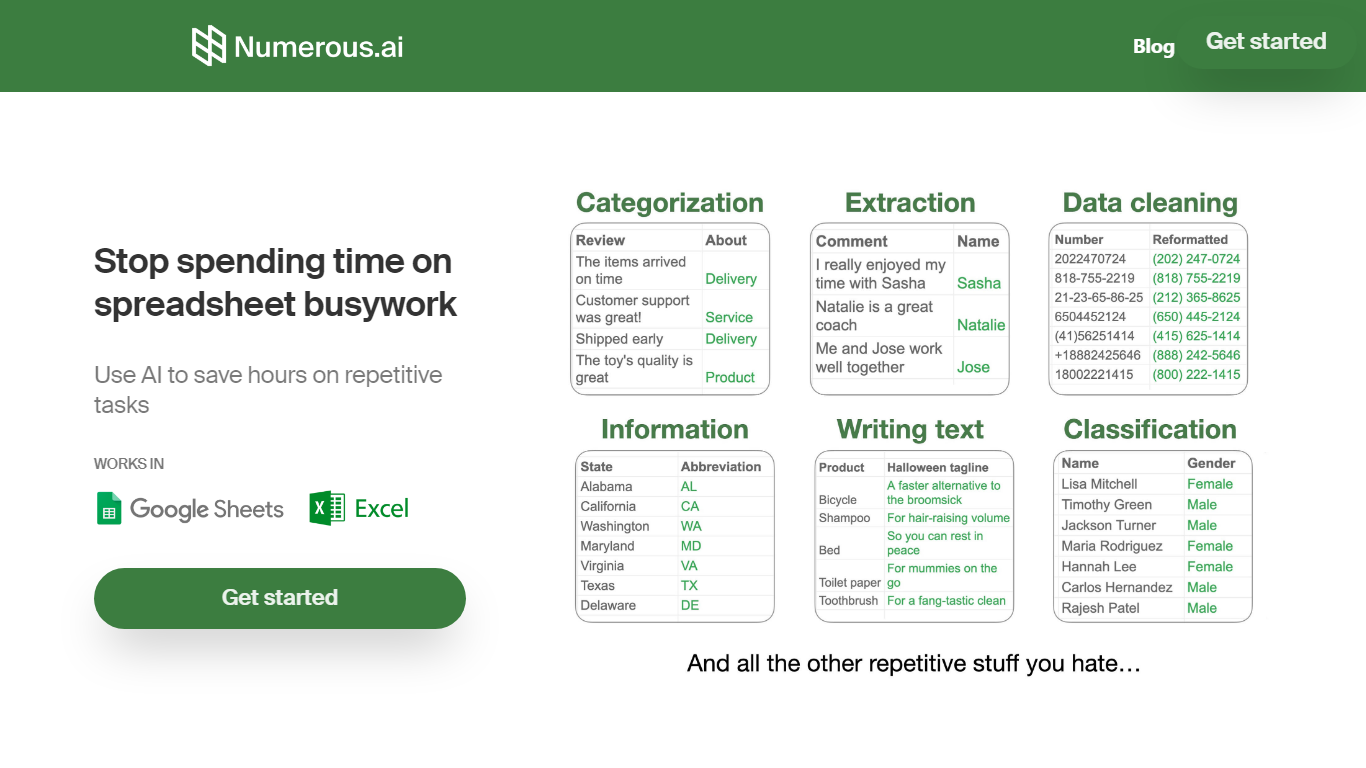
Numerous.ai is a spreadsheet add-on that brings ChatGPT into Google Sheets and Microsoft Excel. You install the plugin, type formulas like =AI in any cell, and run language tasks across rows and columns without managing your own API keys.
Where standalone chat tools make you copy answers back into cells one at a time, Numerous.ai treats each row like a batch prompt and caches identical formula inputs so sheet refreshes do not re-bill the same query. That spreadsheet-first design is the trade-off: you get bulk generation and team prototyping inside Sheets or Excel, not a general-purpose chat window.
It fits marketers running campaign research, content teams batching social posts, students organizing research data, and product teams testing prompt structures before shipping features. The team is US-based in San Francisco, and both the Google Sheets and Excel add-ins are listed in their respective official marketplaces.
Jspreadsheet Upvotes
Numerous.ai Upvotes
Jspreadsheet Top Features
500+ Excel-compatible formulas with a dependency-graph calculation engine
Import and export 16+ formats including .xlsx, .csv, and .ods with formatting preserved
React, Vue, Angular, and vanilla JavaScript packages with TypeScript definitions
Enterprise from $249 per month; Ultimate adds ChatGPT, Server, and PDF export extensions
30-day production trial with no credit card; free for development use
Virtualized rendering that stays responsive on hundred-thousand-row pastes
Numerous.ai Top Features
No API keys to configure; install the add-on and start using =AI in cells
Custom =AI, =WRITE, and =INFER functions for generation, formulas, and pattern learning
Works in both Google Sheets and Microsoft Excel from one subscription
Caches AI responses so refreshes skip duplicate queries and save tokens
Personal plan includes 1 million characters; Pro includes 5 million
Pro and Enterprise plans let multiple teammates share the same subscription
Jspreadsheet Category
- Excel
Numerous.ai Category
- Excel
Jspreadsheet Pricing Type
- Paid
Numerous.ai Pricing Type
- Freemium