Jspreadsheet vs Spreadsheet.com
In the battle of Jspreadsheet vs Spreadsheet.com, which AI Excel tool comes out on top? We compare reviews, pricing, alternatives, upvotes, features, and more.
Between Jspreadsheet and Spreadsheet.com, which one is superior?
Upon comparing Jspreadsheet with Spreadsheet.com, which are both AI-powered excel tools, There's no clear winner in terms of upvotes, as both tools have received the same number. The power is in your hands! Cast your vote and have a say in deciding the winner.
Disagree with the result? Upvote your favorite tool and help it win!
Jspreadsheet

What is Jspreadsheet?
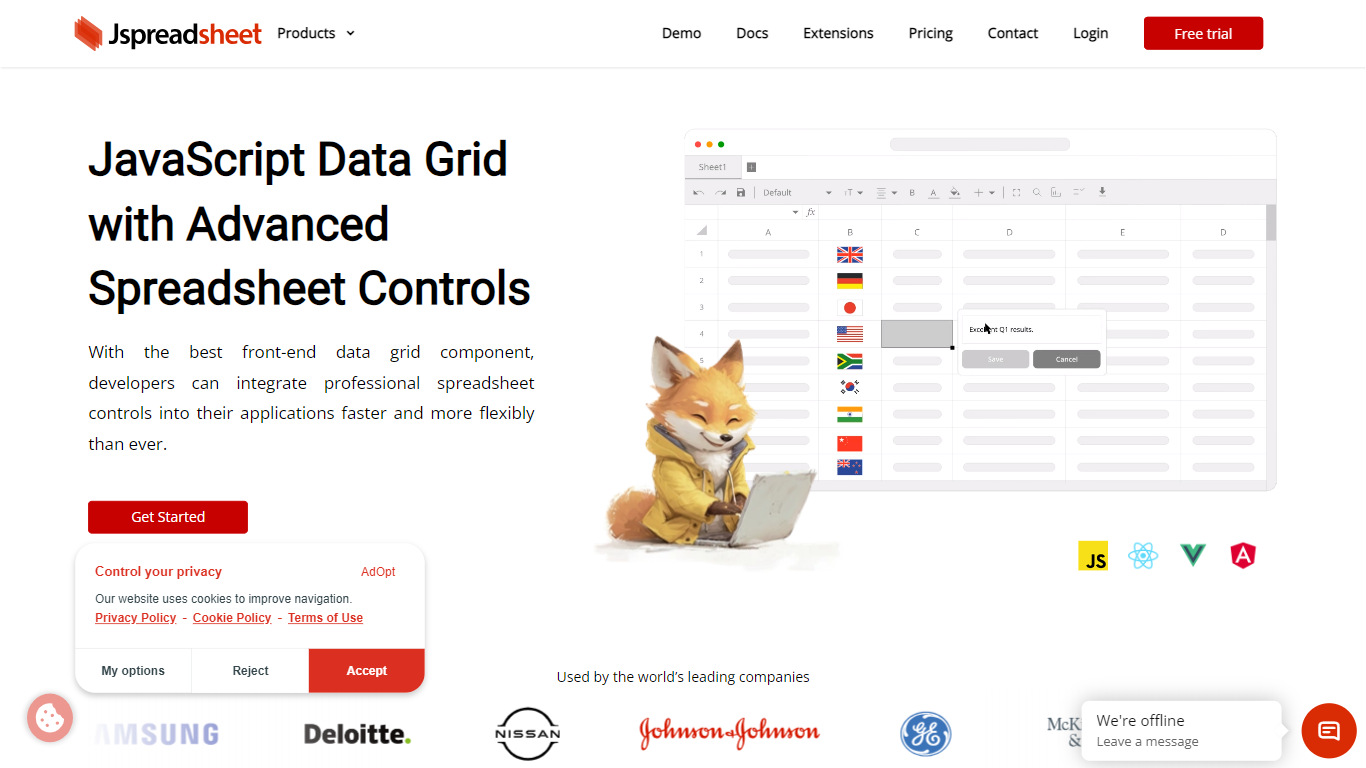
Jspreadsheet is a JavaScript spreadsheet component you drop into web apps when users expect Excel behavior, not just a sortable table. It ships as a front-end library for vanilla JavaScript, React, Vue, or Angular, with 500+ Excel-compatible formulas, import and export for 16+ file formats, and optional AI functions wired into cells. Because the code runs in your application, data stays on your infrastructure under your security model.
Most data grid libraries optimize for read-heavy tables with filtering and pagination. Jspreadsheet targets the opposite workload: modeling, bulk edits, and reporting where the fill handle, absolute references, and paste-from-Excel round-trips are what users test in the first minute. Google Sheets and Excel bake AI into their clouds; Jspreadsheet ships code so you choose the model endpoint, including a local one with no outbound traffic.
It fits teams building SaaS products, internal tools, financial dashboards, and data entry screens that still revolve around spreadsheets. Customer logos on the site include Samsung, Deloitte, and Johnson & Johnson. Jspreadsheet Server adds an optional Node.js backend for live multi-user editing, version history, and document persistence when a browser-only component is not enough.
Spreadsheet.com
What is Spreadsheet.com?
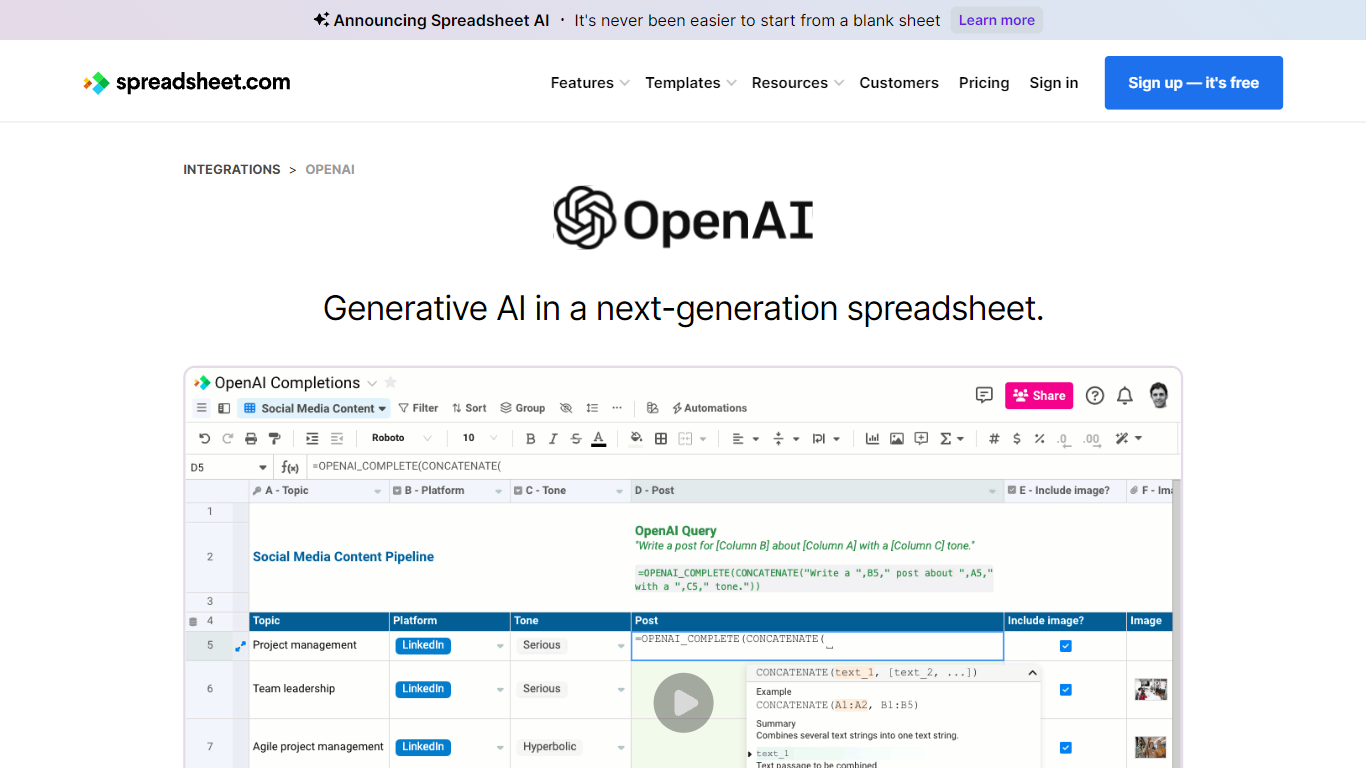
The collaboration between OpenAI and Spreadsheet.com introduces the power of generative AI into the realm of spreadsheets, transforming the traditional spreadsheet experience. With this integration, users can now utilize the advanced technology behind ChatGPT to generate content and answer queries based on their spreadsheet data. This innovative feature simplifies data management, analysis, and reporting, making it accessible to users with any level of technical expertise. Spreadsheet.com’s next-generation platform allows for building no-code solutions like Project Management, CRM, ATS, and ERP systems. It enhances productivity with tailored views for sheets, Gantt charts, Kanban boards, forms, and calendars. Plus, the platform supports a vast array of integrations and automation to streamline processes. The service caters to various business needs and offers specialized templates for a quick start. Whether it's for project planning, sales management, or personal organization, Spreadsheet.com’s versatile features open up new possibilities for work management.
Jspreadsheet Upvotes
Spreadsheet.com Upvotes
Jspreadsheet Top Features
500+ Excel-compatible formulas with a dependency-graph calculation engine
Import and export 16+ formats including .xlsx, .csv, and .ods with formatting preserved
React, Vue, Angular, and vanilla JavaScript packages with TypeScript definitions
Enterprise from $249 per month; Ultimate adds ChatGPT, Server, and PDF export extensions
30-day production trial with no credit card; free for development use
Virtualized rendering that stays responsive on hundred-thousand-row pastes
Spreadsheet.com Top Features
Generative AI Integration: Leverage the power of OpenAI in spreadsheets for content generation and data queries.
No-Code Solutions: Create complex applications for Project Management CRM and more without any coding required.
Interactive Views: Organize and visualize your data with custom sheet views Gantt Kanban calendar and form views.
Robust Automations: Set up no-code automations to streamline repetitive tasks and workflows.
Comprehensive Templates: Access over 200 pre-made templates for various industries and use cases to get started quickly.
Jspreadsheet Category
- Excel
Spreadsheet.com Category
- Excel
Jspreadsheet Pricing Type
- Paid
Spreadsheet.com Pricing Type
- Freemium