Kapwing vs AI Studios
In the face-off between Kapwing vs AI Studios, which AI Video Editing tool takes the crown? We scrutinize features, alternatives, upvotes, reviews, pricing, and more.
In a face-off between Kapwing and AI Studios, which one takes the crown?
If we were to analyze Kapwing and AI Studios, both of which are AI-powered video editing tools, what would we find? In the race for upvotes, Kapwing takes the trophy. Kapwing has garnered 10 upvotes, and AI Studios has garnered 7 upvotes.
Not your cup of tea? Upvote your preferred tool and stir things up!
Kapwing

What is Kapwing?
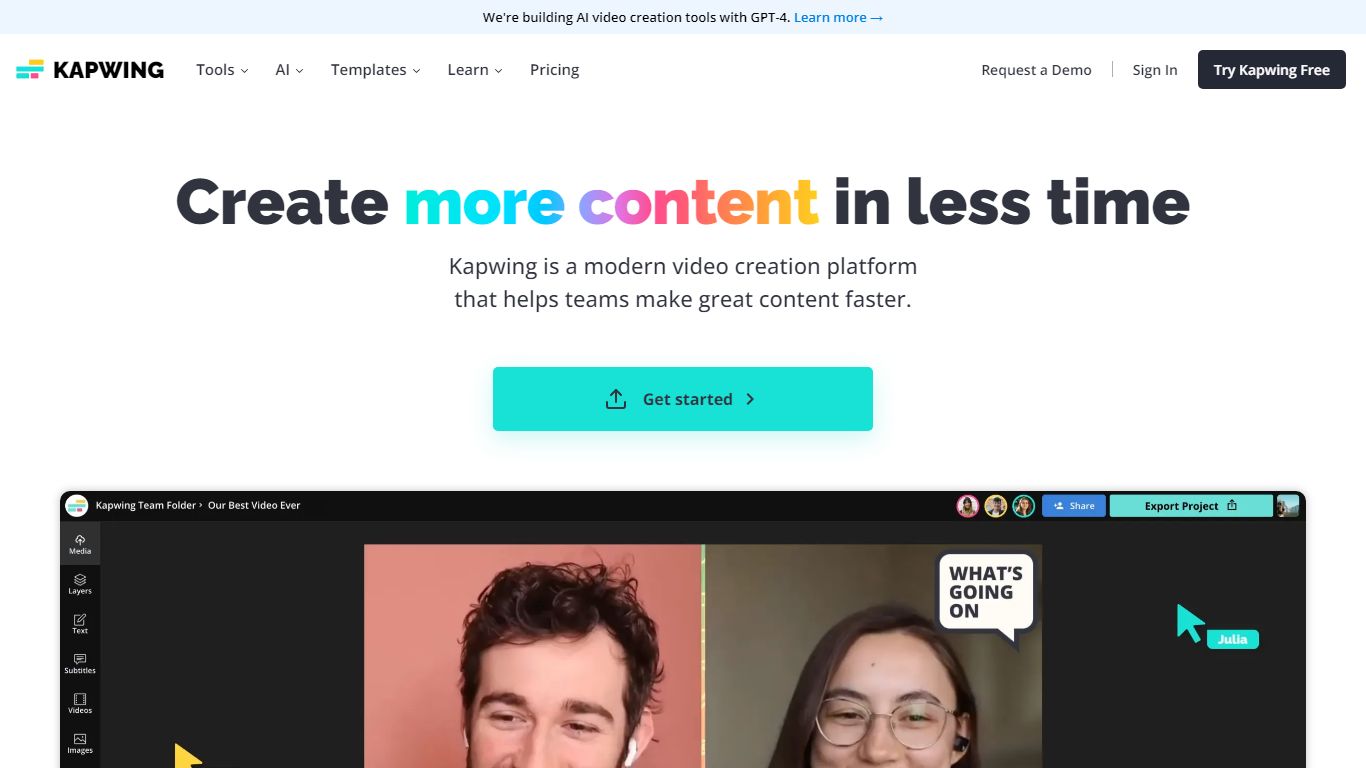
Kapwing is a collaborative video editing solution designed to help users create creative content online. With Kawing, users can upload, edit, and share files with other team members in one single place. Just share a link with other users and work on content together in real-time.
Kapwing allows users to create videos from scratch with Kapwing's extensive library of pre-built templates, stock content, and assets. Users can add layers of images, videos, and audio to create the video they want. Since Kapwing is a cloud-based solution, all projects and work are automatically saved in the cloud.
AI Studios
What is AI Studios?
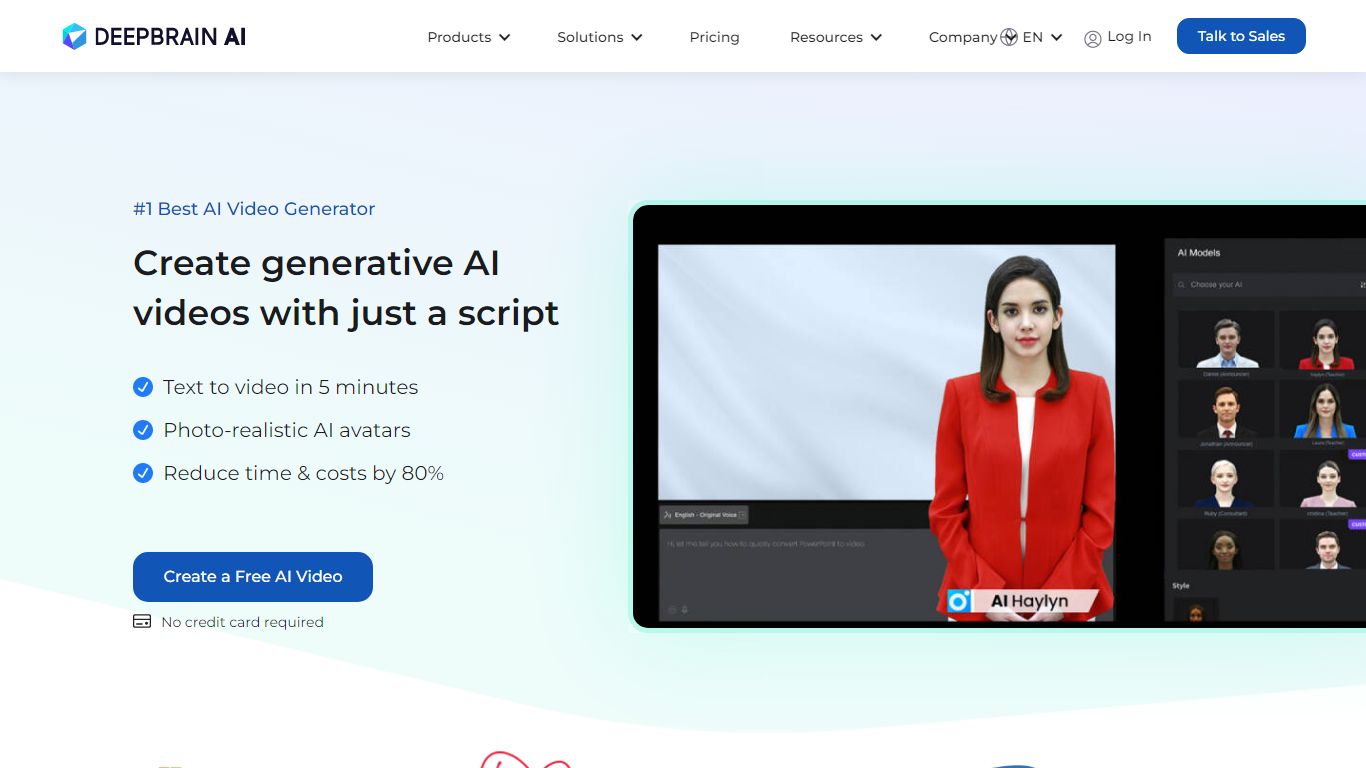
AI Studios turns a script, image, or short clip into a finished video with AI avatars, voiceovers, translations, and branded visuals. You pick from over 2,000 ready-made avatars or build custom ones from photos, video recordings, or product shots. The platform covers topic-to-video generation, AI dubbing with lip-sync, and an online editor for publishing without leaving the workspace.
Most text-to-video tools produce generic clips with stock footage. AI Studios centers on photorealistic AI avatars that speak in 150+ languages with over 1,000 voice options, plus interactive avatars that hold real-time conversations on websites, apps, and kiosks. DeepBrain AI also ships a SCORM-compliant course builder with embedded quizzes and branching scenarios for corporate training.
Marketing teams, e-learning creators, and customer support departments are the main users. The free plan includes 3 AI videos up to 1 minute each, while paid Personal and Team tiers remove limits and add 1080p or 4K export. Over 2 million users and a G2 Best AI Software Product 2025 badge appear on the homepage.
Kapwing Upvotes
AI Studios Upvotes
Kapwing Top Features
From first draft to final video, 10x faster
Connect everyone in the creative process
Stay on-brand all the time
Edit in real time together
AI Studios Top Features
2,000+ ready-to-use AI avatars plus custom avatars from photos, video, or product images
150+ text-to-speech languages with 1,000+ voice options for multilingual video creation
AI dubbing with lip-sync across 120 to 240 minutes per month on paid plans
7,000+ video templates and topic-to-video generation from a script or prompt
Interactive avatars for real-time customer conversations on web, app, and kiosk channels
SCORM-compliant course builder with embedded quizzes and branching training scenarios
Kapwing Category
- Video Editing
AI Studios Category
- Video Editing
Kapwing Pricing Type
- Freemium
AI Studios Pricing Type
- Freemium