Kapwing vs Riverside
Compare Kapwing vs Riverside and see which AI Video Editing tool is better when we compare features, reviews, pricing, alternatives, upvotes, etc.
Which one is better? Kapwing or Riverside?
When we compare Kapwing with Riverside, which are both AI-powered video editing tools, Riverside is the clear winner in terms of upvotes. Riverside has garnered 25 upvotes, and Kapwing has garnered 10 upvotes.
Feeling rebellious? Cast your vote and shake things up!
Kapwing

What is Kapwing?
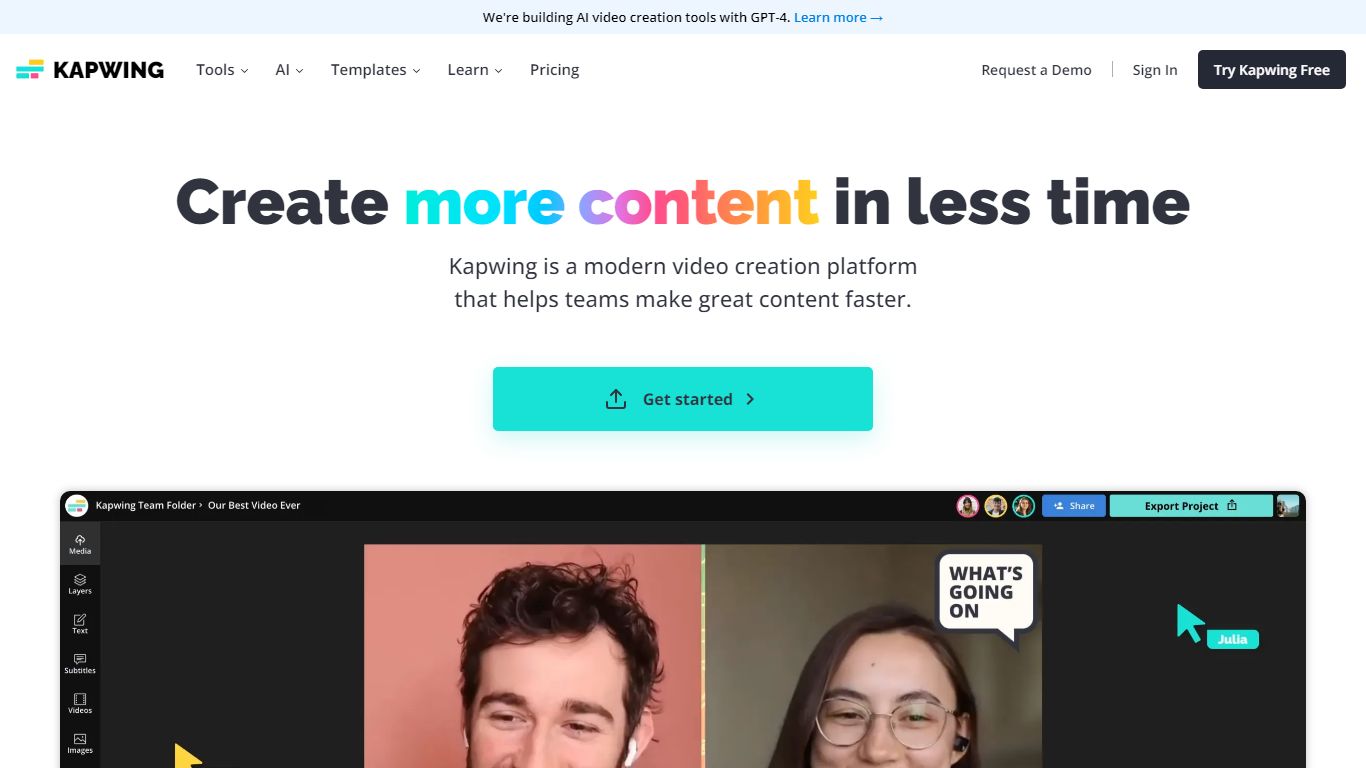
Kapwing lets marketers, educators, and social teams edit and generate videos entirely in the browser, with no desktop install. You work on a drag-and-drop timeline, turn text prompts into finished clips, and run AI tools for subtitles, dubbing, resizing, and background removal. Shared workspaces, brand kits, and timestamped comments keep feedback inside the project.
Unlike Adobe Premiere or DaVinci Resolve, Kapwing trades deep timeline control for speed and collaboration. The credit system gates AI generation and premium exports, and the Free plan watermarks output and caps exports at 720p and 4 minutes. Pro removes the watermark, unlocks 4K, and bundles 1,000 monthly credits, which fits agencies resizing the same master for TikTok, YouTube, and LinkedIn.
Content creators, internal comms teams, and classroom educators use Kapwing to turn scripts or long recordings into short social clips, auto-caption multilingual videos, and leave timestamped comments instead of email threads. The AI stack integrates models like Veo, Sora, Kling, and Wan alongside ElevenLabs voices, so you can draft inside one tab rather than bouncing between generators and an NLE.
Riverside

What is Riverside?
Riverside is a video editing and recording platform built for remote podcasts, interviews, and webinars. It records up to 4K video and uncompressed audio locally on each participant's device, so spotty internet does not tank quality. After recording, you edit in a text-based timeline, generate Magic Clips, captions, and show notes, then publish to YouTube, Spotify, and Apple Podcasts from the same workflow.
Zoom and Google Meet optimize for live calls, not post-production. Riverside records separate tracks locally, then layers AI cleanup, filler-word removal, and clip generation on top. The trade-off is that it is built for creators who publish regularly, not for one-off internal meetings that never leave the call app.
Podcasters, marketers, and producers at companies like Spotify and The New York Times use Riverside for studio-style remote recordings. Founded in 2020 by brothers Gideon and Nadav, the product now lives at riverside.com while riverside.fm redirects to the same experience.
Kapwing Upvotes
Riverside Upvotes
Kapwing Top Features
AI Video Generator turns text prompts into videos with voiceover, visuals, subtitles, and music
Free plan includes 10 credits with 720p exports up to 4 minutes and watermarked output
Pro at $16 per member per month (annual) adds 1,000 credits, 4K export, and no watermark
Auto-subtitling supports up to 10 minutes on Free and 1,000 minutes per month on Pro
Translate and dub content into 100+ languages with lip sync on Business plans
Nine integrated AI video models including Veo, Sora, Kling, and Wan plus ElevenLabs voices
Riverside Top Features
Local recording up to 4K video with separate WAV and MP4 tracks per speaker
Free plan includes 2 hours of multi-track recordings and unlimited single-track editing
Pro plan at $24 per month (billed annually) adds 15 hours of separate track downloads and 4K output
AI Co-Creator generates clips, show notes, captions, and filler-word removal from recordings
Built-in podcast hosting publishes to Spotify, Apple Podcasts, and YouTube
Grow and Webinar tiers add multistream live streaming and webinar registration for up to 100 attendees
Kapwing Category
- Video Editing
Riverside Category
- Video Editing
Kapwing Pricing Type
- Freemium
Riverside Pricing Type
- Freemium