
Last updated 08-13-2026
Category:
Overall Rating:
5.0 🏆
Reviews:
Join thousands of AI enthusiasts in the World of AI!
Kapwing
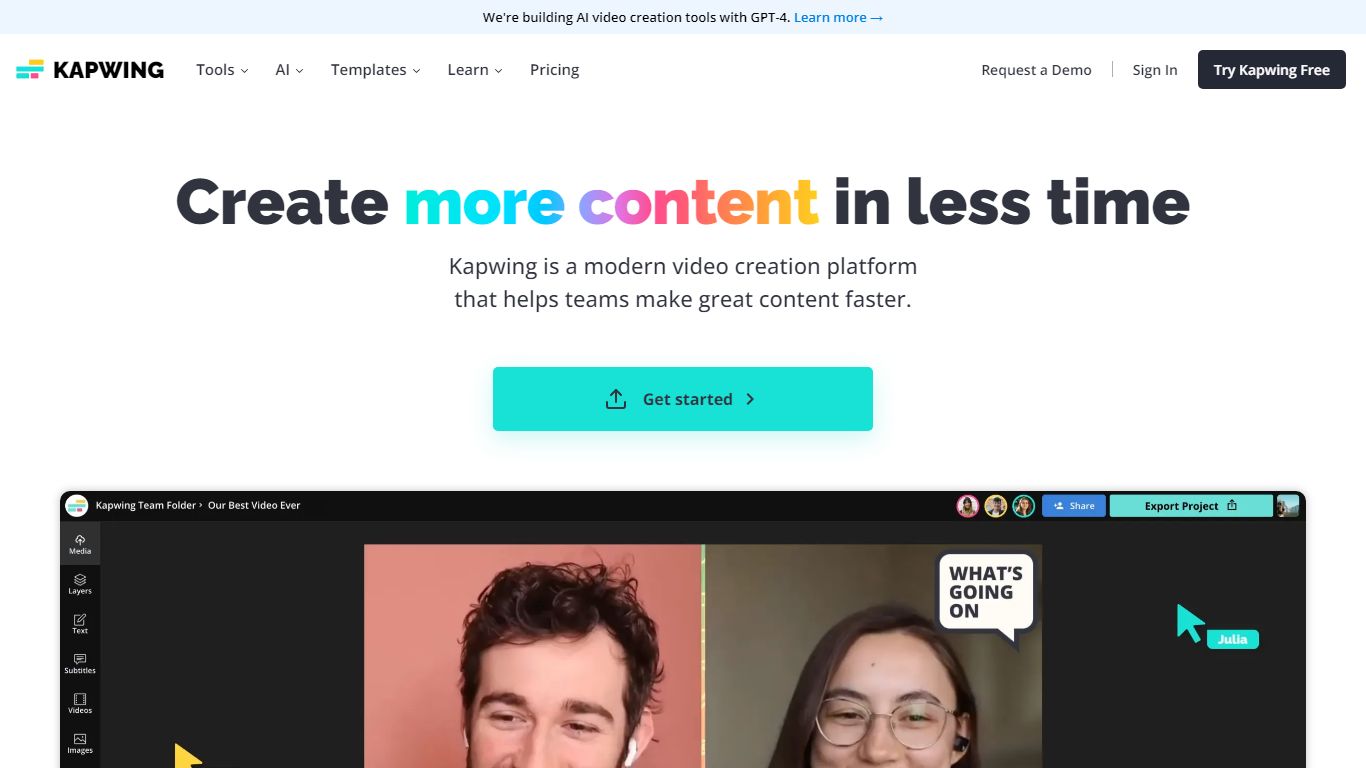
Kapwing lets marketers, educators, and social teams edit and generate videos entirely in the browser, with no desktop install. You work on a drag-and-drop timeline, turn text prompts into finished clips, and run AI tools for subtitles, dubbing, resizing, and background removal. Shared workspaces, brand kits, and timestamped comments keep feedback inside the project.
Unlike Adobe Premiere or DaVinci Resolve, Kapwing trades deep timeline control for speed and collaboration. The credit system gates AI generation and premium exports, and the Free plan watermarks output and caps exports at 720p and 4 minutes. Pro removes the watermark, unlocks 4K, and bundles 1,000 monthly credits, which fits agencies resizing the same master for TikTok, YouTube, and LinkedIn.
Content creators, internal comms teams, and classroom educators use Kapwing to turn scripts or long recordings into short social clips, auto-caption multilingual videos, and leave timestamped comments instead of email threads. The AI stack integrates models like Veo, Sora, Kling, and Wan alongside ElevenLabs voices, so you can draft inside one tab rather than bouncing between generators and an NLE.
AI Video Generator turns text prompts into videos with voiceover, visuals, subtitles, and music
Free plan includes 10 credits with 720p exports up to 4 minutes and watermarked output
Pro at $16 per member per month (annual) adds 1,000 credits, 4K export, and no watermark
Auto-subtitling supports up to 10 minutes on Free and 1,000 minutes per month on Pro
Translate and dub content into 100+ languages with lip sync on Business plans
Nine integrated AI video models including Veo, Sora, Kling, and Wan plus ElevenLabs voices
Full video workflow in the browser with no install
AI tools cover generation, subtitles, dubbing, and resizing in one workspace
Real-time collaboration with comments and shared Brand Kits
Integrates nine leading AI video models plus ElevenLabs voices
Free tier lets you test exports before upgrading
Free exports carry a Kapwing watermark and cap at 720p and 4 minutes
Credit limits can run out quickly on AI-heavy projects
Advanced color grading and broadcast NLE features are not the focus
Is Kapwing free to use?
Yes. Kapwing's Free plan costs $0 and includes 10 credits with unlimited watermarked exports at 720p up to 4 minutes long. Paid Pro starts at $16 per member per month billed annually and adds 1,000 monthly credits without a watermark.
Does Kapwing work in the browser?
Kapwing runs entirely in the browser with no download required. You can record screen and camera, edit on a timeline, and export MP4, PNG, JPG, MP3, or GIF files from kapwing.com.
What video quality can Kapwing export?
Kapwing's Free plan exports at 720p resolution. Kapwing Pro and Business plans unlock 4K exports, longer project lengths up to 2 hours, and larger 6 GB file uploads.
How many languages does Kapwing support for subtitles?
Kapwing can auto-translate subtitles into over 60 languages on paid plans. The Translate tool on Kapwing also lists dubbing support for 40+ languages with AI voiceovers.
Does Kapwing offer a free trial for Pro?
Kapwing does not offer a separate free trial for paid plans. You can use the Free tier to test tools before upgrading, and Pro or Business subscriptions renew automatically until canceled.
Can teams collaborate on Kapwing projects?
Yes. Kapwing workspaces support real-time co-editing, link sharing, timestamped comments on videos, and Brand Kits on Pro and above. Business adds 500 GB storage and custom voice clones.