Typeframes vs Kapwing
Compare Typeframes vs Kapwing and see which AI Video Editing tool is better when we compare features, reviews, pricing, alternatives, upvotes, etc.
Which one is better? Typeframes or Kapwing?
When we compare Typeframes with Kapwing, which are both AI-powered video editing tools, In the race for upvotes, Kapwing takes the trophy. Kapwing has 10 upvotes, and Typeframes has 7 upvotes.
Disagree with the result? Upvote your favorite tool and help it win!
Typeframes


What is Typeframes?
Typeframes converts simple text prompts into engaging product videos optimized for social media platforms like YouTube, Instagram, and TikTok. It enables users to produce high-quality videos quickly without advanced video editing skills.
What sets Typeframes apart is its AI-driven approach that simplifies video production by offering customizable templates and automated suggestions to boost engagement. Unlike traditional video editors, it focuses on speed and ease of use, allowing creators to generate videos in minutes rather than hours.
The platform supports exporting videos in multiple resolutions tailored for different social media formats, including vertical videos. This makes Typeframes especially useful for content creators and marketers aiming to produce consistent, platform-optimized video content efficiently.
By streamlining the video creation process, Typeframes helps users save time and resources while enhancing their social media presence with visually appealing videos.
Kapwing
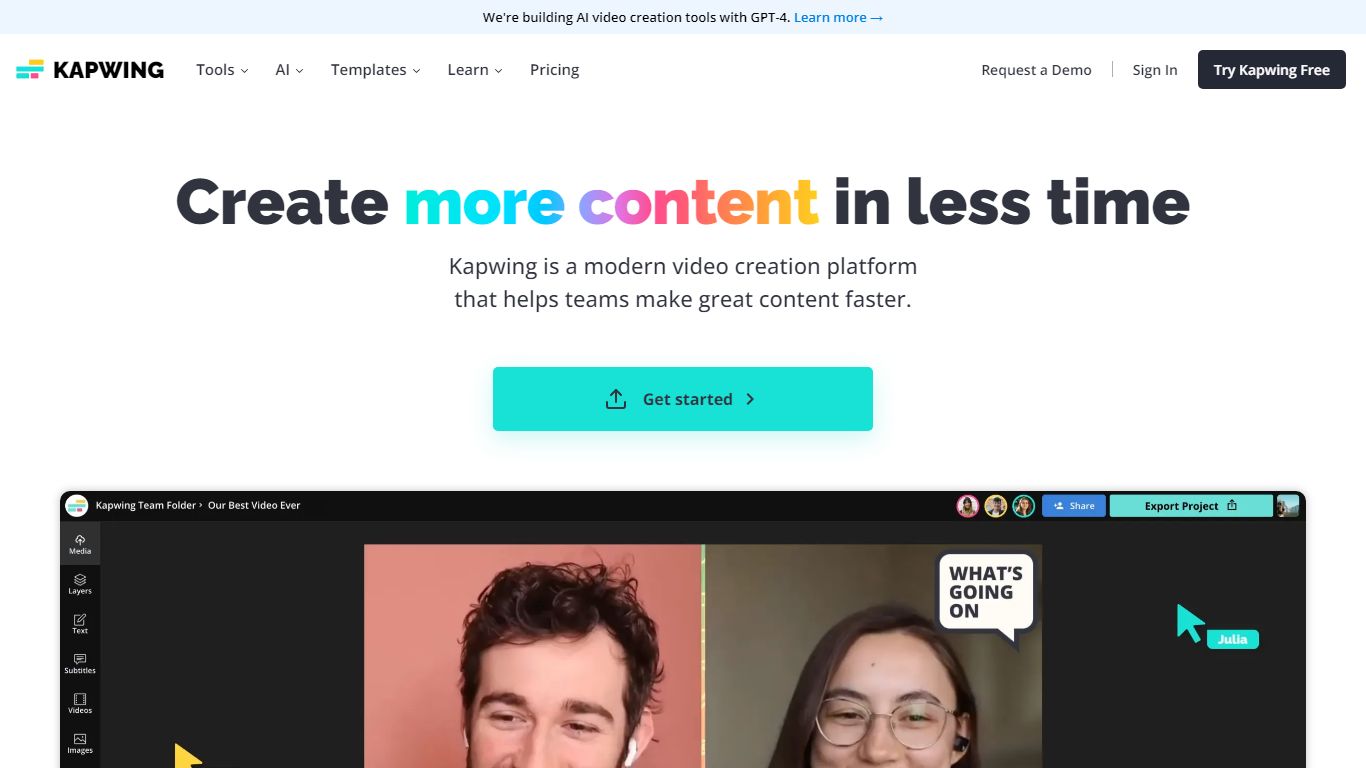
What is Kapwing?
Kapwing lets marketers, educators, and social teams edit and generate videos entirely in the browser, with no desktop install. You work on a drag-and-drop timeline, turn text prompts into finished clips, and run AI tools for subtitles, dubbing, resizing, and background removal. Shared workspaces, brand kits, and timestamped comments keep feedback inside the project.
Unlike Adobe Premiere or DaVinci Resolve, Kapwing trades deep timeline control for speed and collaboration. The credit system gates AI generation and premium exports, and the Free plan watermarks output and caps exports at 720p and 4 minutes. Pro removes the watermark, unlocks 4K, and bundles 1,000 monthly credits, which fits agencies resizing the same master for TikTok, YouTube, and LinkedIn.
Content creators, internal comms teams, and classroom educators use Kapwing to turn scripts or long recordings into short social clips, auto-caption multilingual videos, and leave timestamped comments instead of email threads. The AI stack integrates models like Veo, Sora, Kling, and Wan alongside ElevenLabs voices, so you can draft inside one tab rather than bouncing between generators and an NLE.
Typeframes Upvotes
Kapwing Upvotes
Typeframes Top Features
Transform text prompts into engaging videos quickly
Customize templates to match your brand style easily
Create vertical videos optimized for social platforms
Simple interface requires no video editing skills
Export videos in multiple resolutions including high quality
AI-driven suggestions to boost video engagement
Kapwing Top Features
AI Video Generator turns text prompts into videos with voiceover, visuals, subtitles, and music
Free plan includes 10 credits with 720p exports up to 4 minutes and watermarked output
Pro at $16 per member per month (annual) adds 1,000 credits, 4K export, and no watermark
Auto-subtitling supports up to 10 minutes on Free and 1,000 minutes per month on Pro
Translate and dub content into 100+ languages with lip sync on Business plans
Nine integrated AI video models including Veo, Sora, Kling, and Wan plus ElevenLabs voices
Typeframes Category
- Video Editing
Kapwing Category
- Video Editing
Typeframes Pricing Type
- Freemium
Kapwing Pricing Type
- Freemium