Supercreator vs Kapwing
When comparing Supercreator vs Kapwing, which AI Video Editing tool shines brighter? We look at pricing, alternatives, upvotes, features, reviews, and more.
Between Supercreator and Kapwing, which one is superior?
When we put Supercreator and Kapwing side by side, both being AI-powered video editing tools, Kapwing is the clear winner in terms of upvotes. Kapwing has garnered 10 upvotes, and Supercreator has garnered 6 upvotes.
Want to flip the script? Upvote your favorite tool and change the game!
Supercreator


What is Supercreator?
Supercreator.ai is a creator platform from CLB Creative that pairs AI-assisted scripting and video tools with templates, communities, and automations. The product is available through the web app at app.supercreator.ai and an iOS app where users sign in with Apple ID, pick interest categories, and move from idea to finished short-form content.
The public site positions Supercreator as an invitation-only entry point for creators and partners, while legal pages describe a broader ecosystem: registered users can browse template libraries, join free or paid communities, and publish creations after account review. Premium subscribers keep scripts and videos private; free users may have their generated content visible to others on the platform.
Kapwing
What is Kapwing?
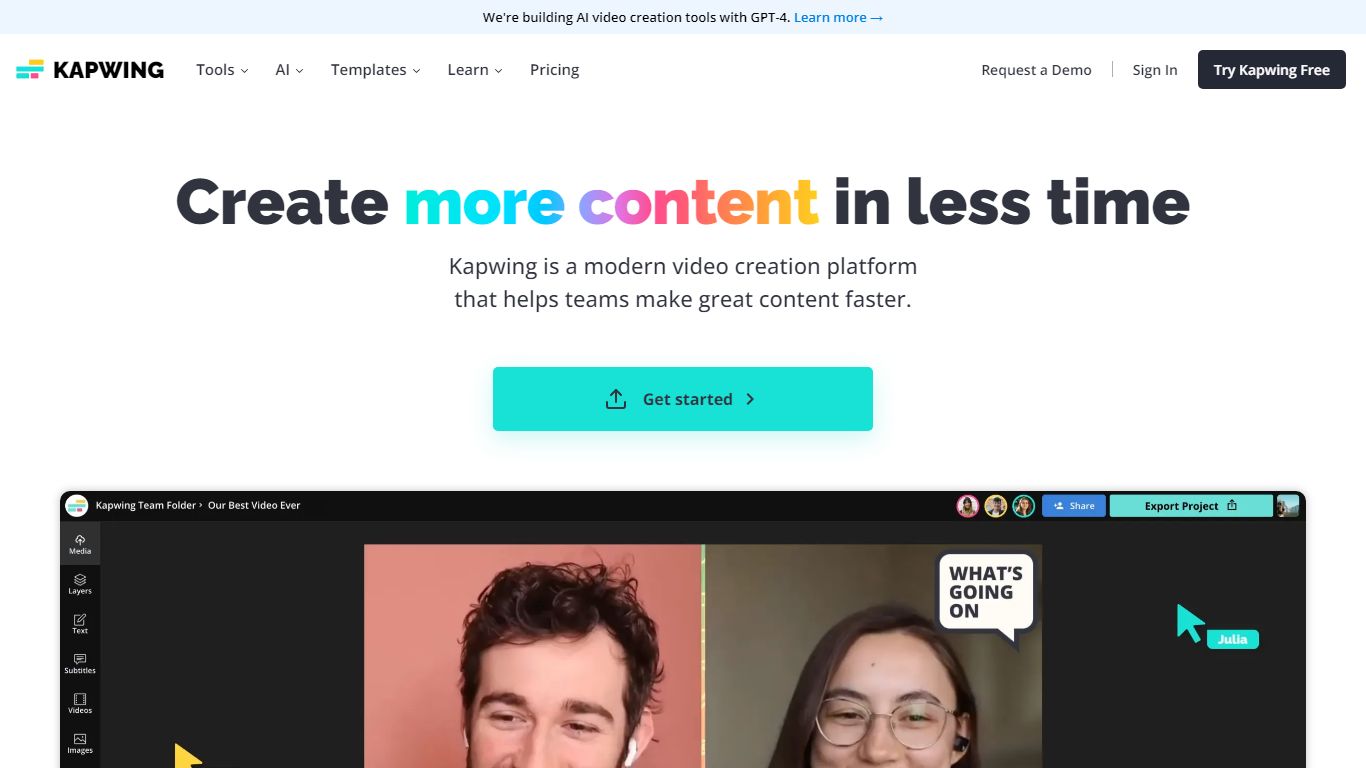
Kapwing lets marketers, educators, and social teams edit and generate videos entirely in the browser, with no desktop install. You work on a drag-and-drop timeline, turn text prompts into finished clips, and run AI tools for subtitles, dubbing, resizing, and background removal. Shared workspaces, brand kits, and timestamped comments keep feedback inside the project.
Unlike Adobe Premiere or DaVinci Resolve, Kapwing trades deep timeline control for speed and collaboration. The credit system gates AI generation and premium exports, and the Free plan watermarks output and caps exports at 720p and 4 minutes. Pro removes the watermark, unlocks 4K, and bundles 1,000 monthly credits, which fits agencies resizing the same master for TikTok, YouTube, and LinkedIn.
Content creators, internal comms teams, and classroom educators use Kapwing to turn scripts or long recordings into short social clips, auto-caption multilingual videos, and leave timestamped comments instead of email threads. The AI stack integrates models like Veo, Sora, Kling, and Wan alongside ElevenLabs voices, so you can draft inside one tab rather than bouncing between generators and an NLE.
Supercreator Upvotes
Kapwing Upvotes
Supercreator Top Features
Generate video scripts with AI from your topics or existing source material
Record in-app with speech mode that turns spoken lines into on-screen text
Apply TrueDepth AR face masks and effects while filming on iPhone
Separate foreground subjects from backgrounds for green-screen style shots
Browse a template library to start projects faster
Join free or paid creator communities inside the platform
Choose interest categories such as sports, fashion, education, or finance for tailored suggestions
Kapwing Top Features
AI Video Generator turns text prompts into videos with voiceover, visuals, subtitles, and music
Free plan includes 10 credits with 720p exports up to 4 minutes and watermarked output
Pro at $16 per member per month (annual) adds 1,000 credits, 4K export, and no watermark
Auto-subtitling supports up to 10 minutes on Free and 1,000 minutes per month on Pro
Translate and dub content into 100+ languages with lip sync on Business plans
Nine integrated AI video models including Veo, Sora, Kling, and Wan plus ElevenLabs voices
Supercreator Category
- Video Editing
Kapwing Category
- Video Editing
Supercreator Pricing Type
- Freemium
Kapwing Pricing Type
- Freemium