Vidon.ai vs Kapwing
In the face-off between Vidon.ai vs Kapwing, which AI Video Editing tool takes the crown? We scrutinize features, alternatives, upvotes, reviews, pricing, and more.
When we put Vidon.ai and Kapwing head to head, which one emerges as the victor?
If we were to analyze Vidon.ai and Kapwing, both of which are AI-powered video editing tools, what would we find? The users have made their preference clear, Kapwing leads in upvotes. Kapwing has received 10 upvotes from aitools.fyi users, while Vidon.ai has received 6 upvotes.
Think we got it wrong? Cast your vote and show us who's boss!
Vidon.ai


What is Vidon.ai?
Vidon.ai turns text, URLs, and prompts into finished marketing videos, then lets you schedule, publish, and host them from one dashboard. You type copy, paste a blog link, or describe an idea, and the tool writes a script, selects clips from a 12-million-item stock library, adds voiceover and captions, and builds the video. The web editor runs free with no login required, and you pay only when you export.
Most AI video generators stop at the export button. Vidon.ai bundles a content calendar, one-click social publishing, CDN video hosting with Schema.org metadata, and performance analytics in the same product. That end-to-end pipeline fits teams repurposing blogs or product pages at volume rather than making one-off clips.
Marketers, content teams, and solo creators use Vidon.ai for blog-to-video repurposing, product page videos, and scheduled social series. Business plans add brand kits, API access, bulk CSV import, and video triggers that auto-generate when new blog posts appear.
Kapwing
What is Kapwing?
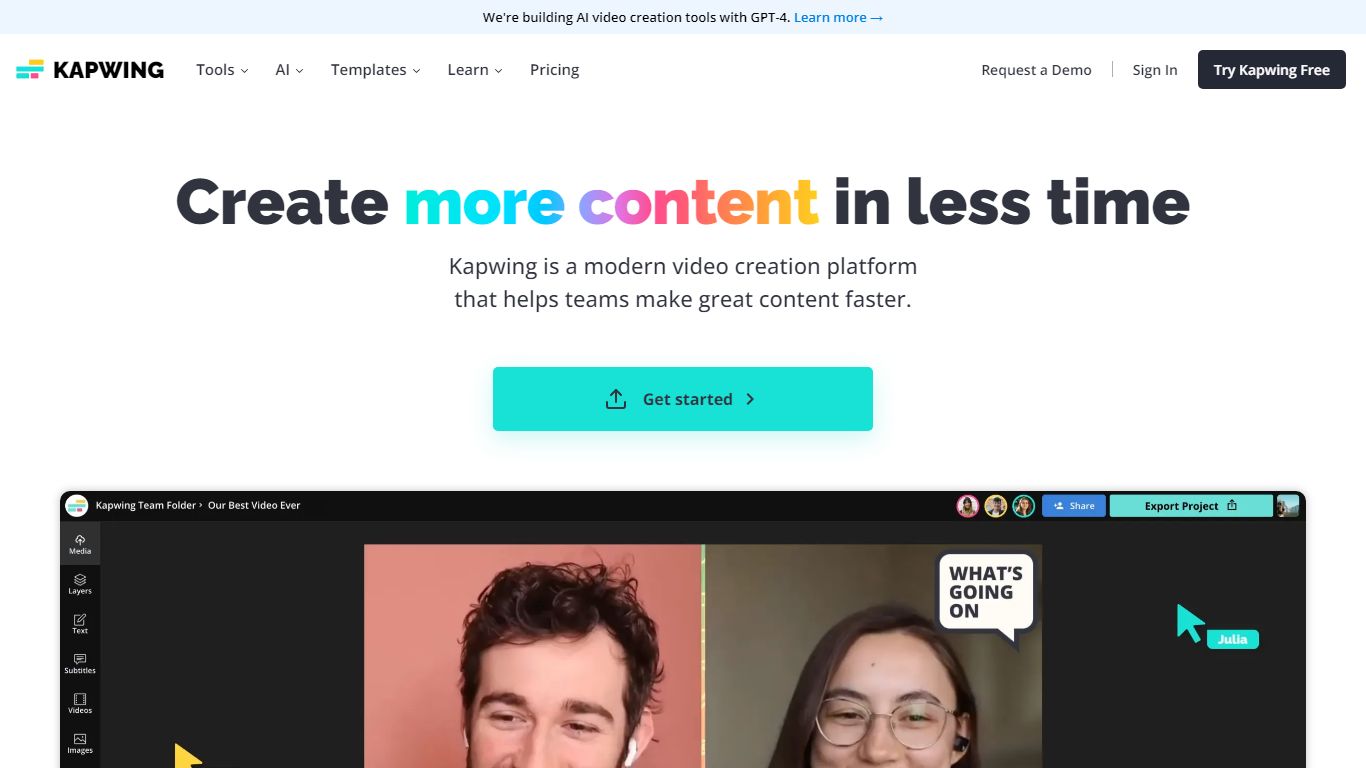
Kapwing lets marketers, educators, and social teams edit and generate videos entirely in the browser, with no desktop install. You work on a drag-and-drop timeline, turn text prompts into finished clips, and run AI tools for subtitles, dubbing, resizing, and background removal. Shared workspaces, brand kits, and timestamped comments keep feedback inside the project.
Unlike Adobe Premiere or DaVinci Resolve, Kapwing trades deep timeline control for speed and collaboration. The credit system gates AI generation and premium exports, and the Free plan watermarks output and caps exports at 720p and 4 minutes. Pro removes the watermark, unlocks 4K, and bundles 1,000 monthly credits, which fits agencies resizing the same master for TikTok, YouTube, and LinkedIn.
Content creators, internal comms teams, and classroom educators use Kapwing to turn scripts or long recordings into short social clips, auto-caption multilingual videos, and leave timestamped comments instead of email threads. The AI stack integrates models like Veo, Sora, Kling, and Wan alongside ElevenLabs voices, so you can draft inside one tab rather than bouncing between generators and an NLE.
Vidon.ai Upvotes
Kapwing Upvotes
Vidon.ai Top Features
Stock library access covers 12M+ clips with automatic image selection per scene
One video credit exports landscape, square, and vertical aspect ratios together
Prompt to Video uses ChatGPT to write scripts with voiceover in 50+ languages
Business plan includes 40 video exports per month plus REST API and CSV bulk import
Individual plan covers 10 monthly exports with content calendar and social publishing
Videos support up to 4000 characters per script, roughly 5 to 10 minutes of narration
Kapwing Top Features
AI Video Generator turns text prompts into videos with voiceover, visuals, subtitles, and music
Free plan includes 10 credits with 720p exports up to 4 minutes and watermarked output
Pro at $16 per member per month (annual) adds 1,000 credits, 4K export, and no watermark
Auto-subtitling supports up to 10 minutes on Free and 1,000 minutes per month on Pro
Translate and dub content into 100+ languages with lip sync on Business plans
Nine integrated AI video models including Veo, Sora, Kling, and Wan plus ElevenLabs voices
Vidon.ai Category
- Video Editing
Kapwing Category
- Video Editing
Vidon.ai Pricing Type
- Freemium
Kapwing Pricing Type
- Freemium