Kolorize vs RemoveBG
When comparing Kolorize vs RemoveBG, which AI Photo Editing tool shines brighter? We look at pricing, alternatives, upvotes, features, reviews, and more.
Between Kolorize and RemoveBG, which one is superior?
When we put Kolorize and RemoveBG side by side, both being AI-powered photo editing tools, RemoveBG stands out as the clear frontrunner in terms of upvotes. RemoveBG has 11 upvotes, and Kolorize has 7 upvotes.
Feeling rebellious? Cast your vote and shake things up!
Kolorize

What is Kolorize?
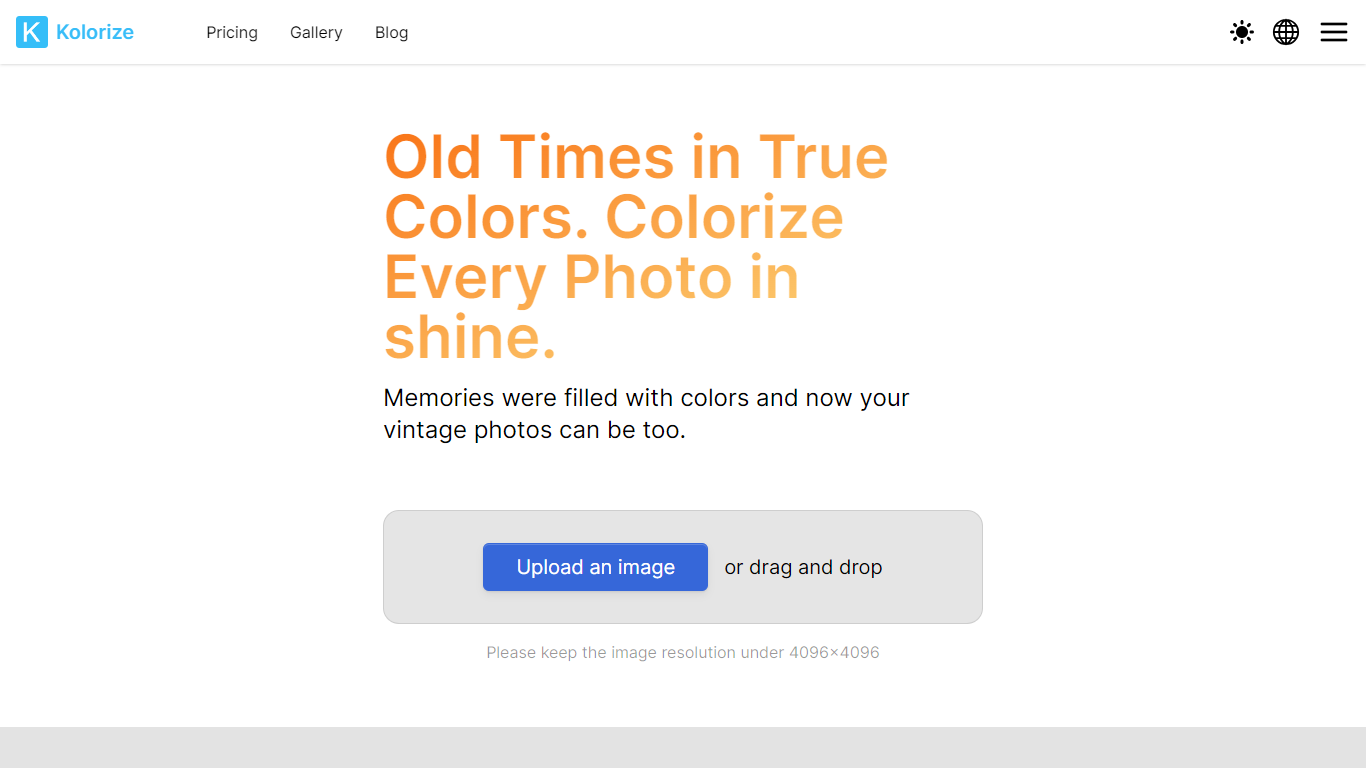
Kolorize is an online photo colorizer that turns black-and-white and vintage images into full-color restorations using proprietary AI models. Upload a photo up to 4096×4096, preview unlimited variations for free, and pay only when you download a result you want to keep.
The service handles family portraits, historical archives, and sepia or yellowed vintage prints. Processing typically takes three to eight seconds per image, with grain and resolution preserved rather than painted over.
Kolorize also offers video colorization and sells credit packs instead of subscriptions. Credits last two years, cover commercial use, and are charged only on download, not preview.
RemoveBG

What is RemoveBG?
RemoveBG is a powerful and user-friendly online tool that allows you to remove image backgrounds in seconds, and the best part is, it's completely free! With advanced AI technology, RemoveBG makes background removal a breeze, saving you time and effort. Whether you need to edit images for creative projects, marketing materials, or personal use, RemoveBG has got you covered.
With RemoveBG, the process of removing image backgrounds is as easy as 1-2-3. First, choose the image you want to edit and upload it into the tool. Second, let the advanced AI technology analyze your image and automatically remove the background. Finally, download the new image and use it for any purpose you desire. Say goodbye to background woes and hello to hassle-free image editing with RemoveBG.
Kolorize Upvotes
RemoveBG Upvotes
Kolorize Top Features
Proprietary AI colorization for black-and-white, sepia, and faded vintage photos up to 4096×4096
Unlimited free previews with pay-per-download credits and no subscription required
Files deleted after processing over a 2048-bit encrypted connection
Batch upload up to 20 photos on paid credit plans
Video colorization available with 1 credit covering 160 video frames
RemoveBG Top Features
Quick and Easy Background Removal: RemoveBG makes it incredibly simple to remove image backgrounds with just a few clicks. No need for complex editing software or extensive manual work.
Free of Cost: RemoveBG offers its background removal services completely free of charge. Say goodbye to expensive editing tools and hello to cost-effective image editing.
Advanced AI Technology: Powered by advanced AI technology RemoveBG analyzes your images and accurately detects and removes the background ensuring clean and professional results.
Versatile Usage: The images edited with RemoveBG can be used for a wide range of purposes including creative projects marketing materials or personal use. The possibilities are endless.
User-Friendly Interface: RemoveBG's user-friendly interface makes it easy for anyone to use regardless of their level of expertise in image editing. No technical skills required.
Kolorize Category
- Photo Editing
RemoveBG Category
- Photo Editing
Kolorize Pricing Type
- Freemium
RemoveBG Pricing Type
- Free