Legasite vs Flo Cli
In the battle of Legasite vs Flo Cli, which AI Developer tool comes out on top? We compare reviews, pricing, alternatives, upvotes, features, and more.
Between Legasite and Flo Cli, which one is superior?
Upon comparing Legasite with Flo Cli, which are both AI-powered developer tools, There's no clear winner in terms of upvotes, as both tools have received the same number. Join the aitools.fyi users in deciding the winner by casting your vote.
Want to flip the script? Upvote your favorite tool and change the game!
Legasite


What is Legasite?
Legasite moves legacy websites into modern React and Next.js templates without rebuilding from scratch. You pick a template, drop in an existing site URL, and the platform extracts content, maps it to the layout, and generates downloadable source code in about 10 to 20 minutes.
The workflow centers on automated content extraction rather than manual copy-paste. Legasite pulls text, structure, and images from the source site, then populates a human-written template so the output follows component-based patterns with Tailwind CSS styling. You get a ZIP of real code you can deploy to Vercel, Netlify, or your own server.
It targets web agencies, freelance developers, and in-house dev teams handling client redesigns or internal UI modernization. The pitch is cutting migration grunt work so you spend time on customization and features instead of transferring content page by page.
Flo Cli
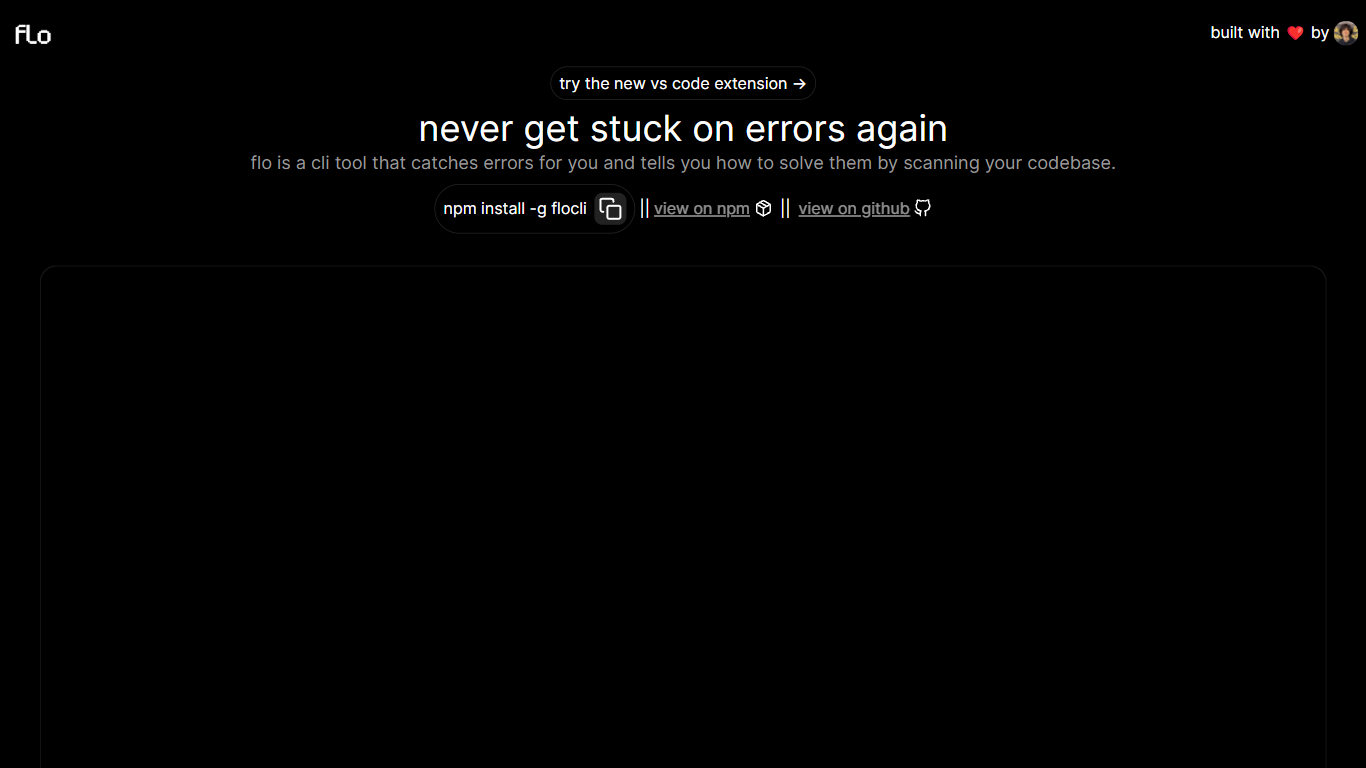
What is Flo Cli?
Flo Cli watches the terminal commands you run, catches thrown errors, and scans your local codebase to suggest fixes without you copying stack traces into a chat window. Install it globally with npm install -g flocli, run flocli configure with your OpenAI key, then wrap any dev process with flocli monitor "npm run dev" or pass a raw message to flocli error. The project site also links a VS Code extension published as dylanintech.flocli on the Visual Studio Marketplace.
Unlike a generic chat assistant, Flo spawns and monitors the child process itself so it sees errors as they happen. The npm readme describes a LangChain functions agent that reads your repo for the faulty code, with optional --gpt-4=true and --search-enabled=true flags for SerpAPI-backed web lookups. A --no-warnings=true flag limits monitoring to hard errors only. Because Flo runs locally with your own API keys, the tool stays open source while you pay OpenAI (and optionally SerpAPI) directly.
Node and full-stack developers who live in the terminal are the core audience. The monitor command works beyond Node scripts, so Next.js dev servers and other shell commands qualify. Teams that want error triage inside VS Code can use the marketplace extension, while CLI-first users keep everything in the terminal.
Legasite Upvotes
Flo Cli Upvotes
Legasite Top Features
Drop in a URL and get React or Next.js code in 10 to 20 minutes
Content, structure, and images pulled automatically from the old site
Download a full ZIP you can deploy anywhere with no platform lock-in
Free plan includes 3 demo credits for single-page previews on signup
Basic plan at $20 per month supports about 20 pages with downloadable code
Agency plan at $100 per month supports about 200 pages per month
Tokens reset monthly with roughly 500K tokens consumed per generated page
Flo Cli Top Features
flocli monitorspawns and watches child processes likenode index.jsornpm run devfor thrown errorsflocli erroraccepts a raw error message and scans the codebase without starting a monitored processOptional
--gpt-4=trueflag switches the agent from GPT-3.5-turbo to GPT-4 when your key has accessOptional
--search-enabled=trueadds SerpAPI web search for errors the local scan cannot resolveVS Code extension
dylanintech.floclibrings Flo workflows into the editor from the project homepageGlobal install via
npm install -g flocliwithflocli configurefor OpenAI and optional SerpAPI keys
Legasite Category
- Developer
Flo Cli Category
- Developer
Legasite Pricing Type
- Freemium
Flo Cli Pricing Type
- Free