Legasite vs Gradio
When comparing Legasite vs Gradio, which AI Developer tool shines brighter? We look at pricing, alternatives, upvotes, features, reviews, and more.
In a comparison between Legasite and Gradio, which one comes out on top?
When we put Legasite and Gradio side by side, both being AI-powered developer tools, The upvote count is neck and neck for both Legasite and Gradio. Your vote matters! Help us decide the winner among aitools.fyi users by casting your vote.
Does the result make you go "hmm"? Cast your vote and turn that frown upside down!
Legasite

What is Legasite?
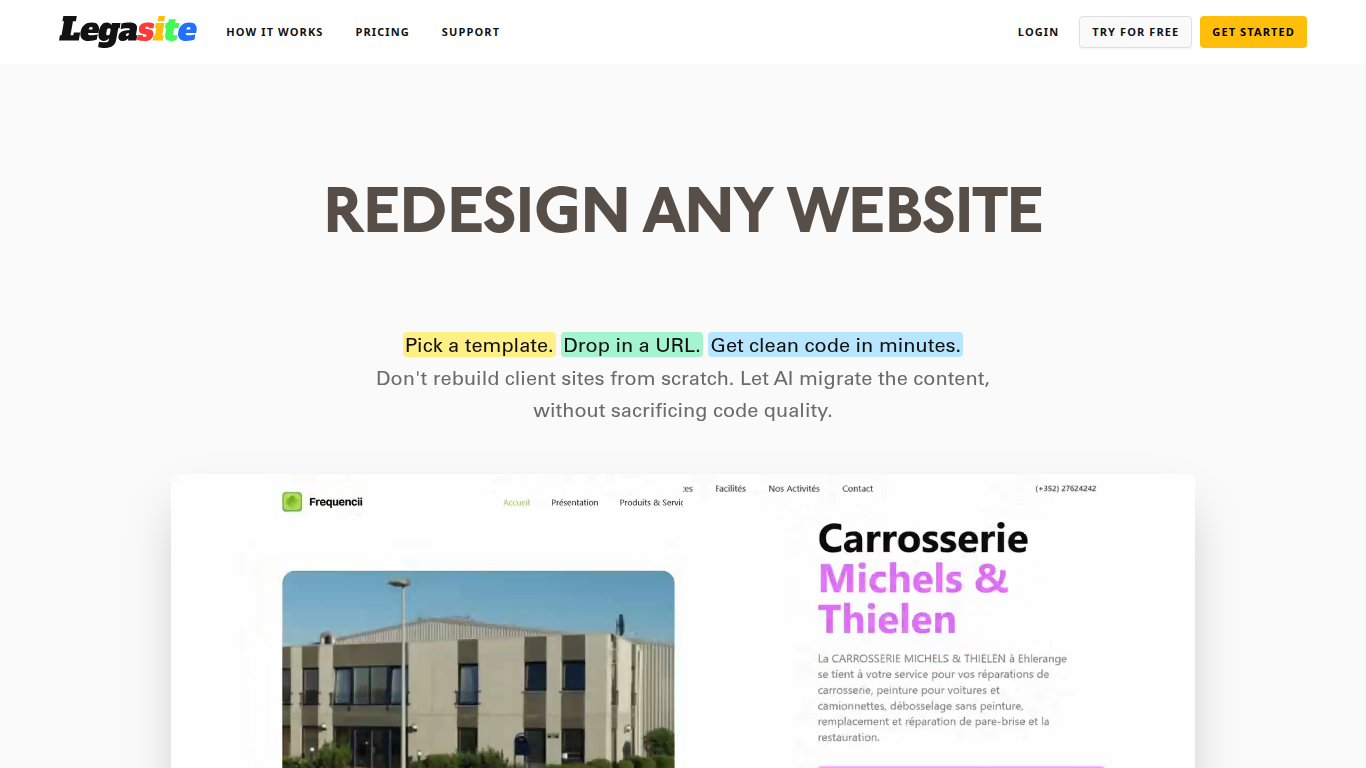
Legasite moves legacy websites into modern React and Next.js templates without rebuilding from scratch. You pick a template, drop in an existing site URL, and the platform extracts content, maps it to the layout, and generates downloadable source code in about 10 to 20 minutes.
The workflow centers on automated content extraction rather than manual copy-paste. Legasite pulls text, structure, and images from the source site, then populates a human-written template so the output follows component-based patterns with Tailwind CSS styling. You get a ZIP of real code you can deploy to Vercel, Netlify, or your own server.
It targets web agencies, freelance developers, and in-house dev teams handling client redesigns or internal UI modernization. The pitch is cutting migration grunt work so you spend time on customization and features instead of transferring content page by page.
Gradio
What is Gradio?
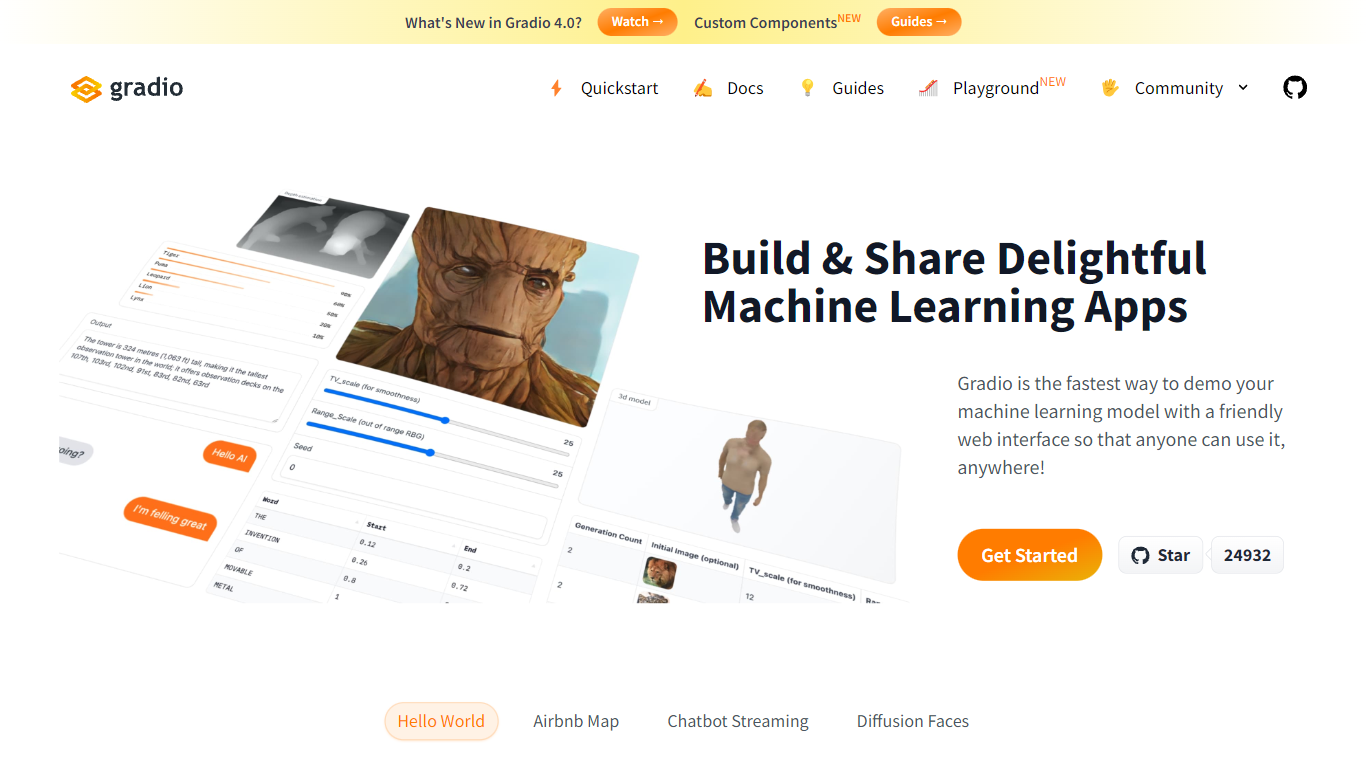
Gradio lets you wrap any Python function or ML model in a web demo with a few lines of code. This open-source Python library ships 40-plus UI components for images, audio, video, chat, dataframes, and JSON, then serves the interface locally or deploys it permanently to Hugging Face Spaces. Run pip install gradio, define your function, and call demo.launch() to get a browser UI at localhost:7860.
Streamlit and Dash also build Python web apps, but Gradio is built specifically for model demos: gr.Interface wraps a single prediction function, gr.ChatInterface handles chatbots, and gr.Blocks supports multi-step layouts like the Automatic1111 Stable Diffusion UI. The share=True flag creates a temporary public URL in seconds, which is hard to replicate without setting up your own hosting.
ML engineers, researchers, and hobbyists use Gradio to prototype interfaces before production. It requires Python 3.10 or higher, needs no JavaScript or CSS knowledge, and is free and open source with optional free hosting on Hugging Face Spaces.
Legasite Upvotes
Gradio Upvotes
Legasite Top Features
Drop in a URL and get React or Next.js code in 10 to 20 minutes
Content, structure, and images pulled automatically from the old site
Download a full ZIP you can deploy anywhere with no platform lock-in
Free plan includes 3 demo credits for single-page previews on signup
Basic plan at $20 per month supports about 20 pages with downloadable code
Agency plan at $100 per month supports about 200 pages per month
Tokens reset monthly with roughly 500K tokens consumed per generated page
Gradio Top Features
Build a working demo with
gr.Interface(fn, inputs, outputs)in under 10 lines of Python40-plus built-in components for images, audio, video, 3D, chat, plots, and dataframes
Free permanent hosting on Hugging Face Spaces with auto-scaling and a shareable URL
demo.launch(share=True)creates a temporary public link like https://xxxxx.gradio.live in secondsGradio 6 adds MCP support, vibe mode for natural-language app editing, and hot reload via
gradio app.py43,000-plus GitHub stars with clients for querying any Gradio app from Python or JavaScript
Legasite Category
- Developer
Gradio Category
- Developer
Legasite Pricing Type
- Freemium
Gradio Pricing Type
- Free