Leia vs Irmo
In the face-off between Leia vs Irmo, which AI Web Apps tool takes the crown? We scrutinize features, alternatives, upvotes, reviews, pricing, and more.
In a face-off between Leia and Irmo, which one takes the crown?
If we were to analyze Leia and Irmo, both of which are AI-powered web apps tools, what would we find? In the race for upvotes, Irmo takes the trophy. The upvote count for Irmo is 10, and for Leia it's 8.
You don't agree with the result? Cast your vote to help us decide!
Leia

What is Leia?
Leia was a web app that built business websites through voice and text prompts, marketed with the tagline to create a digital presence in 90 seconds. Users could publish sites from mobile or browser editors without coding, and Braidio acquired Leia in September 2021 to fold its builder into the WorkStream customer engagement platform.
The heyleia.com homepage no longer offers that builder flow. It now displays unrelated online casino affiliate reviews, while legacy subpages such as the blog and Growth Club upgrade screen still carry Leia branding from the earlier product era.
This listing marks Leia as discontinued at heyleia.com. Small business owners who relied on the free builder should treat the domain as repurposed rather than an active website creation service.
Irmo
What is Irmo?
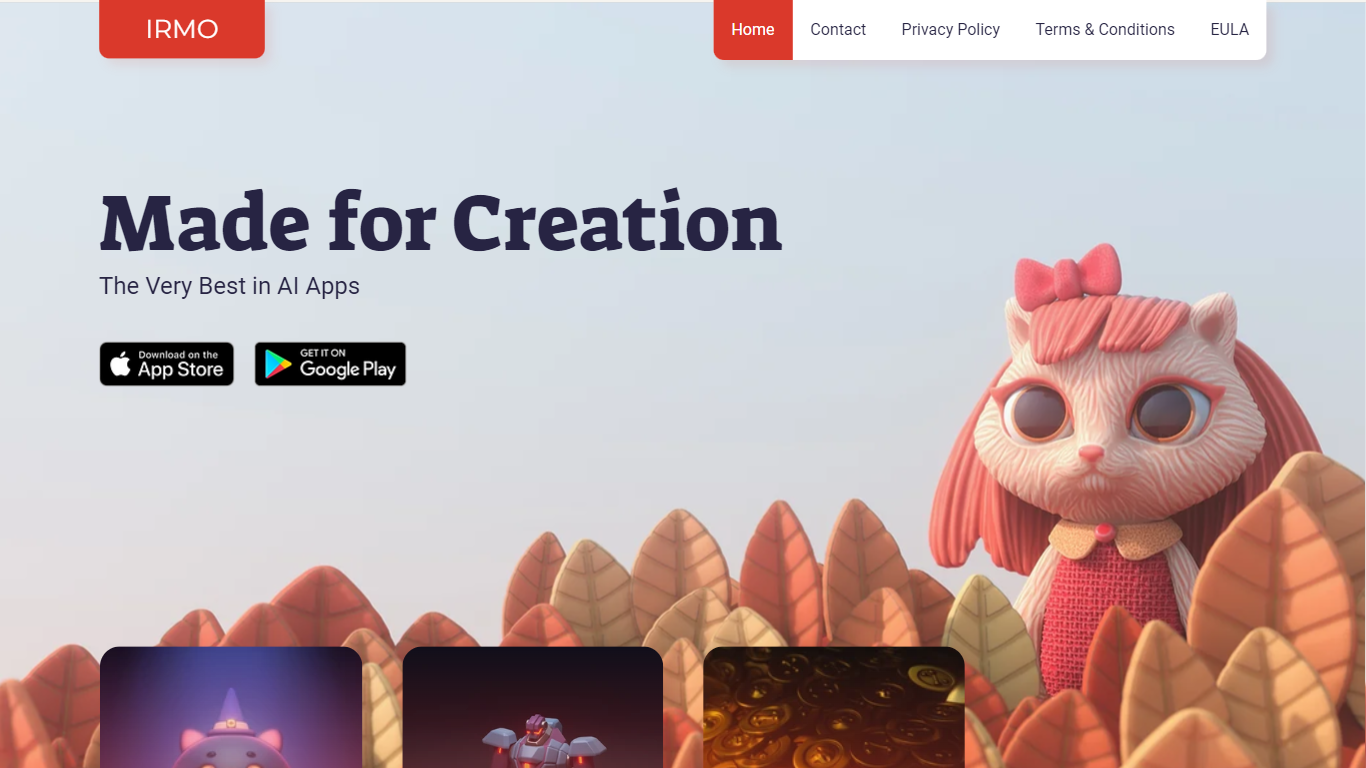
Irmo turns selfies and portraits into stylized photos and short videos through hundreds of preset AI effects. Upload a photo, pick a template pack, and the site generates themed outputs across viral filters, hairstyle previews, luxury scenes, and animated clips without manual editing in Photoshop or a timeline editor.
Unlike a single-purpose face-swap app, Irmo groups effects into large themed catalogs such as Viral Picks, Movie Star, Era Switch, and Video Effects. That structure lets casual creators browse novelty trends like Gender Swap or Cake-ify alongside portrait tools like Photoshoot lighting presets and Bring to Life animations in one account.
Social creators and casual editors use Irmo for quick shareable clips, hairstyle try-ons, and character cosplay looks. The web app also exposes Text to Image, Image to Image, Image to Video, and Text to Video modes for users who want custom generations beyond the preset gallery. Pricing details load inside the signed-in experience rather than on the public marketing pages.
Leia Upvotes
Irmo Upvotes
Leia Top Features
Legacy marketing promised a published website in about 90 seconds from prompts
Leia Growth Club offered member perks at $4.99 per month or a $29.99 one-time payment
Blog archives described AI-built sites with SEO tips and small business use cases
Upgrade page bundled partner perks such as geo-targeted ads and 401(k) plan access
Contact and account navigation still reference My Websites and Leia Mail on subpages
Irmo Top Features
Image to Video and Text to Video modes generate motion clips from still photos or written prompts
Viral Picks pack includes MiniUs, Gender Swap, Blind Date, and Figurine novelty filters
Men's Hair Salon section lists 18 named haircut previews from buzz cut to wolf cut
Video Effects templates include Crumble, Cake-ify, Explode, Squish, and Dissolve transforms
Bring to Life tools animate still images with Snap to Story, Live Portrait, and Moving Photo modes
Photoshoot presets cover Dramatic Neon, Dreamy Glow, Metro Vibe, and City Lights portrait styles
Leia Category
- Web Apps
Irmo Category
- Web Apps
Leia Pricing Type
- Freemium
Irmo Pricing Type
- Freemium