Lex vs Writer's brew
In the clash of Lex vs Writer's brew, which AI Writing Assistant tool emerges victorious? We assess reviews, pricing, alternatives, features, upvotes, and more.
When we put Lex and Writer's brew head to head, which one emerges as the victor?
Let's take a closer look at Lex and Writer's brew, both of which are AI-driven writing assistant tools, and see what sets them apart. The upvote count favors Lex, making it the clear winner. Lex has 6 upvotes, and Writer's brew has 4 upvotes.
Disagree with the result? Upvote your favorite tool and help it win!
Lex

What is Lex?
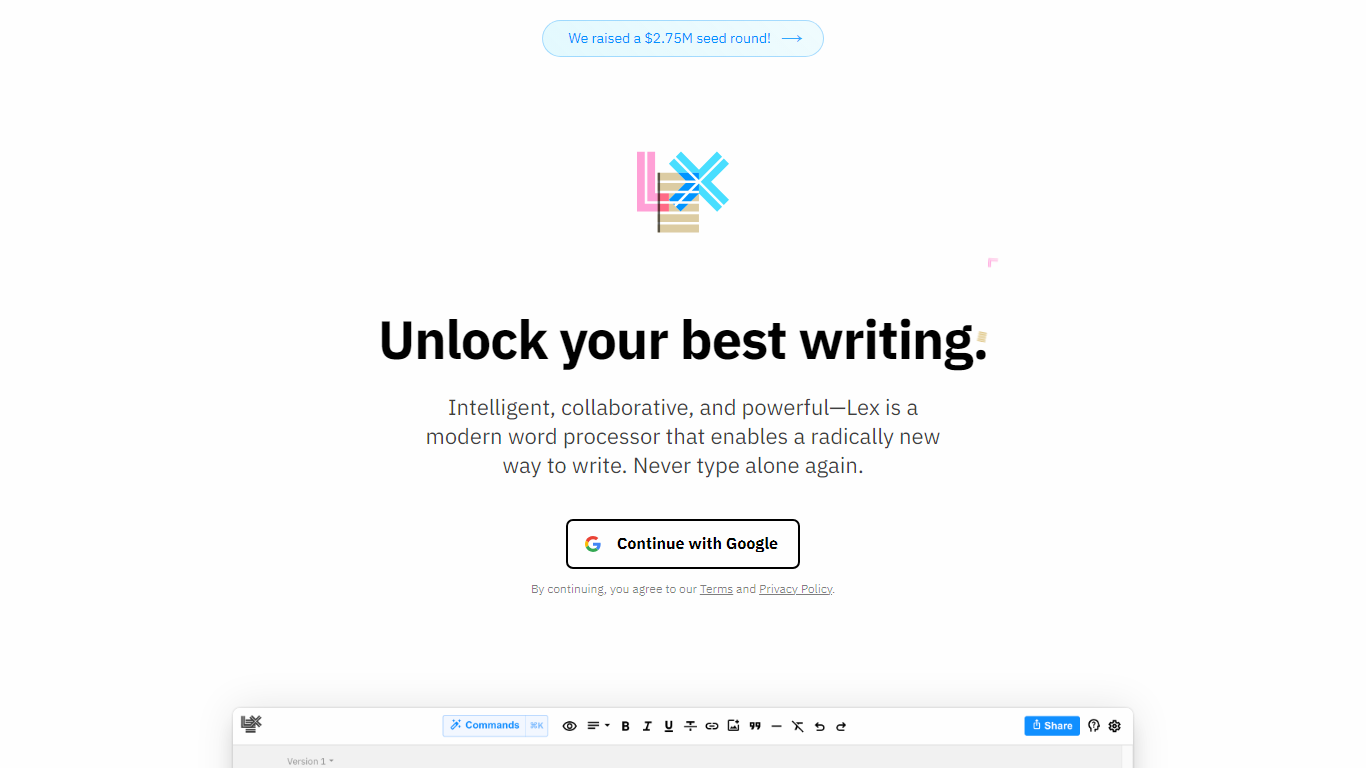
Lex is a collaborative writing assistant that pairs a minimal document editor with in-line AI feedback, rewriting, and brainstorming. You draft in a clean word processor, invoke Ask Lex inside the document, and get suggestions on the text you already wrote. The product is built for long-form work such as essays, fiction, newsletters, and anything that goes through real revision. Lex says more than 300,000 authors use the editor on its homepage.
Most AI writing apps start from a blank prompt and optimize for first drafts. Lex assumes you already have words on the page and puts the model beside you as an editor: line-level Checks, custom saved prompts, Style Guides trained on your samples, and Knowledge Bases that carry project context across sessions. That layout fits revision-heavy workflows where you switch between human collaborators and model feedback in one document, which is a narrower bet than template-driven copy generators.
Newsletter writers, essayists, novelists, and editorial teams show up repeatedly in Lex testimonials and its pricing FAQ. Students, academics, and nonprofits can request discounted Pro pricing by emailing [email protected]. Teams can collaborate on documents for free and add Lex Teams for shared folder workflows when collaboration volume grows.
Lex Pro unlocks premium models and $30 of monthly AI credits for $14.99 per month on an annual plan ($179.88 billed yearly on lex.page/pricing). Free accounts still include collaborative editing with capped AI usage. Sharing live edit links, publishing read-only pages, and editing from mobile web all work without installing a desktop app.
Writer's brew
What is Writer's brew?
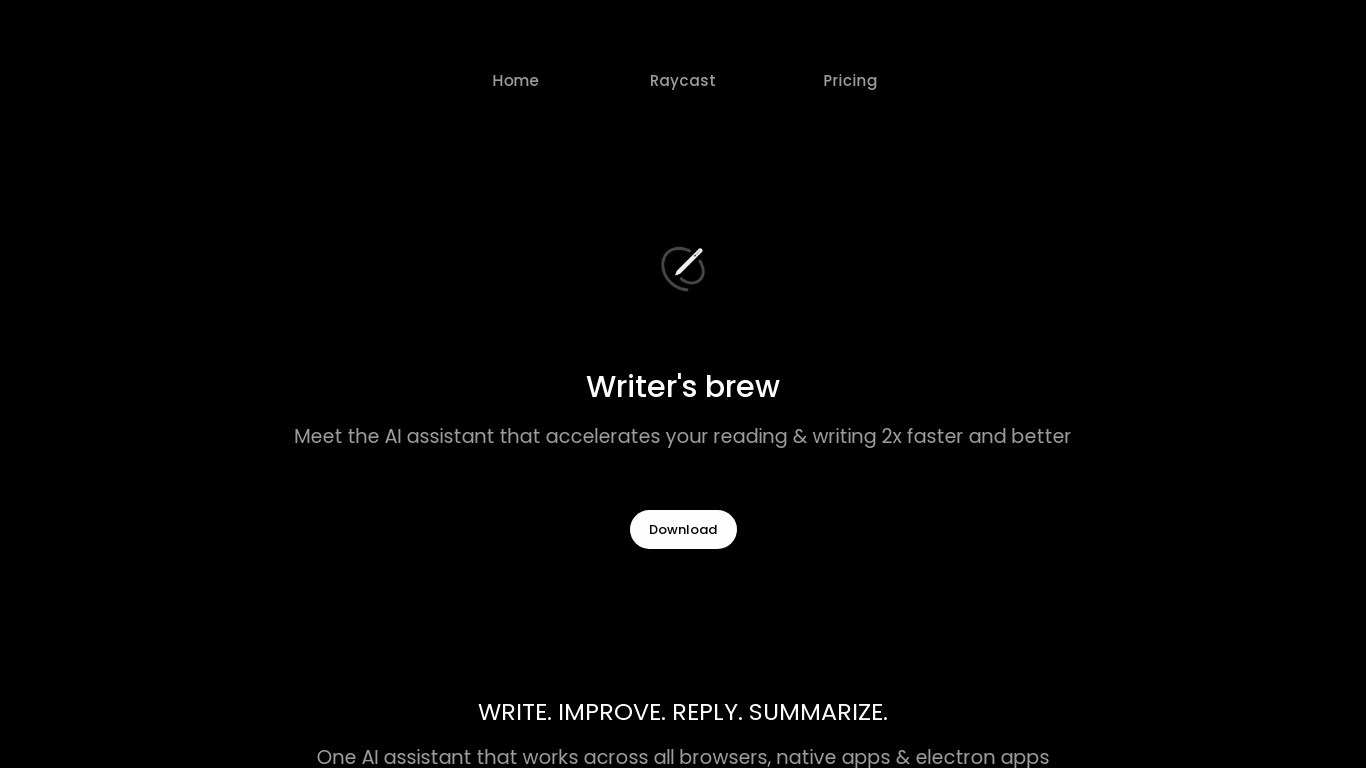
Writer's brew is a macOS writing assistant that rewrites, summarizes, translates, and replies to text you highlight in any app. It runs from the menu bar, a Spotlight-style popup, or keyboard shortcuts, and includes snippets, 15+ text utilities, and OCR that pulls words from images before sending them to AI. You bring your own OpenAI API key, so usage costs go to OpenAI rather than a monthly SaaS bill.
Most writing assistants live inside one browser tab or web editor. Writer's brew works system-wide on macOS 15.0 or later, which suits people who jump between Notes, email, Slack, and docs all day. The trade-off is it is Mac-only, requires your own OpenAI key, and skips the managed cloud workflow that all-in-one web tools provide.
Product managers, founders, and students who draft in multiple native Mac apps are the core audience. Power users pair it with Raycast or PopClip extensions for one-click rewrites, while snippet forms with placeholders like {date} and {clipboard} handle repetitive replies.
Lex Upvotes
Writer's brew Upvotes
Lex Top Features
Ask Lex gives in-document AI feedback, brainstorming, and rewrites without leaving the editor
Lex Pro includes premium models such as GPT 4.1, GPT-5, and Claude 4.1 Opus with $30 of monthly AI credits
Rewind and named Versions let you restore earlier drafts without losing current work
Live collaboration works through shared links with no app download required
Style Guides and Knowledge Bases train the assistant on your voice and persistent project context
Pro annual pricing is $14.99 per month billed as $179.88 per year on lex.page/pricing
Writer's brew Top Features
30+ AI writing tools plus 50+ community presets for rewrite, summarize, translate, and reply tasks
Works across any macOS app via menu bar, Spotlight-style popup, or custom keyboard shortcuts
Snippet engine with smart placeholders like {date}, {clipboard}, and custom form fields
OCR extracts text from images anywhere on macOS before running AI transforms
Raycast and PopClip integrations add one-click presets from selected text
Pro license covers 2 devices for $29 with lifetime use and requires your own OpenAI API key
Translates highlighted text across 15+ languages from the same popup interface
Lex Category
- Writing Assistant
Writer's brew Category
- Writing Assistant
Lex Pricing Type
- Freemium
Writer's brew Pricing Type
- Paid