
Last updated 08-02-2026
Category:
Reviews:
Join thousands of AI enthusiasts in the World of AI!
Lex
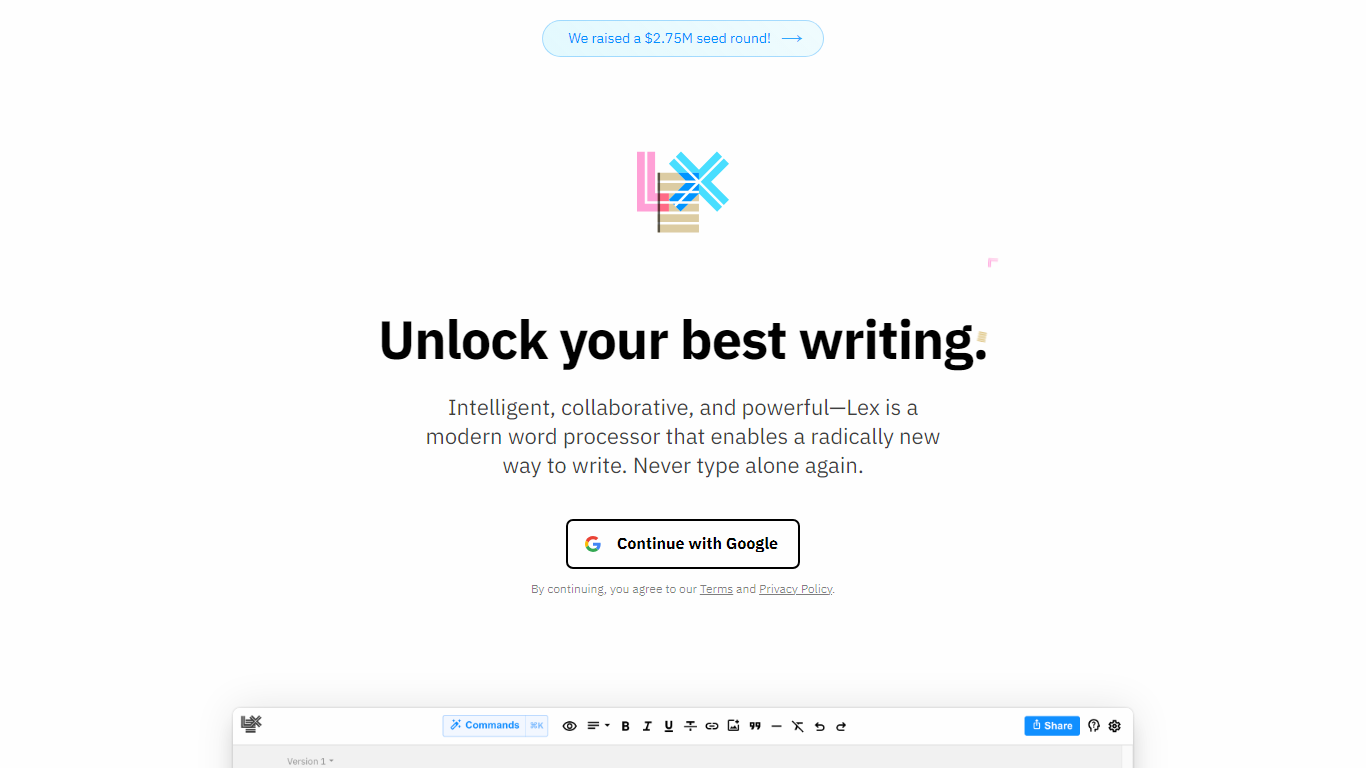
Lex is a collaborative writing assistant that pairs a minimal document editor with in-line AI feedback, rewriting, and brainstorming. You draft in a clean word processor, invoke Ask Lex inside the document, and get suggestions on the text you already wrote. The product is built for long-form work such as essays, fiction, newsletters, and anything that goes through real revision. Lex says more than 300,000 authors use the editor on its homepage.
Most AI writing apps start from a blank prompt and optimize for first drafts. Lex assumes you already have words on the page and puts the model beside you as an editor: line-level Checks, custom saved prompts, Style Guides trained on your samples, and Knowledge Bases that carry project context across sessions. That layout fits revision-heavy workflows where you switch between human collaborators and model feedback in one document, which is a narrower bet than template-driven copy generators.
Newsletter writers, essayists, novelists, and editorial teams show up repeatedly in Lex testimonials and its pricing FAQ. Students, academics, and nonprofits can request discounted Pro pricing by emailing [email protected]. Teams can collaborate on documents for free and add Lex Teams for shared folder workflows when collaboration volume grows.
Lex Pro unlocks premium models and $30 of monthly AI credits for $14.99 per month on an annual plan ($179.88 billed yearly on lex.page/pricing). Free accounts still include collaborative editing with capped AI usage. Sharing live edit links, publishing read-only pages, and editing from mobile web all work without installing a desktop app.
Ask Lex gives in-document AI feedback, brainstorming, and rewrites without leaving the editor
Lex Pro includes premium models such as GPT 4.1, GPT-5, and Claude 4.1 Opus with $30 of monthly AI credits
Rewind and named Versions let you restore earlier drafts without losing current work
Live collaboration works through shared links with no app download required
Style Guides and Knowledge Bases train the assistant on your voice and persistent project context
Pro annual pricing is $14.99 per month billed as $179.88 per year on lex.page/pricing
In-document Ask Lex feedback keeps drafting and AI editing in one editor
Real-time collaboration through shared links works without a separate app install
Lex Pro bundles premium models from OpenAI, Anthropic, and TogetherAI in one subscription
Rewind and named Versions make it easier to test alternate wording safely
Free tier still covers collaborative documents and unlimited document creation
Track Changes is listed as coming soon on the Lex homepage
Free accounts face AI usage limits on Ask Lex, Checks, and custom prompts
Public pricing page shows the annual Pro card; monthly Pro pricing is not listed there
iOS app access is a Pro benefit rather than part of the free plan
Is Lex free to use?
Yes. Lex lets you create collaborative documents and edit in real time on the free plan. Free accounts use basic AI models with usage limits on Ask Lex and Checks, while Lex Pro unlocks premium models and higher AI credits.
How much does Lex Pro cost?
Lex Pro is $14.99 per month when billed annually, which totals $179.88 per year on lex.page/pricing. The plan includes premium AI models, $30 of monthly AI credits, priority email support, and a money-back guarantee.
What AI models does Lex Pro include?
Lex Pro includes premium models such as GPT 4.1, GPT-5, and Claude 4.1 Opus according to lex.page/pricing. Lex routes requests through enterprise APIs from OpenAI, Anthropic, and TogetherAI rather than training its own models on your documents.
Does Lex train on my writing?
No. Lex states on its pricing page that it uses OpenAI, Anthropic, and TogetherAI enterprise APIs and is not training language models on customer documents. Lex also says it would email users and offer an opt-out before any future training use.
Can I collaborate with others on Lex?
Yes. Lex lets you share a document link so collaborators can edit together in real time without installing an app. Lex Teams is an optional add-on for organizations that need unlimited group use of shared folders.
What writing is Lex designed for?
Lex is built for work that goes through editing, such as academic papers, customer-facing copy, important emails, and fiction drafts. Its Checks, Style Guides, and in-document Ask Lex comments target revision rather than one-shot content generation.
Does Lex offer refunds on Pro?
Yes. Lex says on lex.page/pricing that if you do not love Lex after a month on Pro, you can reach out to [email protected] for a refund. The Pro plan also advertises a money-back guarantee on its pricing card.