Lifestack vs AudioNotes.ai
In the clash of Lifestack vs AudioNotes.ai, which AI Productivity tool emerges victorious? We assess reviews, pricing, alternatives, features, upvotes, and more.
If you had to choose between Lifestack and AudioNotes.ai, which one would you go for?
Let's take a closer look at Lifestack and AudioNotes.ai, both of which are AI-driven productivity tools, and see what sets them apart. The upvote count shows a clear preference for AudioNotes.ai. The number of upvotes for AudioNotes.ai stands at 9, and for Lifestack it's 6.
You don't agree with the result? Cast your vote to help us decide!
Lifestack


What is Lifestack?
Lifestack is a productivity planner that builds your daily schedule around sleep, recovery, and focus instead of empty calendar blocks. It reads wearable and health signals, maps energy peaks and calm periods across your day, and drafts a schedule that places demanding work when you can actually focus.
Most calendar apps treat you like a task executor with unlimited stamina. Lifestack treats energy, meals, and rest as first-class inputs, overlaying focus and calm zones on your calendar so you see when deep work fits and when lighter tasks make sense. That body-first layer is the trade-off: it is narrower than a general project manager, but it connects health data to scheduling decisions most planners ignore.
The product suits professionals juggling meetings and deep work, ADHD users who need external structure around energy swings, and anyone syncing tasks from tools like Trello while trying to protect sleep and meal timing. Apps run on iPhone, Mac, Android, and Chrome, with a desktop Mac download and browser extension for calendar access.
AudioNotes.ai
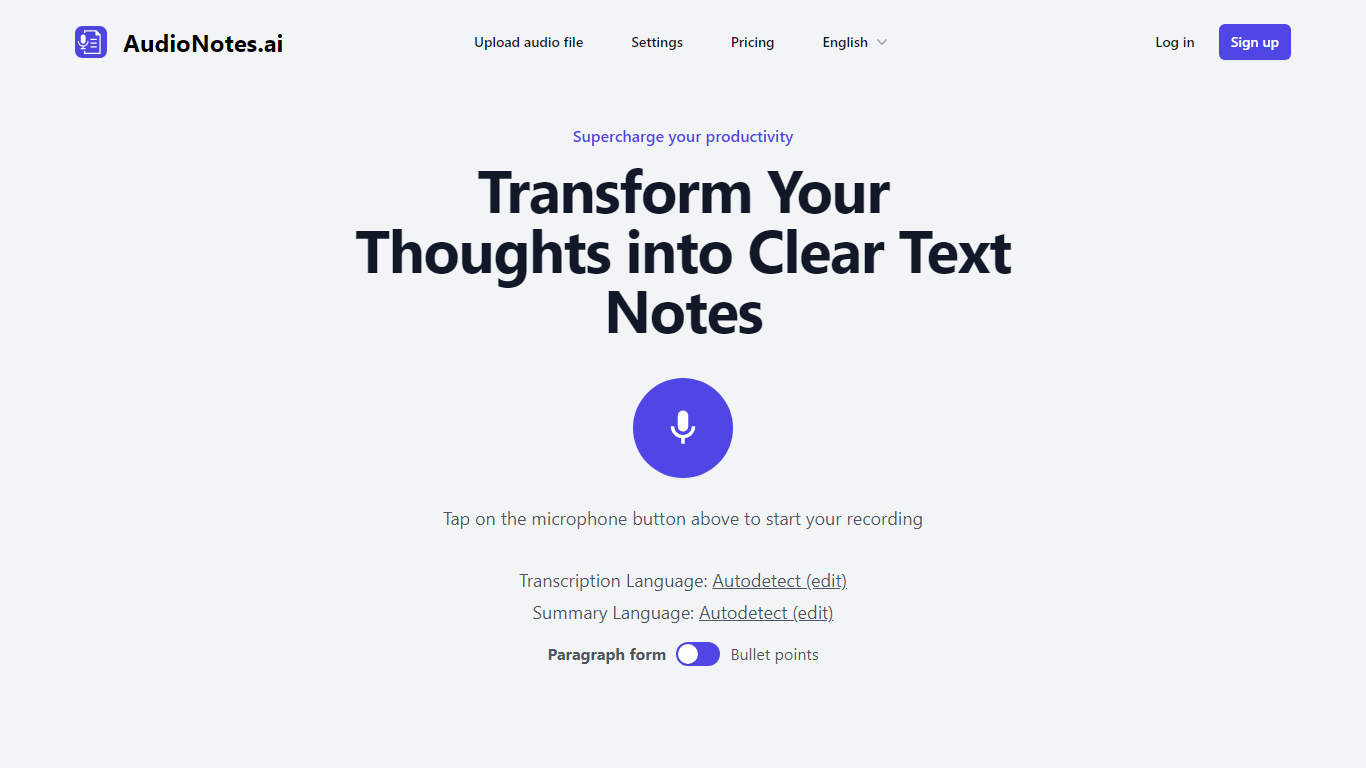
What is AudioNotes.ai?
AudioNotes.ai turns spoken audio into clean, organized text. Tap record, upload an audio file, or type a note, and it hands back a transcript plus a structured summary you can actually use. It handles more than 40 languages and can autodetect the one you are speaking. The tool is built for people who think out loud and want the result in writing without transcribing by hand.
What separates it from a plain dictation app is the output. Instead of dumping raw transcription, AudioNotes.ai summarizes and restructures what you said, and it can return that summary in a different language from the recording. So you can ramble in Spanish and get tidy English notes, or the reverse, across a long list of supported languages.
It fits students capturing lectures, professionals turning meeting audio into minutes, and creators drafting by voice. There is an Android app on Google Play for recording on the move, and it otherwise runs in the browser. The promise is simple: talk instead of type and get organized notes back, which is where the productivity gain comes from.
Lifestack Upvotes
AudioNotes.ai Upvotes
Lifestack Top Features
Maps Energy Zones on your calendar so focus work lands during peak energy periods
Pulls wearable and Apple Health data into the same view as your schedule
Syncs tasks from third-party tools such as Trello alongside calendar events
Plans meals and sleep blocks around the day's meetings and task load
Chat copilot answers daily planning questions with your schedule in context
Runs on iPhone, Mac, Android, and Chrome with unlimited calendars and tasks on paid plans
Used by 30,000+ users per the Lifestack homepage
AudioNotes.ai Top Features
3 ways to start a note: record live audio, upload an audio file, or type text
Turns a long recording into a clean transcript and a structured summary
Generates summaries in more than 40 languages with automatic language detection
Choose the output language, so you can speak one language and read notes in another
Android app on Google Play for capturing notes away from your desk
Lifestack Category
- Productivity
AudioNotes.ai Category
- Productivity
Lifestack Pricing Type
- Paid
AudioNotes.ai Pricing Type
- Freemium