Lightkey vs Alt Text Generator AI
When comparing Lightkey vs Alt Text Generator AI, which AI Text Generation tool shines brighter? We look at pricing, alternatives, upvotes, features, reviews, and more.
In a comparison between Lightkey and Alt Text Generator AI, which one comes out on top?
When we put Lightkey and Alt Text Generator AI side by side, both being AI-powered text generation tools, The upvote count favors Alt Text Generator AI, making it the clear winner. The upvote count for Alt Text Generator AI is 7, and for Lightkey it's 6.
Does the result make you go "hmm"? Cast your vote and turn that frown upside down!
Lightkey

What is Lightkey?
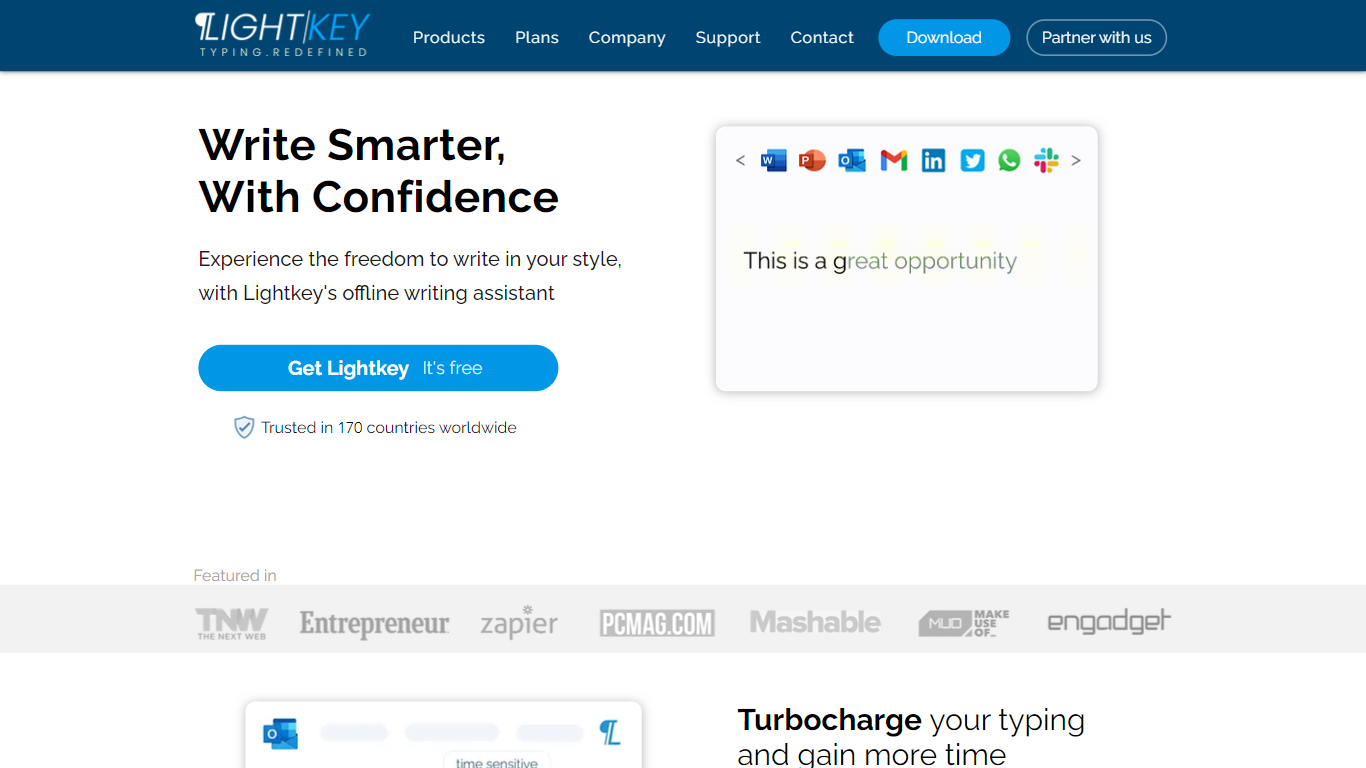
Lightkey learns how you type on Windows and suggests the next words while you write in Office apps or the browser. Accept a prediction with Tab and keep drafting emails, documents, and chat replies without stopping to fix typos.
Cloud writing assistants send keystrokes to remote servers, which is a non-starter for legal, healthcare, and enterprise drafts. Lightkey keeps prediction on your machine, supports 60-plus industry content domains, and offers a business tier with team terminology, which is the trade-off worth knowing if privacy matters more than cross-device sync.
Writers, support reps, and office teams use it in Word, Outlook, Gmail, Slack, Notion, and ChatGPT on the web. A free tier handles basic prediction, while Lightkey Pro unlocks unlimited suggestions and productivity metrics.
Alt Text Generator AI
What is Alt Text Generator AI?
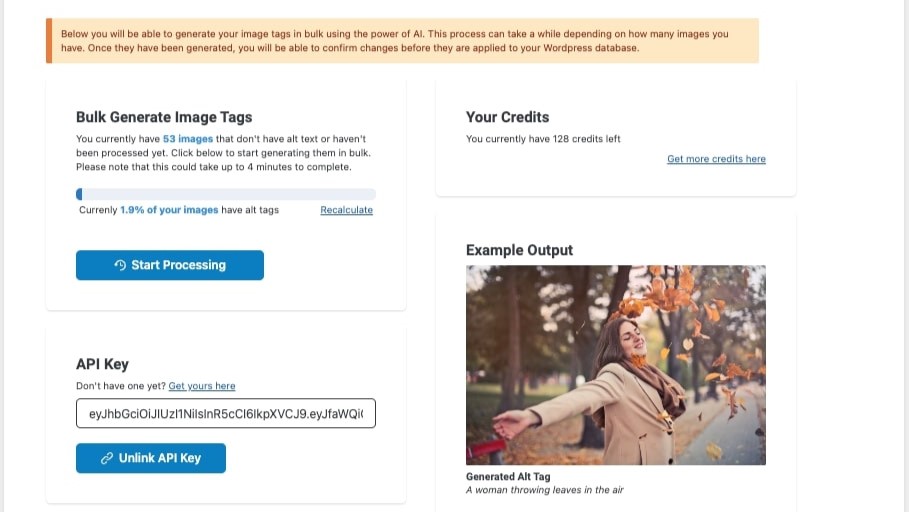
Alt Text Generator AI writes image alt text for WordPress sites and standalone uploads using a computer vision model trained on millions of images. You install the WordPress plugin or upload files on alttextgenerator.ai, and the service scans media libraries, generates descriptive alt tags, and lets you bulk-apply them for accessibility and SEO.
Most alt text plugins expect you to click through images one by one. Alt Text Generator AI focuses narrowly on alt tag generation with bulk scan, AI-written descriptions, and one-click WordPress updates, plus a 15 MB upload limit on the web tool. Pricing stays simple at $5 per month for 120 monthly credits or $5 lifetime for 100 credits, with 25 free credits to start and one credit per optimized image.
The product fits WordPress publishers, bloggers, and ecommerce shops that have hundreds of images missing alt attributes. Alt Text Generator AI also promotes WebYes for broader web accessibility audits, but the core plugin handles detection, review, edit, and bulk publish inside WordPress. Generated text targets SEO-friendly descriptions while meeting accessibility needs without manual caption writing.
Lightkey Upvotes
Alt Text Generator AI Upvotes
Lightkey Top Features
Predicts up to 18 words ahead, including punctuation, from local typing patterns
Runs offline without sending your content to the cloud
Supports Microsoft Office 2010 through 2024 plus Office 365 natively
Chrome and Edge extensions cover Gmail, Slack, Notion, LinkedIn, and ChatGPT on the web
Offers 60-plus industry content domains such as technology, academia, and legal
Lightkey Pro adds unlimited predictions, productivity metrics, and corpus file training
Alt Text Generator AI Top Features
Computer vision model trained on millions of images for alt text accuracy
WordPress plugin scans media libraries for images missing alt text
Bulk generate and bulk update alt tags inside WordPress
25 free credits to start with one credit per optimized image
$5 per month plan includes 120 credits monthly for large sites
$5 lifetime plan includes 100 credits for static websites
Web uploader accepts files up to 15 MB or image URLs
Lightkey Category
- Text Generation
Alt Text Generator AI Category
- Text Generation
Lightkey Pricing Type
- Freemium
Alt Text Generator AI Pricing Type
- Freemium