Lightkey vs SubPage.app
In the face-off between Lightkey vs SubPage.app, which AI Text Generation tool takes the crown? We scrutinize features, alternatives, upvotes, reviews, pricing, and more.
When we put Lightkey and SubPage.app head to head, which one emerges as the victor?
If we were to analyze Lightkey and SubPage.app, both of which are AI-powered text generation tools, what would we find? The users have made their preference clear, SubPage.app leads in upvotes. The number of upvotes for SubPage.app stands at 7, and for Lightkey it's 6.
Feeling rebellious? Cast your vote and shake things up!
Lightkey

What is Lightkey?
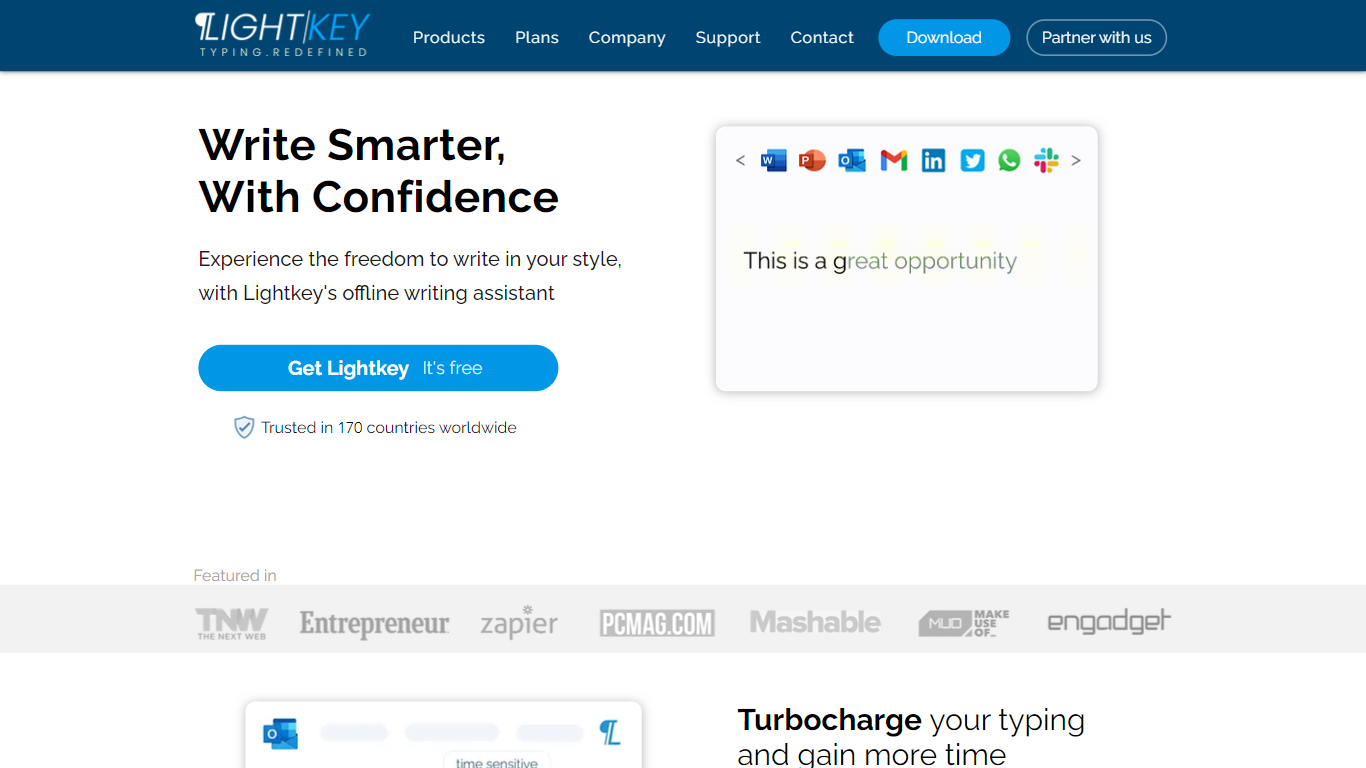
Lightkey learns how you type on Windows and suggests the next words while you write in Office apps or the browser. Accept a prediction with Tab and keep drafting emails, documents, and chat replies without stopping to fix typos.
Cloud writing assistants send keystrokes to remote servers, which is a non-starter for legal, healthcare, and enterprise drafts. Lightkey keeps prediction on your machine, supports 60-plus industry content domains, and offers a business tier with team terminology, which is the trade-off worth knowing if privacy matters more than cross-device sync.
Writers, support reps, and office teams use it in Word, Outlook, Gmail, Slack, Notion, and ChatGPT on the web. A free tier handles basic prediction, while Lightkey Pro unlocks unlimited suggestions and productivity metrics.
SubPage.app
What is SubPage.app?
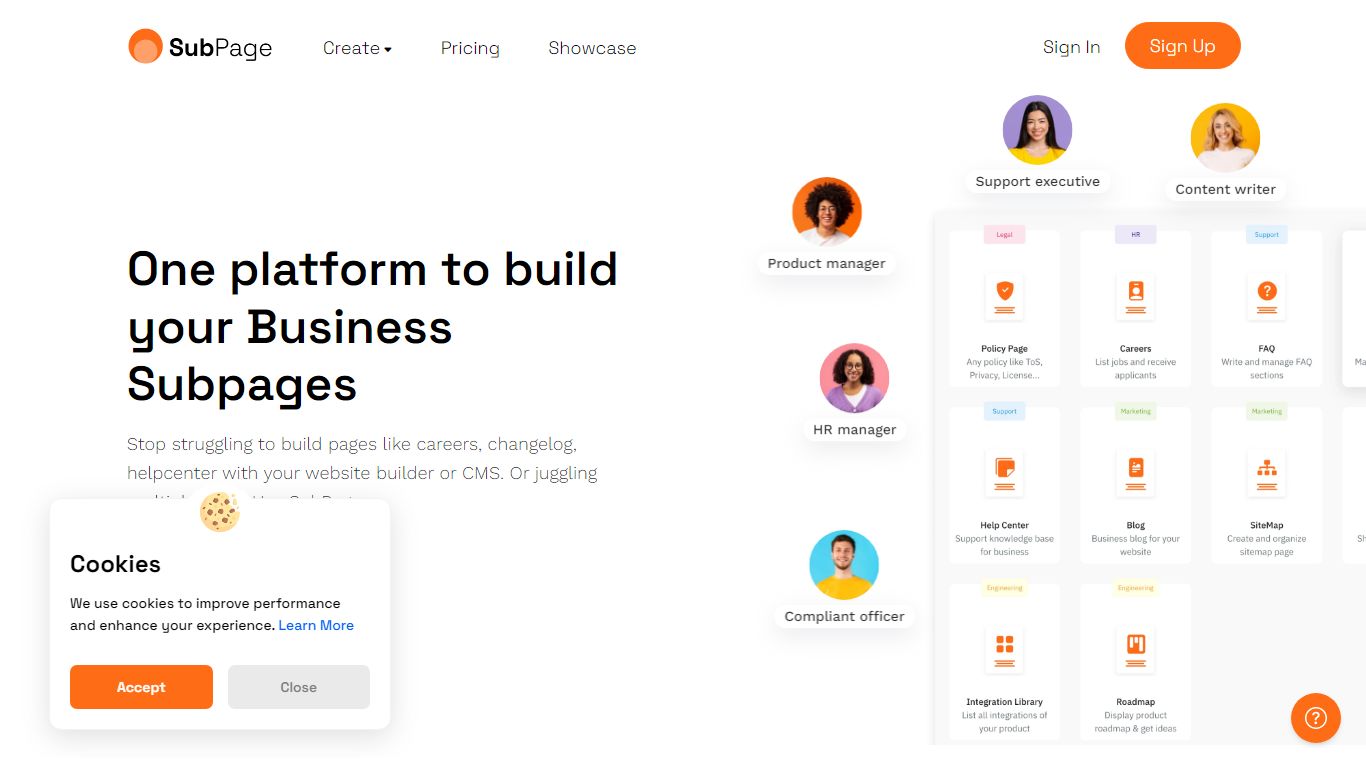
SubPage.app is a no-code subpage builder for publishing blogs, changelogs, help centers, legal policies, and careers portals without rebuilding your main site. You pick a page type, choose a layout, connect a subdomain or subdirectory through DNS, and publish in minutes instead of wiring each section into Webflow, WordPress, or a custom stack.
Generic site builders treat a changelog or policy page as an afterthought. SubPage ships purpose-built editors for each page type, with features matched to the job: plagiarism checks and SEO reports for blogs, a Chrome extension for help center step guides, cookie consent logging for legal centers, and applicant tracking for careers pages. That specialization is the trade-off: you get depth on secondary pages, not a full primary website builder.
It fits marketing teams, support engineers, and ops staff at SaaS and e-commerce companies that already have a main website but need fast, maintainable subpages. SubPage integrates with Webflow, WordPress, Squarespace, Framer, Wix, and self-hosted sites via DNS, and each module can be priced separately on the plans page.
Lightkey Upvotes
SubPage.app Upvotes
Lightkey Top Features
Predicts up to 18 words ahead, including punctuation, from local typing patterns
Runs offline without sending your content to the cloud
Supports Microsoft Office 2010 through 2024 plus Office 365 natively
Chrome and Edge extensions cover Gmail, Slack, Notion, LinkedIn, and ChatGPT on the web
Offers 60-plus industry content domains such as technology, academia, and legal
Lightkey Pro adds unlimited predictions, productivity metrics, and corpus file training
SubPage.app Top Features
12+ page types including Blog, Changelog, Help Center, Legal Center, Careers, Roadmap, and Newsroom
DNS-based integration with Webflow, WordPress, Squarespace, Framer, Wix, and self-hosted sites
Blog Growth plan at $49 per month includes SEO analysis, plagiarism checker, and 30 AI credits per day
Legal Center with cookie consent widgets, policy versioning, and a consent tracking dashboard
Help Center Chrome extension for capturing step-by-step guides into knowledge base articles
Role-based collaboration with up to unlimited collaborators on Growth-tier modules
Embeddable no-code widgets for changelogs, roadmaps, careers, and support content
Lightkey Category
- Text Generation
SubPage.app Category
- Text Generation
Lightkey Pricing Type
- Freemium
SubPage.app Pricing Type
- Freemium