LightPDF vs AI Excel Bot
Explore the showdown between LightPDF vs AI Excel Bot and find out which AI tool wins. We analyze upvotes, features, reviews, pricing, alternatives, and more.
In a face-off between LightPDF and AI Excel Bot, which one takes the crown?
When we contrast LightPDF with AI Excel Bot, both of which are exceptional AI-operated tools, and place them side by side, we can spot several crucial similarities and divergences. The upvote count is neck and neck for both LightPDF and AI Excel Bot. Every vote counts! Cast yours and contribute to the decision of the winner.
Want to flip the script? Upvote your favorite tool and change the game!
LightPDF

What is LightPDF?
LightPDF lets you upload PDFs, Word files, Excel spreadsheets, PowerPoint decks, and scanned documents, then ask questions and get cited answers back. The ChatPDF feature runs on GPT-4, supports multi-document chats, OCR for scanned files, and follow-up questions. You can upload a file up to 100 pages on the free web tier before upgrading.
Unlike standalone ChatPDF clones, LightPDF bundles document chat into a wider PDF toolkit with conversion, editing, e-signatures, and a dozen other AI tools like mind map creation, PDF translation, and presentation generation. One premium subscription covers Windows, Mac, Android, iOS, and the web app, with AI credits allocated monthly or as a one-time pool on the perpetual plan.
Researchers, students, and office workers use LightPDF to summarize contracts, extract tables from financial reports, and pull outlines from long readings. Business teams can also use it for document Q&A on proposals and compliance files. The company behind LightPDF has operated since 2015 and holds ISO/IEC 27001, ISO/IEC 27701, and GDPR certifications.
AI Excel Bot
What is AI Excel Bot?
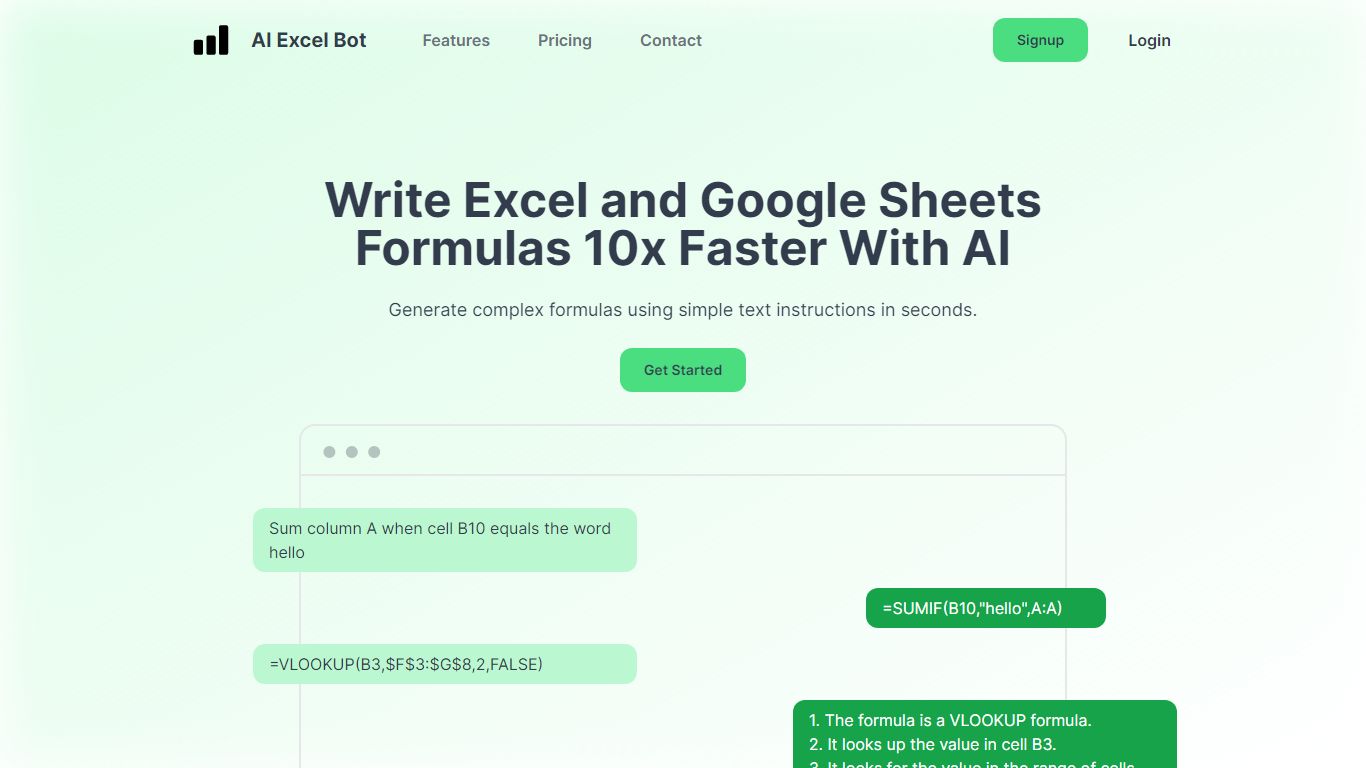
AI Excel Bot turns plain-English instructions into Excel and Google Sheets formulas in seconds. It is built for spreadsheet users who know the outcome they want but do not want to hunt through function syntax to get there.
Unlike general chat assistants, it stays focused on spreadsheet work: generating formulas, explaining nested functions line by line, and writing or decoding VBA. Pro plans add in-spreadsheet access through a Chrome extension for Google Sheets and an Excel add-in, so you rarely need to copy results from a separate tab. The site says formula output runs on a GPT-3 model.
Query Labs operates the service from India. You can work from the web app or install the Chrome extension to stay inside Google Sheets. The formulas page documents support across array, database, date, financial, lookup, logical, math, statistical, text, and other formula families.
LightPDF Upvotes
AI Excel Bot Upvotes
LightPDF Top Features
Chat with PDF, Word, Excel, PPT, EPUB, TXT, and scanned files using GPT-4
Upload documents up to 100 pages free on the web app before upgrading
Multi-document chat lets you query several files in one session
Answers include clickable citations pointing to the source passage
Premium includes 1,000 AI credits per month on monthly and annual plans
One subscription covers Windows, Mac, Android, iOS, and web platforms
AI Excel Bot Top Features
Free plan includes 5 formula, code, or task generations and explanations per month
Pro is $2.99 per month with unlimited formula, VBA, and task generations
Pro Annual costs $24.99 per year and is labeled Best Value on the pricing page
Chrome extension brings formula help into Google Sheets; Pro adds an Excel add-in
Formulas page documents array, database, date, financial, lookup, logical, math, statistical, and text families
LightPDF Category
- PDF
AI Excel Bot Category
- Excel
LightPDF Pricing Type
- Freemium
AI Excel Bot Pricing Type
- Freemium