LightPDF vs Glasp
Explore the showdown between LightPDF vs Glasp and find out which AI PDF tool wins. We analyze upvotes, features, reviews, pricing, alternatives, and more.
When comparing LightPDF and Glasp, which one rises above the other?
When we contrast LightPDF with Glasp, both of which are exceptional AI-operated pdf tools, and place them side by side, we can spot several crucial similarities and divergences. Neither tool takes the lead, as they both have the same upvote count. You can help us determine the winner by casting your vote and tipping the scales in favor of one of the tools.
Feeling rebellious? Cast your vote and shake things up!
LightPDF

What is LightPDF?
LightPDF lets you upload PDFs, Word files, Excel spreadsheets, PowerPoint decks, and scanned documents, then ask questions and get cited answers back. The ChatPDF feature runs on GPT-4, supports multi-document chats, OCR for scanned files, and follow-up questions. You can upload a file up to 100 pages on the free web tier before upgrading.
Unlike standalone ChatPDF clones, LightPDF bundles document chat into a wider PDF toolkit with conversion, editing, e-signatures, and a dozen other AI tools like mind map creation, PDF translation, and presentation generation. One premium subscription covers Windows, Mac, Android, iOS, and the web app, with AI credits allocated monthly or as a one-time pool on the perpetual plan.
Researchers, students, and office workers use LightPDF to summarize contracts, extract tables from financial reports, and pull outlines from long readings. Business teams can also use it for document Q&A on proposals and compliance files. The company behind LightPDF has operated since 2015 and holds ISO/IEC 27001, ISO/IEC 27701, and GDPR certifications.
Glasp
What is Glasp?
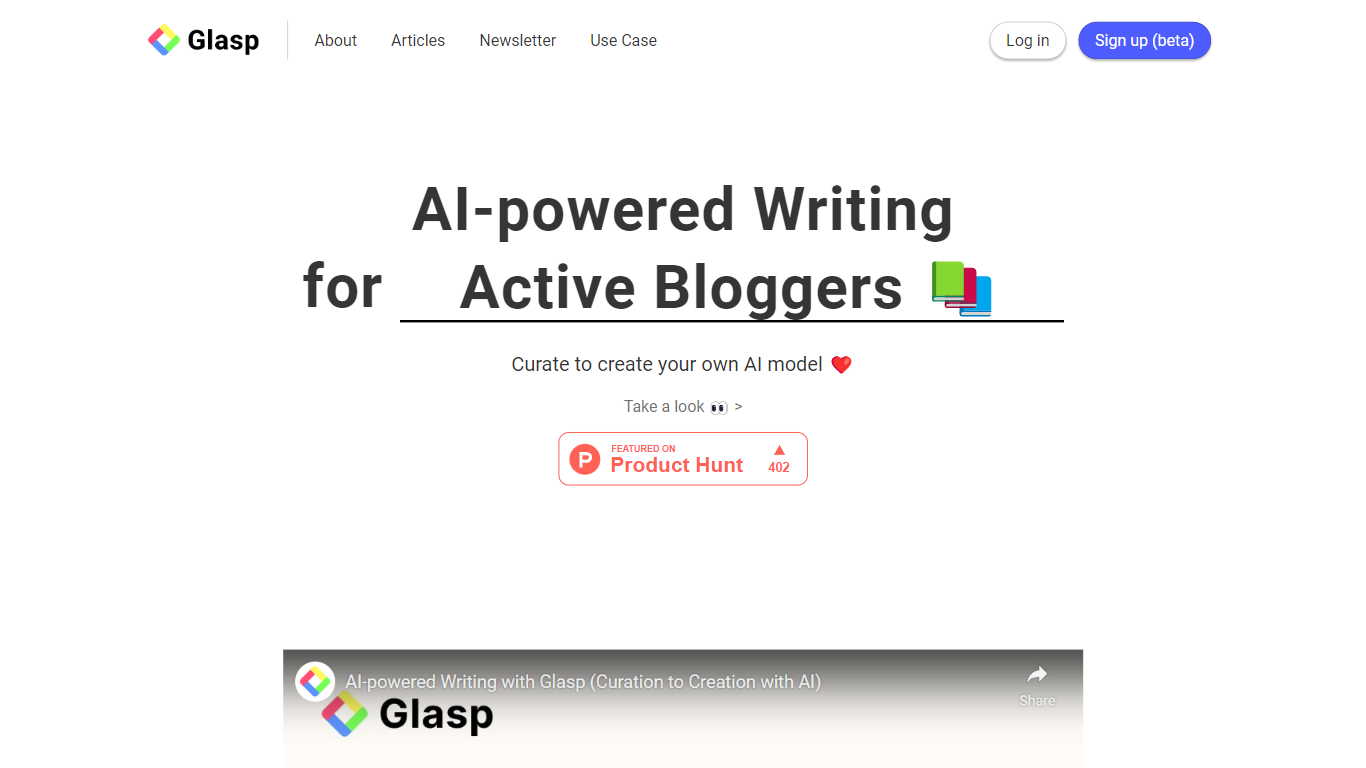
Glasp lets you highlight web pages, PDFs, YouTube videos, and Kindle books in the browser, then draft blog posts and newsletters from those saves. You mark passages in Chrome, Safari, or Edge, add notes, and everything lands in one searchable library. The AI writing tools on glasp.co/ai-writing turn your reading history into draft paragraphs and topic ideas instead of starting from a blank page.
Most PDF chat tools stop at upload-and-ask. Glasp keeps highlighting, chat, and export in one workflow, and its highlights are public by default so other readers can discover your notes without logging in. That social layer is the trade-off: private highlights need a paid plan, while tools like Hypothesis or a plain Readwise setup keep everything private from the start. The MCP connector at glasp.co/mcp also lets Claude or ChatGPT query your saved library read-only.
Writers, researchers, and students who read across the web and PDFs get the most from it. Import paths cover Kindle, Pocket, Medium, Instapaper, Readwise, and Snipd, and exports go to Notion, Obsidian, Roam, or Markdown, HTML, CSV, and JSON files.
LightPDF Upvotes
Glasp Upvotes
LightPDF Top Features
Chat with PDF, Word, Excel, PPT, EPUB, TXT, and scanned files using GPT-4
Upload documents up to 100 pages free on the web app before upgrading
Multi-document chat lets you query several files in one session
Answers include clickable citations pointing to the source passage
Premium includes 1,000 AI credits per month on monthly and annual plans
One subscription covers Windows, Mac, Android, iOS, and web platforms
Glasp Top Features
Free plan includes 20 PDF chat messages per month and 30 PDF uploads with summaries
Highlight web pages, PDFs, YouTube transcripts, and Kindle books inside Chrome, Safari, Edge, Brave, Opera, or Firefox
Pro plan at $12.50 per month unlocks 500 PDF chat messages and unlimited private highlights
Import highlights from Kindle, Pocket, Medium, Instapaper, Readwise, Snipd, Hypothesis, and Diigo
Export to Notion, Obsidian, and Roam, or download as Markdown, HTML, CSV, or JSON
MCP connector at https://glasp.co/api/mcp exposes your library to Claude, ChatGPT, and Claude Code read-only
LightPDF Category
- PDF
Glasp Category
- PDF
LightPDF Pricing Type
- Freemium
Glasp Pricing Type
- Freemium