
Last updated 07-30-2026
Category:
Reviews:
Join thousands of AI enthusiasts in the World of AI!
Glasp
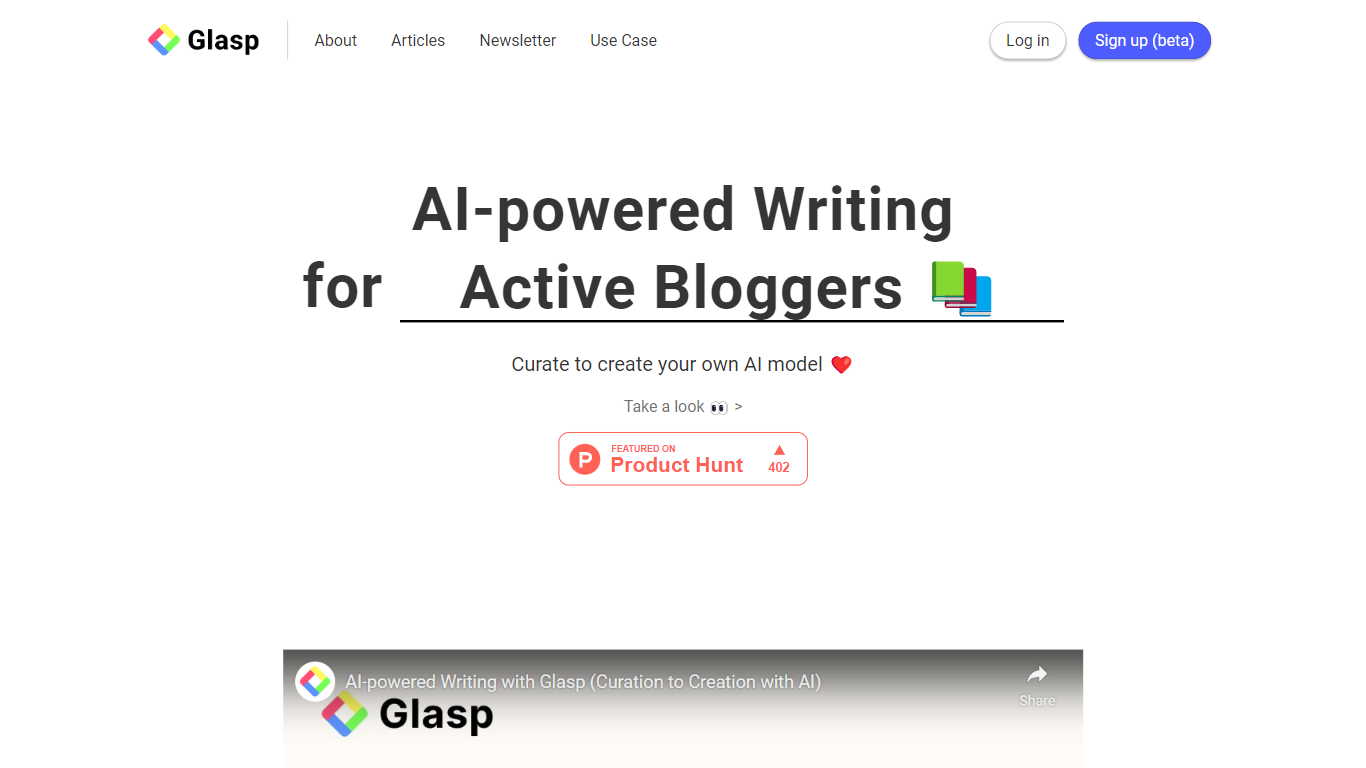
Glasp lets you highlight web pages, PDFs, YouTube videos, and Kindle books in the browser, then draft blog posts and newsletters from those saves. You mark passages in Chrome, Safari, or Edge, add notes, and everything lands in one searchable library. The AI writing tools on glasp.co/ai-writing turn your reading history into draft paragraphs and topic ideas instead of starting from a blank page.
Most PDF chat tools stop at upload-and-ask. Glasp keeps highlighting, chat, and export in one workflow, and its highlights are public by default so other readers can discover your notes without logging in. That social layer is the trade-off: private highlights need a paid plan, while tools like Hypothesis or a plain Readwise setup keep everything private from the start. The MCP connector at glasp.co/mcp also lets Claude or ChatGPT query your saved library read-only.
Writers, researchers, and students who read across the web and PDFs get the most from it. Import paths cover Kindle, Pocket, Medium, Instapaper, Readwise, and Snipd, and exports go to Notion, Obsidian, Roam, or Markdown, HTML, CSV, and JSON files.
Free plan includes 20 PDF chat messages per month and 30 PDF uploads with summaries
Highlight web pages, PDFs, YouTube transcripts, and Kindle books inside Chrome, Safari, Edge, Brave, Opera, or Firefox
Pro plan at $12.50 per month unlocks 500 PDF chat messages and unlimited private highlights
Import highlights from Kindle, Pocket, Medium, Instapaper, Readwise, Snipd, Hypothesis, and Diigo
Export to Notion, Obsidian, and Roam, or download as Markdown, HTML, CSV, or JSON
MCP connector at https://glasp.co/api/mcp exposes your library to Claude, ChatGPT, and Claude Code read-only
Free tier covers unlimited public highlights plus PDF chat, YouTube summaries, and Kindle import without a credit card.
One library spans web articles, PDFs, YouTube, and Kindle, with chat and export tied to the same highlights.
MCP connector brings saved passages into Claude or ChatGPT without re-uploading documents.
Imports from Readwise, Pocket, Medium, Instapaper, Snipd, and Hypothesis reduce migration friction.
Browser extensions highlight in place instead of forcing a separate upload step for every PDF.
Private highlights require a paid Pro or Unlimited plan; public sharing is the default on the free tier.
Free PDF chat is capped at 20 messages per month and 30 uploaded PDF files.
Full highlighting and PDF chat depend on installing a browser extension; there is no standalone desktop app.
Is Glasp free to use?
Yes. Glasp offers a free plan with unlimited public highlights, 30 PDF uploads, 20 PDF chat messages per month, and 3 basic YouTube summaries per day. Paid Pro and Unlimited plans add private highlights, higher PDF chat limits, and advanced YouTube summaries.
Can Glasp chat with PDF files?
Yes. Glasp lets you upload or open PDFs in the browser, highlight passages, and ask questions in a chat sidebar with page citations. The free plan includes 20 PDF chat messages per month; Pro includes 500 and Unlimited includes 5,000.
Which browsers and apps support Glasp?
Glasp runs as extensions for Chrome, Safari, Edge, Brave, Opera, and Firefox, plus native iOS and Android apps rebuilt in 2026 with a Reader, YouTube Summary, and a Safari mobile extension for highlighting on the go.
Can Glasp export highlights to Notion or Obsidian?
Yes. Glasp exports highlights and notes to Notion, Obsidian, Roam Research, and other note apps, or as Markdown, HTML, CSV, or JSON downloads. Pro and Unlimited plans include daily auto-sync and export to Notion.
How is Glasp different from ChatPDF?
Glasp combines PDF chat with in-browser highlighting, a cross-source highlight library, social sharing, and an MCP connector for Claude or ChatGPT. ChatPDF focuses on upload-and-chat only, without highlight export or a persistent reading library.
Does Glasp work with Claude or ChatGPT?
Yes. Glasp's MCP connector at glasp.co/api/mcp lets Claude, ChatGPT, Claude Code, and OpenAI API clients search your highlights read-only. It is included with every Glasp account and uses OAuth, so no manual token copy is required.