Littlecook vs MAIA AI
Explore the showdown between Littlecook vs MAIA AI and find out which AI Web Apps tool wins. We analyze upvotes, features, reviews, pricing, alternatives, and more.
In a face-off between Littlecook and MAIA AI, which one takes the crown?
When we contrast Littlecook with MAIA AI, both of which are exceptional AI-operated web apps tools, and place them side by side, we can spot several crucial similarities and divergences. The upvote count is neck and neck for both Littlecook and MAIA AI. Your vote matters! Help us decide the winner among aitools.fyi users by casting your vote.
You don't agree with the result? Cast your vote to help us decide!
Littlecook
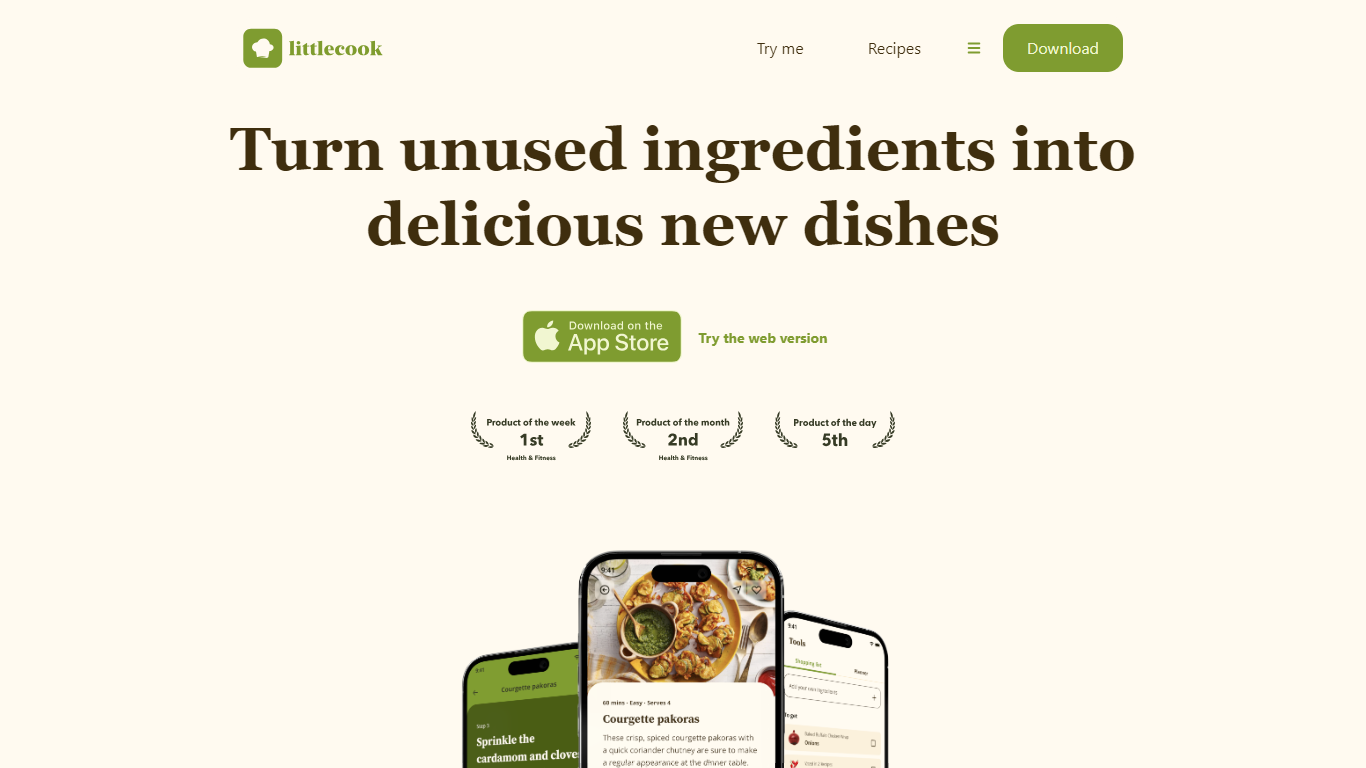

What is Littlecook ?
Littlecook turns the ingredients already in your pantry into recipe ideas, meal plans, and shopping lists through a browser web app and mobile apps. You log what you have on hand, and Littlecook suggests dishes so you cook with food before it spoils. The site also offers a browser-based try-me flow at littlecook.io/try-me without installing anything.
Recipe apps that start from a blank search assume you will shop for every dish. Littlecook starts from inventory you already own, which is why it quotes savings of about £12 per week when you use staples instead of buying extras. Pantry tracking, weekly meal planning, and smarter shopping lists all tie back to that same ingredient-first workflow.
Home cooks trying to cut food waste, plan weekly meals, or hit nutrition goals without constant grocery runs get the most out of it. Littlecook lists Free, Premium (£4 per month), and Unlimited (£8 per month) plans with tiered caps on ingredients, saved recipes, meal plans, and weekly AI suggestions.
MAIA AI
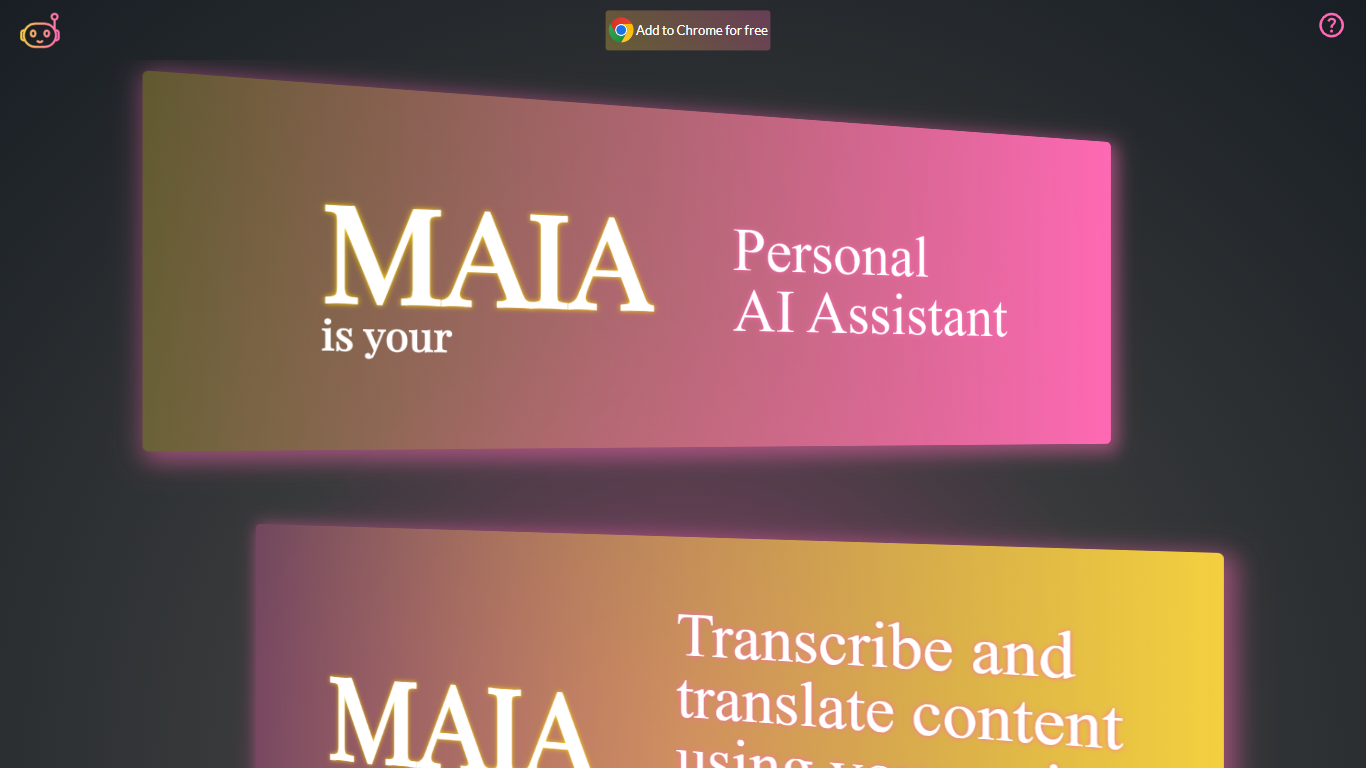
What is MAIA AI?
MAIA AI (My AI Assistant) is a Google Chrome extension that puts OpenAI models in a side panel while you browse. Select text on a page, send a prompt, and get summaries, rewrites, or answers without copying content into a separate chat tab.
Unlike all-in-one AI chat wrappers that resell token access, MAIA charges a flat $5 per month subscription and sends every request to your own OpenAI account with zero markup on usage. The extension is built around page context: highlight text on articles, emails, or other sites, then run tasks like summarizing long posts, simplifying complex topics, generating social copy, or turning emails into to-do lists.
Pricing splits into two parts: a MAIA subscription after a 14-day trial, plus pay-as-you-go OpenAI API usage billed directly by OpenAI. You bring your own OpenAI API key, so requests go straight to OpenAI without a markup on token costs.
It fits researchers, writers, and anyone who reads a lot online and wants quick help on the current page. MAIA runs only in Google Chrome on devices that support extensions.
Littlecook Upvotes
MAIA AI Upvotes
Littlecook Top Features
Browser try-me page lets you pick ingredients and test recipes without installing the app
Pantry tracking logs ingredients so you use food before it spoils
Weekly meal planning with saved recipe slots across Free, Premium, and Unlimited tiers
Free plan includes 25 ingredients, 25 recipe saves, 5 meal plans, and 3 weekly AI suggestions
Premium at £4 per month raises limits to 100 ingredients, 100 saves, and 8 AI suggestions
Unlimited plan at £8 per month removes caps on ingredients, saves, meal plans, and AI suggestions
Homepage claims users can save about £12 weekly by cooking with ingredients already at home
MAIA AI Top Features
Lives in Chrome's side panel so you can browse and chat at the same time
Highlight page text and send it to MAIA with one click
Talk instead of type with voice recording and transcription up to 20 minutes
Switch between GPT-4 and GPT-3.5 Turbo in settings
100+ starter prompts to kick off common writing and research tasks
Connects with your own OpenAI API key with no markup on usage
Littlecook Category
- Web Apps
MAIA AI Category
- Web Apps
Littlecook Pricing Type
- Freemium
MAIA AI Pricing Type
- Freemium