LM Studio vs Monster API
In the contest of LM Studio vs Monster API, which AI Large Language Model (LLM) tool is the champion? We evaluate pricing, alternatives, upvotes, features, reviews, and more.
If you had to choose between LM Studio and Monster API, which one would you go for?
When we examine LM Studio and Monster API, both of which are AI-enabled large language model (llm) tools, what unique characteristics do we discover? Both tools are equally favored, as indicated by the identical upvote count. Be a part of the decision-making process. Your vote could determine the winner.
Not your cup of tea? Upvote your preferred tool and stir things up!
LM Studio

What is LM Studio ?
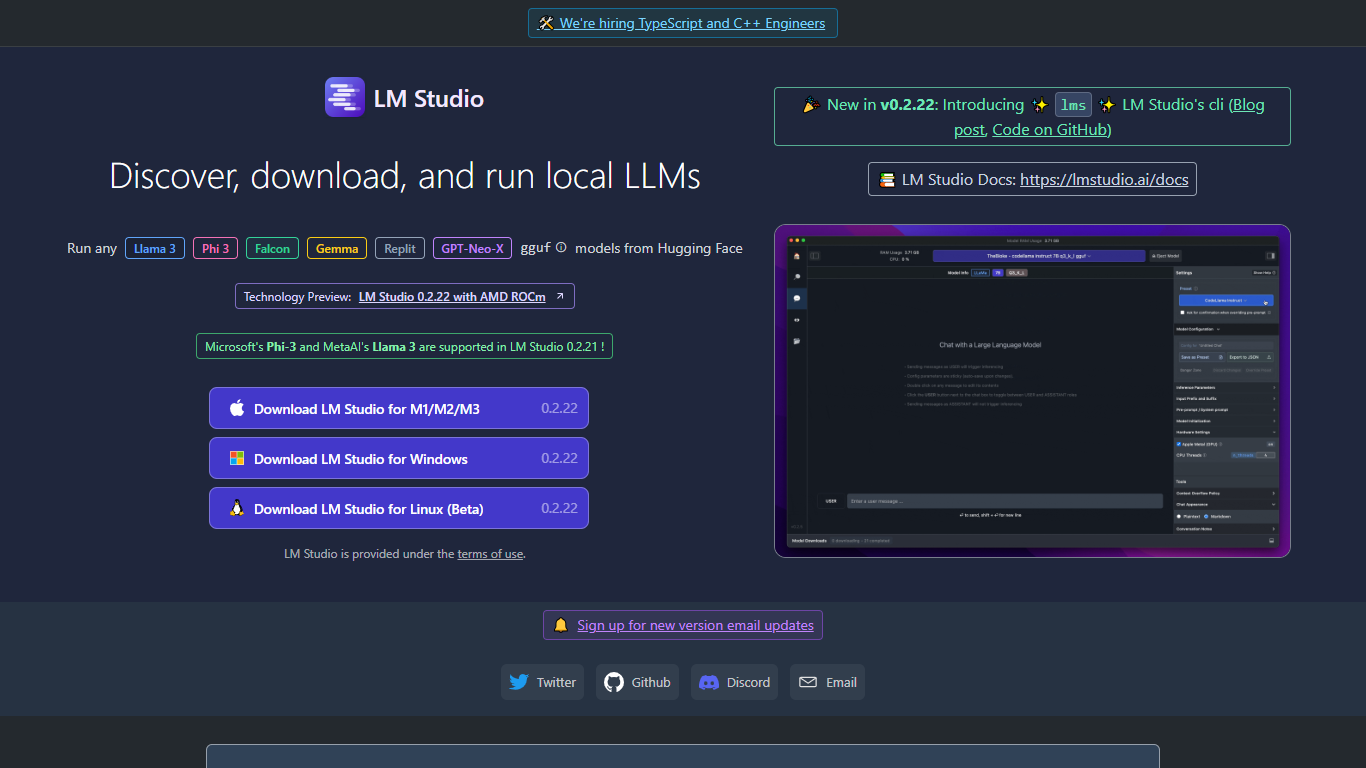
LM Studio is a desktop app for discovering, downloading, and running large language models on your own computer. You can chat with models like gpt-oss, Llama, Qwen, Gemma, and DeepSeek without sending prompts or files to a remote server. The app is free for home and work use.
Under the hood, LM Studio runs GGUF models through llama.cpp and, on Apple Silicon Macs, MLX models as well. You can search and download models from Hugging Face, attach documents for offline chat, connect MCP servers, and expose loaded models through local REST or OpenAI-compatible endpoints.
Developers get Python and TypeScript SDKs, an lms CLI, and llmster for headless deployment on servers or in CI. LM Link lets you route workloads across multiple machines. Teams can also explore enterprise controls for models, MCPs, and plugins across an organization.
Monster API
What is Monster API?
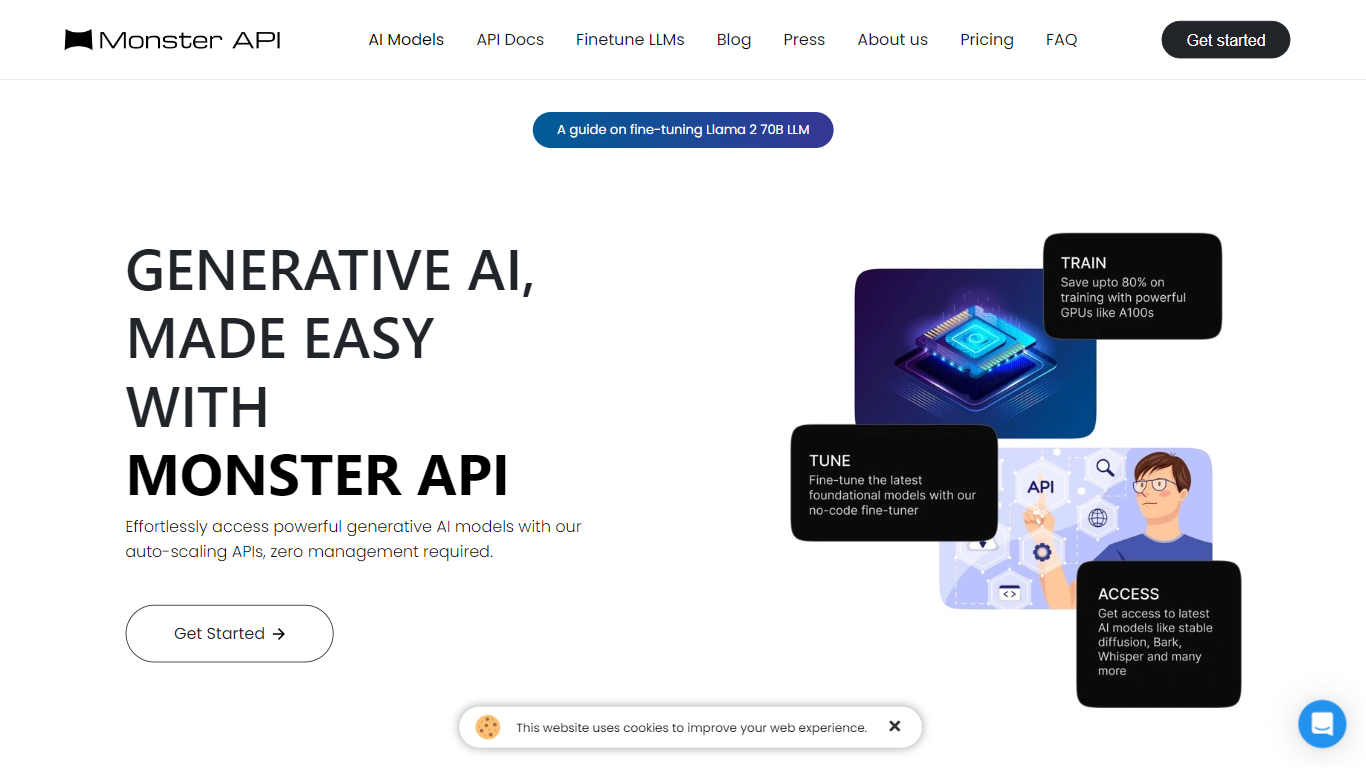
The Monster API is a robust, multi-functional interface that empowers developers and businesses to streamline their processes and integrate with the Monster job platform. Designed for ease of use and efficiency, the Monster API serves as a conduit for automating job postings, searching for resumes, and accessing a wide range of employment-related data. With its SEO-friendly features, the API helps to enhance the visibility of job listings, ensuring that they reach the most suitable candidates. The detailed documentation and responsive support make integration a breeze, allowing businesses to focus on their core operations while optimizing their recruitment strategy.
LM Studio Upvotes
Monster API Upvotes
LM Studio Top Features
Download and run open models like gpt-oss, Qwen, Gemma, and DeepSeek on your own hardware
Chat with attached documents offline using built-in RAG
Install MCP servers and use them with local models inside the app
Serve models through REST, OpenAI-compatible, and Anthropic-compatible local APIs
Deploy headless with llmster on Linux servers, cloud boxes, or CI pipelines
Script workflows with Python and TypeScript SDKs plus the lms CLI
LM Link routes local AI workloads across multiple devices on the free tier
Monster API Top Features
Automated Job Postings: Enables automated posting of job listings to streamline recruitment.
Resume Search Capability: Provides advanced search features to access a vast database of resumes.
Employment-Related Data Access: Offers comprehensive access to a wide range of employment data.
SEO-Friendly: Designed to enhance the visibility of job listings on search engines.
Efficient Integration: User-friendly API with detailed documentation for easy integration.
LM Studio Category
- Large Language Model (LLM)
Monster API Category
- Large Language Model (LLM)
LM Studio Pricing Type
- Freemium
Monster API Pricing Type
- Paid