LM Studio vs Terracotta
In the battle of LM Studio vs Terracotta, which AI Large Language Model (LLM) tool comes out on top? We compare reviews, pricing, alternatives, upvotes, features, and more.
Between LM Studio and Terracotta, which one is superior?
Upon comparing LM Studio with Terracotta, which are both AI-powered large language model (llm) tools, Both tools are equally favored, as indicated by the identical upvote count. Your vote matters! Help us decide the winner among aitools.fyi users by casting your vote.
Does the result make you go "hmm"? Cast your vote and turn that frown upside down!
LM Studio
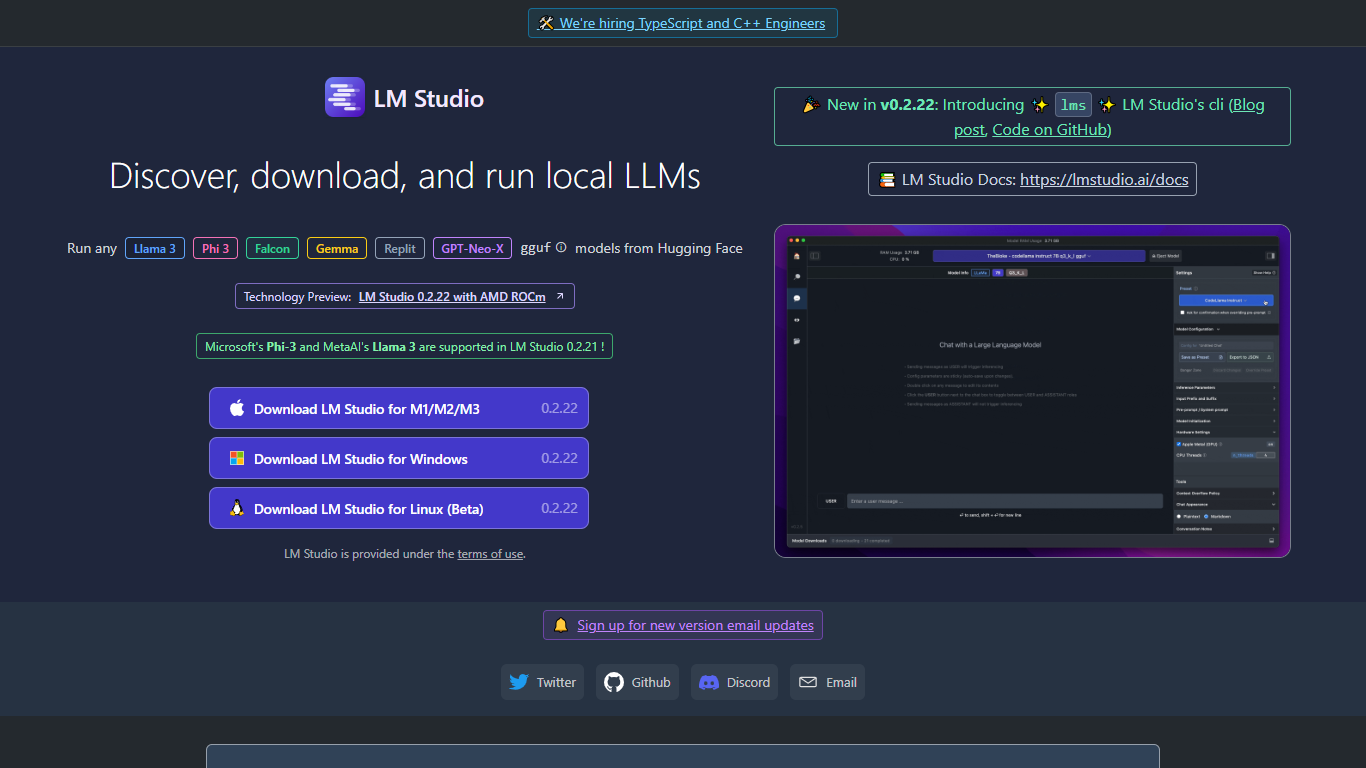

What is LM Studio ?
LM Studio is a desktop app for discovering, downloading, and running large language models on your own computer. You can chat with models like gpt-oss, Llama, Qwen, Gemma, and DeepSeek without sending prompts or files to a remote server. The app is free for home and work use.
Under the hood, LM Studio runs GGUF models through llama.cpp and, on Apple Silicon Macs, MLX models as well. You can search and download models from Hugging Face, attach documents for offline chat, connect MCP servers, and expose loaded models through local REST or OpenAI-compatible endpoints.
Developers get Python and TypeScript SDKs, an lms CLI, and llmster for headless deployment on servers or in CI. LM Link lets you route workloads across multiple machines. Teams can also explore enterprise controls for models, MCPs, and plugins across an organization.
Terracotta
What is Terracotta?
Terracotta is an Infrastructure as Code governance tool that audits every pull request before merge, checking Terraform and OpenTofu changes against live cloud resources, remote state, and your team's governance policies. It installs as a GitHub or GitLab app, posts findings in the PR thread, and builds a tamper-evident audit trail regulators can export. The product targets platform engineering teams that need security, drift, cost, and compliance checks without rewriting CI pipelines.
Static scanners like Checkov or tfsec lint HCL syntax and known misconfigurations, but they never compare a plan to what is actually running in AWS. Terracotta closes that gap by correlating code, Terraform state, and live resources so drift, cross-PR conflicts, and hidden blast radius show up before anyone clicks merge. Its guardrails are written in plain English rather than Rego or Sentinel, which lowers the bar for teams that lack a dedicated policy-as-code engineer.
DevOps leads and platform engineers at regulated shops use Terracotta to block public S3 buckets, open SSH rules, and unapproved cost spikes at review time instead of in production. Security and compliance teams get a fleet-wide dashboard with drift posture, policy compliance rates, and exportable records for SOC 2 or HIPAA audits. Developers keep working inside GitHub or GitLab because findings arrive as PR comments, not another portal to check.
Beacon, Terracotta's in-PR chat assistant, answers questions about specific findings using context from the repo, plan output, and drift reports. The Platform tier adds unlimited drift repos, IAM and blast-radius analysis, Slack notifications, and a command center dashboard for $49 per engineer per month. Enterprise customers can run Terracotta self-hosted with SSO, SAML, and custom integrations for HCP Terraform or CircleCI.
LM Studio Upvotes
Terracotta Upvotes
LM Studio Top Features
Download and run open models like gpt-oss, Qwen, Gemma, and DeepSeek on your own hardware
Chat with attached documents offline using built-in RAG
Install MCP servers and use them with local models inside the app
Serve models through REST, OpenAI-compatible, and Anthropic-compatible local APIs
Deploy headless with llmster on Linux servers, cloud boxes, or CI pipelines
Script workflows with Python and TypeScript SDKs plus the lms CLI
LM Link routes local AI workloads across multiple devices on the free tier
Terracotta Top Features
Posts automated PR reviews on GitHub and GitLab when a Terraform or OpenTofu pull request opens, before CI runs
Compares IaC code against live cloud resources and remote Terraform state to flag drift across 119 AWS resource types
Platform plan at $49 per engineer per month includes cost analysis, IAM review, blast-radius mapping, and guardrail enforcement
Free Community tier covers 50 public repo PRs, 1 private repo at 20 PRs per month, and up to 5 seats with no credit card
Plain-English guardrails block risky changes without Rego, Sentinel, or OPA policy files
Beacon chat assistant answers in-thread questions about findings using repo, plan, and drift context
LM Studio Category
- Large Language Model (LLM)
Terracotta Category
- Large Language Model (LLM)
LM Studio Pricing Type
- Freemium
Terracotta Pricing Type
- Freemium