Made Live vs AI Logo Maker
When comparing Made Live vs AI Logo Maker, which AI Design tool shines brighter? We look at pricing, alternatives, upvotes, features, reviews, and more.
In a comparison between Made Live and AI Logo Maker, which one comes out on top?
When we put Made Live and AI Logo Maker side by side, both being AI-powered design tools, Both tools are equally favored, as indicated by the identical upvote count. Your vote matters! Help us decide the winner among aitools.fyi users by casting your vote.
Not your cup of tea? Upvote your preferred tool and stir things up!
Made Live

What is Made Live?
Made Live enables authors and artists to create, publish, and distribute illustrated books such as children's stories, comics, and graphic novels. It provides tools that support the entire publishing process from initial creation to reaching readers.
This tool stands out by focusing specifically on richly illustrated content, offering features tailored to the unique needs of visual storytelling. Unlike general publishing tools, Made Live emphasizes creative control and accessibility for both beginners and experienced creators.
Made Live combines a user-friendly interface with end-to-end publishing solutions, allowing users to maintain ownership of their work while simplifying distribution. This approach helps creators share their illustrated stories with a broad audience without sacrificing artistic vision.
AI Logo Maker
What is AI Logo Maker?
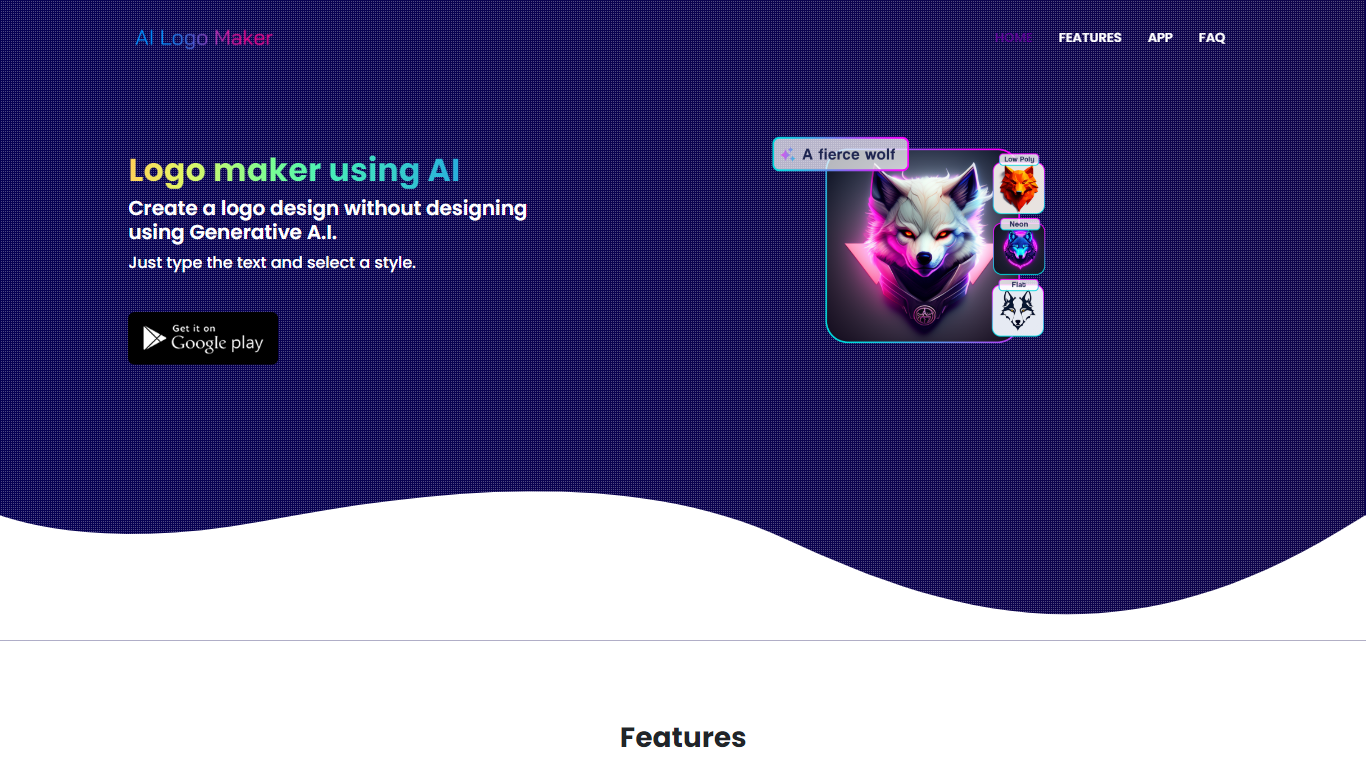
AI Logo Maker turns a brand name, letter mark, or uploaded icon into a finished logo in minutes on the web or through its Android app. Type your text, pick a style, and the generator returns logo concepts you can tweak in a built-in editor with colors, backgrounds, typography, and shapes before exporting PNG, JPG, or SVG files.
Template marketplaces sell generic marks. This tool generates fresh concepts from your input and supports text logos, lettermarks, wordmarks, and icon-based marks in one flow. The site also links a separate AI Poster generator app, but the core product stays focused on quick logo drafts rather than full brand systems.
Startup founders, side hustlers, YouTube creators, and small shops use AI Logo Maker when they need a usable mark without hiring a designer. Commercial use is allowed on downloaded files, and there is no cap on how many logos you can generate on the web experience.
Made Live Upvotes
AI Logo Maker Upvotes
Made Live Top Features
📚 End-to-End Publishing: Manage creation, publishing, and distribution in one platform.
🎨 Illustration-Focused Tools: Designed specifically for children's books, comics, and graphic novels.
🖥️ User-Friendly Interface: Accessible to both beginners and experienced creators.
🌍 Broad Distribution: Features to help reach a wide audience effectively.
🔒 Full Creative Control: Maintain ownership and control over your published work.
📄 Supports Multiple Formats: Publish in formats suitable for illustrated content.
💡 Streamlined Workflow: Simplifies the publishing process from start to finish.
AI Logo Maker Top Features
Text-to-logo generation from your brand name with selectable visual styles
Lettermark and wordmark modes for typography-focused brand marks
Upload or pick icons to merge symbols into generated logo layouts
Built-in logo editor adjusts colors, backgrounds, text, and shapes
Export finished logos as PNG, JPG, or SVG for web and print use
Android app on Google Play under package ai.logomaker.design
No stated limit on how many logo concepts you can create on the web tool
Made Live Category
- Design
AI Logo Maker Category
- Design
Made Live Pricing Type
- Freemium
AI Logo Maker Pricing Type
- Free