Made Live vs CLIP STUDIO PAINT
When comparing Made Live vs CLIP STUDIO PAINT, which AI Design tool shines brighter? We look at pricing, alternatives, upvotes, features, reviews, and more.
In a comparison between Made Live and CLIP STUDIO PAINT, which one comes out on top?
When we put Made Live and CLIP STUDIO PAINT side by side, both being AI-powered design tools, There's no clear winner in terms of upvotes, as both tools have received the same number. The power is in your hands! Cast your vote and have a say in deciding the winner.
Don't agree with the result? Cast your vote and be a part of the decision-making process!
Made Live


What is Made Live?
Made Live enables authors and artists to create, publish, and distribute illustrated books such as children's stories, comics, and graphic novels. It provides tools that support the entire publishing process from initial creation to reaching readers.
This tool stands out by focusing specifically on richly illustrated content, offering features tailored to the unique needs of visual storytelling. Unlike general publishing tools, Made Live emphasizes creative control and accessibility for both beginners and experienced creators.
Made Live combines a user-friendly interface with end-to-end publishing solutions, allowing users to maintain ownership of their work while simplifying distribution. This approach helps creators share their illustrated stories with a broad audience without sacrificing artistic vision.
CLIP STUDIO PAINT
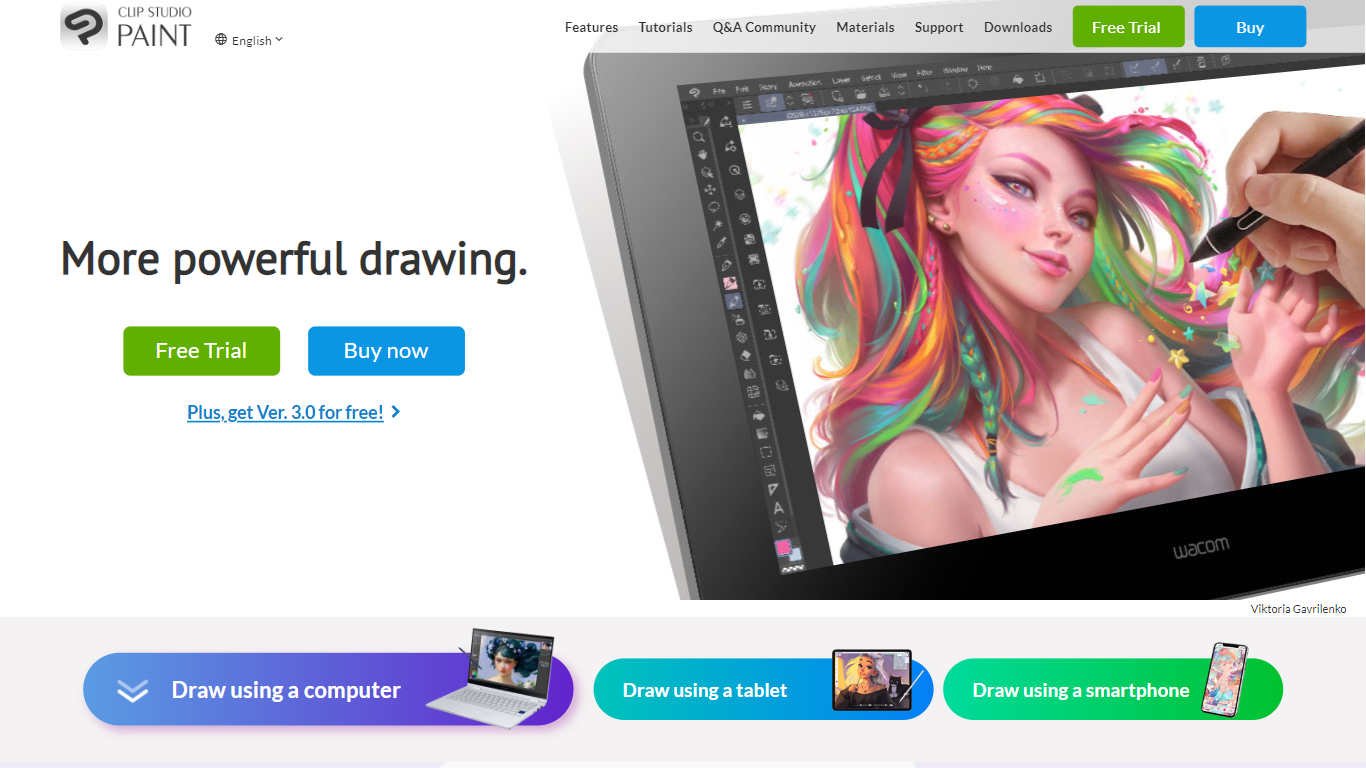
What is CLIP STUDIO PAINT?
CLIP STUDIO PAINT enables artists to create detailed digital illustrations, comics, manga, animations, and webtoons. It provides a comprehensive set of drawing tools, including thousands of brushes that simulate traditional media, and supports multiple devices such as Windows, macOS, iPad, iPhone, Android tablets, smartphones, and Chromebooks.
What distinguishes CLIP STUDIO PAINT from other digital art software is its integration of advanced drawing aids like customizable 3D models, perspective rulers, and puppet warp tools that assist with anatomy, poses, and backgrounds. It also supports professional workflows with multi-page project management, vector layers for scalable line art, and robust animation features.
Artists benefit from a vast library of free community-created brushes and materials available through CLIP STUDIO ASSETS, enhancing creativity and efficiency. The software caters to both beginners and professionals, offering tools that streamline the creation of polished digital artwork and animations across various styles and formats.
CLIP STUDIO PAINT supports exporting projects in industry-standard file formats, making it easy to integrate with other creative software. Its flexible licensing options include one-time purchases and subscription plans, accommodating different user needs and budgets.
Made Live Upvotes
CLIP STUDIO PAINT Upvotes
Made Live Top Features
📚 End-to-End Publishing: Manage creation, publishing, and distribution in one platform.
🎨 Illustration-Focused Tools: Designed specifically for children's books, comics, and graphic novels.
🖥️ User-Friendly Interface: Accessible to both beginners and experienced creators.
🌍 Broad Distribution: Features to help reach a wide audience effectively.
🔒 Full Creative Control: Maintain ownership and control over your published work.
📄 Supports Multiple Formats: Publish in formats suitable for illustrated content.
💡 Streamlined Workflow: Simplifies the publishing process from start to finish.
CLIP STUDIO PAINT Top Features
🎨 Thousands of Brushes: Access over 10,000 brushes that simulate traditional media for authentic digital painting.
📱 Multi-Device Compatibility: Use CLIP STUDIO PAINT on Windows, macOS, iPad, iPhone, Android tablets, smartphones, and Chromebooks.
🖼️ Customizable 3D Models & Perspective Rulers: Utilize adjustable 3D figures and multiple perspective rulers to aid accurate drawing.
📄 Multi-Page Project Management: Manage complex comic and manga projects with multi-page support and export options including PDF and eBooks.
🎞️ Animation Tools: Create frame-by-frame animations with up to 24 frames in PRO and full-length animations in EX, including sound and camera controls.
💾 Vector Layers: Draw and edit scalable line art that maintains quality when resized.
💰 Flexible Licensing: Choose between a one-time purchase starting at US$63 or subscription plans from US$0.99/month.
Made Live Category
- Design
CLIP STUDIO PAINT Category
- Design
Made Live Pricing Type
- Freemium
CLIP STUDIO PAINT Pricing Type
- Freemium