Made Live vs Figflow
Dive into the comparison of Made Live vs Figflow and discover which AI Design tool stands out. We examine alternatives, upvotes, features, reviews, pricing, and beyond.
When comparing Made Live and Figflow , which one rises above the other?
When we compare Made Live and Figflow , two exceptional design tools powered by artificial intelligence, and place them side by side, several key similarities and differences come to light. Both tools are equally favored, as indicated by the identical upvote count. Join the aitools.fyi users in deciding the winner by casting your vote.
Not your cup of tea? Upvote your preferred tool and stir things up!
Made Live

What is Made Live?
Made Live enables authors and artists to create, publish, and distribute illustrated books such as children's stories, comics, and graphic novels. It provides tools that support the entire publishing process from initial creation to reaching readers.
This tool stands out by focusing specifically on richly illustrated content, offering features tailored to the unique needs of visual storytelling. Unlike general publishing tools, Made Live emphasizes creative control and accessibility for both beginners and experienced creators.
Made Live combines a user-friendly interface with end-to-end publishing solutions, allowing users to maintain ownership of their work while simplifying distribution. This approach helps creators share their illustrated stories with a broad audience without sacrificing artistic vision.
Figflow
What is Figflow ?
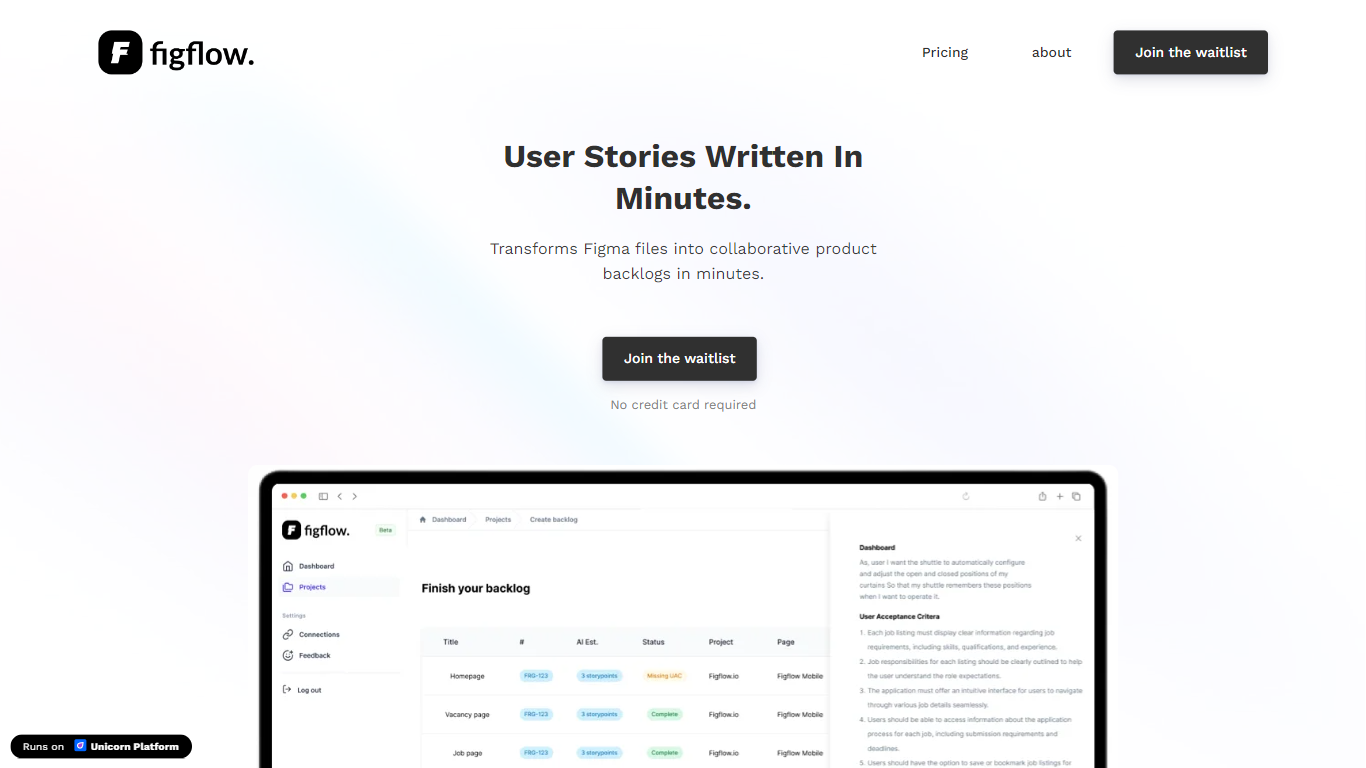
Figflow turns Figma files into structured product backlogs with user stories, acceptance criteria, and story point estimates. You connect Figma through OAuth, upload frames, and Figflow drafts tickets from what is already on the canvas. It targets the handoff gap between design files and sprint-ready work.
Most backlog tools expect you to write stories from scratch. Figflow starts from your Figma screens, embeds design screenshots inside each story, and uses its AI assistant to shape voice and tone. The Professional plan at $9 per month removes the 250-interaction cap on the free Personal tier, which is the main reason teams outgrow the starter plan.
Product owners, product managers, and product designers use Figflow to cut manual story writing before refinement sessions. It fits teams that live in Figma and want a single workspace for multiple projects without exporting screens into a separate doc for every ticket.
Made Live Upvotes
Figflow Upvotes
Made Live Top Features
📚 End-to-End Publishing: Manage creation, publishing, and distribution in one platform.
🎨 Illustration-Focused Tools: Designed specifically for children's books, comics, and graphic novels.
🖥️ User-Friendly Interface: Accessible to both beginners and experienced creators.
🌍 Broad Distribution: Features to help reach a wide audience effectively.
🔒 Full Creative Control: Maintain ownership and control over your published work.
📄 Supports Multiple Formats: Publish in formats suitable for illustrated content.
💡 Streamlined Workflow: Simplifies the publishing process from start to finish.
Figflow Top Features
OAuth Figma integration pulls projects without manual file exports
Personal plan includes 250 free AI interactions before paid upgrade
Professional plan at $9 per month unlocks unlimited AI interactions and projects
AI assistant drafts acceptance criteria from design frames and user stories
Design screenshots attach directly to user stories instead of separate exports
Supports 10 languages including English, Dutch, French, German, Spanish, and Japanese
Made Live Category
- Design
Figflow Category
- Design
Made Live Pricing Type
- Freemium
Figflow Pricing Type
- Freemium