Magic Brush AI vs AirBrush
Explore the showdown between Magic Brush AI vs AirBrush and find out which AI Design tool wins. We analyze upvotes, features, reviews, pricing, alternatives, and more.
When comparing Magic Brush AI and AirBrush, which one rises above the other?
When we contrast Magic Brush AI with AirBrush, both of which are exceptional AI-operated design tools, and place them side by side, we can spot several crucial similarities and divergences. Neither tool takes the lead, as they both have the same upvote count. Join the aitools.fyi users in deciding the winner by casting your vote.
Disagree with the result? Upvote your favorite tool and help it win!
Magic Brush AI


What is Magic Brush AI?
Magic Brush AI introduces an innovative AI-powered plugin specifically designed for Figma users who wish to enhance their design process. The Magic Brush AI plugin seamlessly integrates with Figma, allowing designers to generate and edit images directly within the application. If you're looking to speed up your design workflow and leverage artificial intelligence in your projects, Magic Brush AI offers a simple yet powerful solution. With easy installation and a user-friendly interface, Magic Brush expands creative possibilities without ever leaving your favorite design platform. Additionally, the community aspect is emphasized with an invitation to join their Discord, suggesting a focus on user engagement and support. Designed by Elie Toubiana from sunshine-filled Los Angeles, CA, Magic Brush AI is poised to transform how creatives interact with Figma and image editing.
AirBrush
What is AirBrush?
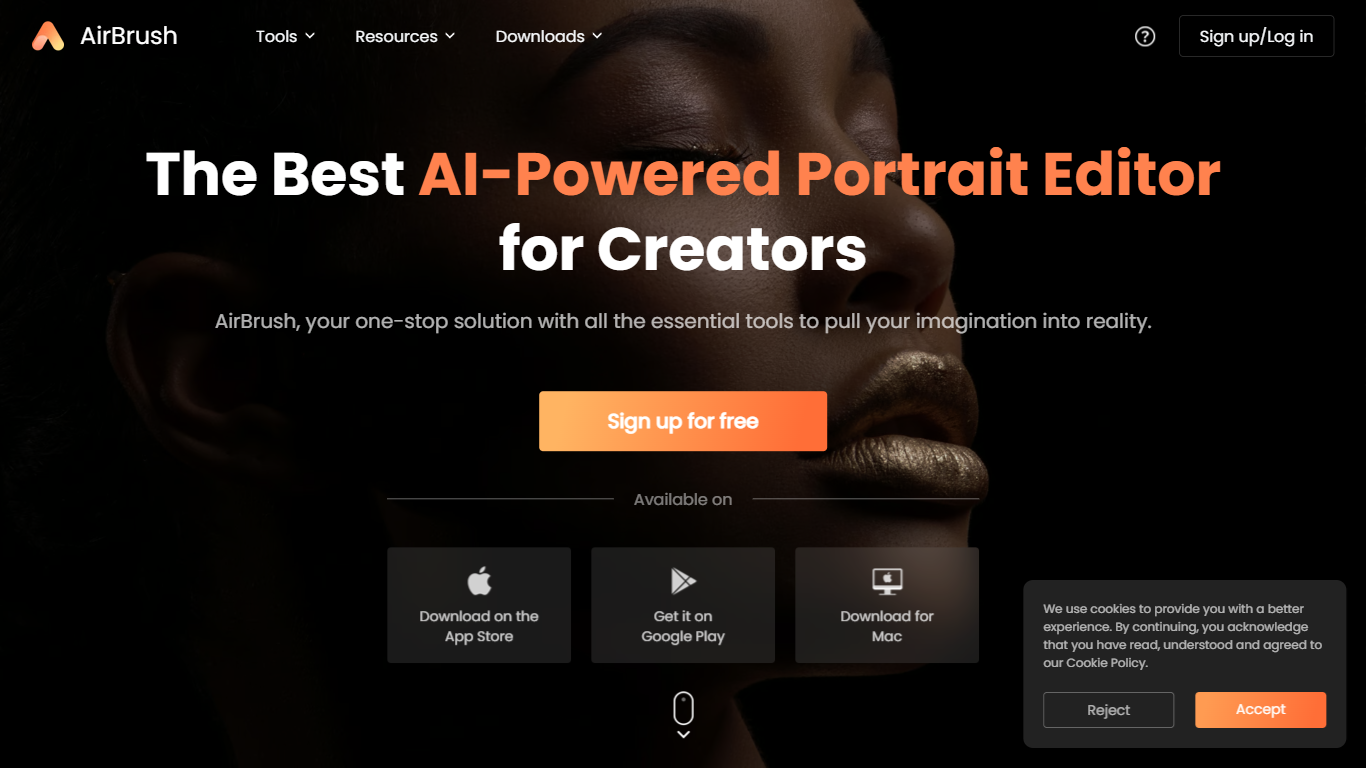
AirBrush is a portrait-focused photo and video editor with 60 plus browser tools for retouching, background removal, face swaps, and creative filters. You can upscale images to 4K, erase objects, try virtual makeup, or run batch enhancements on up to 50 files without installing desktop software for basic edits.
General design suites spread features across complex timelines and layer panels. AirBrush keeps the workflow selfie-first: teeth whitening, wrinkle smoothing, hairstyle previews, and G7X-style relighting live beside e-commerce background tools. Most web tools work without signup, while exports and premium models draw from a monthly credit pool.
Social creators, beauty bloggers, and product photographers who need fast portrait fixes are the target users. AirBrush ships on web, iOS, Android, macOS, and Windows, with a Free tier at 20 credits per month and a Pro Unlimited plan near $9 per month for about 1,000 credits.
Magic Brush AI Upvotes
AirBrush Upvotes
Magic Brush AI Top Features
AI Powered Plugin: A convenient Figma plugin that utilizes AI for image generation and editing.
Seamless Integration: Integrates with Figma for a streamlined design workflow.
Easy Installation: Simple process to install the plugin directly on Figma.
Community Support: Access to a Discord community for networking and support.
Frequent Updates: Continual improvements and feature additions to enhance user experience.
AirBrush Top Features
60 plus online tools covering portrait retouch, backgrounds, and video cleanup
Image upscaler sharpens photos up to 4K resolution in the browser
Batch enhancer processes up to 50 images in one upload
Virtual makeup, hairstyle, and hair color try-on filters for portraits
Background remover exports transparent PNGs for e-commerce listings
Free Plan includes 20 credits per month with no signup on basic tools
Pro Unlimited plan near $9 per month includes about 1,000 monthly credits
Magic Brush AI Category
- Design
AirBrush Category
- Design
Magic Brush AI Pricing Type
- Freemium
AirBrush Pricing Type
- Freemium