Magic Brush AI vs Appicons AI
When comparing Magic Brush AI vs Appicons AI, which AI Design tool shines brighter? We look at pricing, alternatives, upvotes, features, reviews, and more.
In a comparison between Magic Brush AI and Appicons AI, which one comes out on top?
When we put Magic Brush AI and Appicons AI side by side, both being AI-powered design tools, The upvote count is neck and neck for both Magic Brush AI and Appicons AI. Your vote matters! Help us decide the winner among aitools.fyi users by casting your vote.
You don't agree with the result? Cast your vote to help us decide!
Magic Brush AI


What is Magic Brush AI?
Magic Brush AI introduces an innovative AI-powered plugin specifically designed for Figma users who wish to enhance their design process. The Magic Brush AI plugin seamlessly integrates with Figma, allowing designers to generate and edit images directly within the application. If you're looking to speed up your design workflow and leverage artificial intelligence in your projects, Magic Brush AI offers a simple yet powerful solution. With easy installation and a user-friendly interface, Magic Brush expands creative possibilities without ever leaving your favorite design platform. Additionally, the community aspect is emphasized with an invitation to join their Discord, suggesting a focus on user engagement and support. Designed by Elie Toubiana from sunshine-filled Los Angeles, CA, Magic Brush AI is poised to transform how creatives interact with Figma and image editing.
Appicons AI
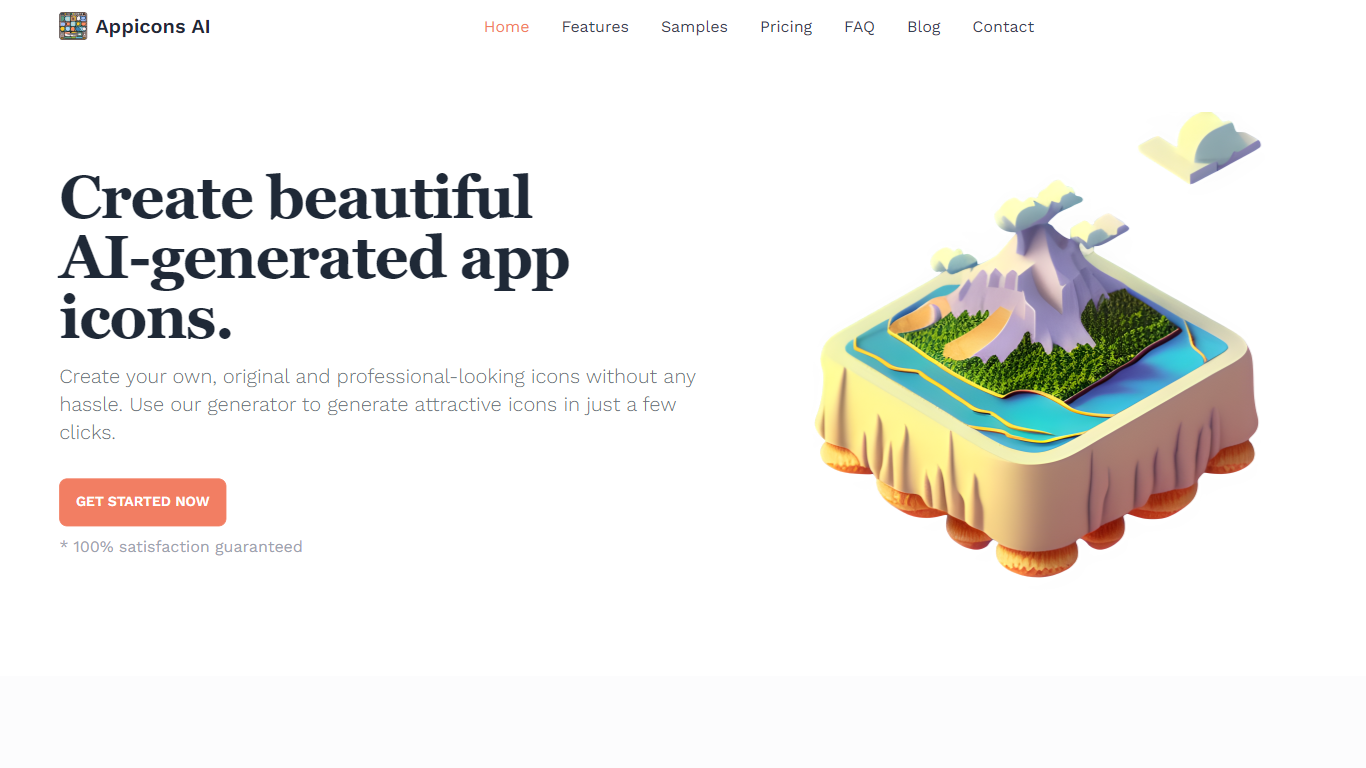
What is Appicons AI?
Appicons AI generates mobile and desktop app icons from text prompts, then lets you crop, edit, and export finished artwork without opening a separate design suite. You describe the app and style you want, the platform produces multiple icon options, and you can refine the result in a built-in Photopea editor before downloading a PNG.
Most AI image tools treat app icons as just another image size. Appicons AI narrows the workflow to icon creation specifically: GPT rewrites your prompt into clearer generation instructions, every paid plan includes commercial rights and upscaling to 2048 by 2048 pixels, and unlimited previews let you iterate before spending credits on a final export.
It targets indie developers and small teams shipping iOS, Android, or desktop apps who need store-ready icons fast but do not want to hire a designer or learn Photoshop. The credit-based plans suit occasional one-off launches as well as developers publishing multiple apps in a year.
Magic Brush AI Upvotes
Appicons AI Upvotes
Magic Brush AI Top Features
AI Powered Plugin: A convenient Figma plugin that utilizes AI for image generation and editing.
Seamless Integration: Integrates with Figma for a streamlined design workflow.
Easy Installation: Simple process to install the plugin directly on Figma.
Community Support: Access to a Discord community for networking and support.
Frequent Updates: Continual improvements and feature additions to enhance user experience.
Appicons AI Top Features
GPT prompt enhancement turns short descriptions into detailed icon generation prompts before images are created
Built-in Photopea editor lets you adjust generated icons without leaving the Appicons AI platform
Exports finished icons as 1024 by 1024 PNG files with upscaling to 2048 by 2048 on all paid plans
Standard plan at $10 includes 100 credits with commercial use rights and unlimited icon previews
Plus plan at $25 includes 300 credits and is marked as the most popular tier on the pricing page
Premium plan at $45 includes 500 credits for developers generating icons across multiple app launches
Magic Brush AI Category
- Design
Appicons AI Category
- Design
Magic Brush AI Pricing Type
- Freemium
Appicons AI Pricing Type
- Paid