Magic Brush AI vs BlueWillow
In the contest of Magic Brush AI vs BlueWillow, which AI Design tool is the champion? We evaluate pricing, alternatives, upvotes, features, reviews, and more.
If you had to choose between Magic Brush AI and BlueWillow, which one would you go for?
When we examine Magic Brush AI and BlueWillow, both of which are AI-enabled design tools, what unique characteristics do we discover? The upvote count reveals a draw, with both tools earning the same number of upvotes. You can help us determine the winner by casting your vote and tipping the scales in favor of one of the tools.
You don't agree with the result? Cast your vote to help us decide!
Magic Brush AI


What is Magic Brush AI?
Magic Brush AI introduces an innovative AI-powered plugin specifically designed for Figma users who wish to enhance their design process. The Magic Brush AI plugin seamlessly integrates with Figma, allowing designers to generate and edit images directly within the application. If you're looking to speed up your design workflow and leverage artificial intelligence in your projects, Magic Brush AI offers a simple yet powerful solution. With easy installation and a user-friendly interface, Magic Brush expands creative possibilities without ever leaving your favorite design platform. Additionally, the community aspect is emphasized with an invitation to join their Discord, suggesting a focus on user engagement and support. Designed by Elie Toubiana from sunshine-filled Los Angeles, CA, Magic Brush AI is poised to transform how creatives interact with Figma and image editing.
BlueWillow
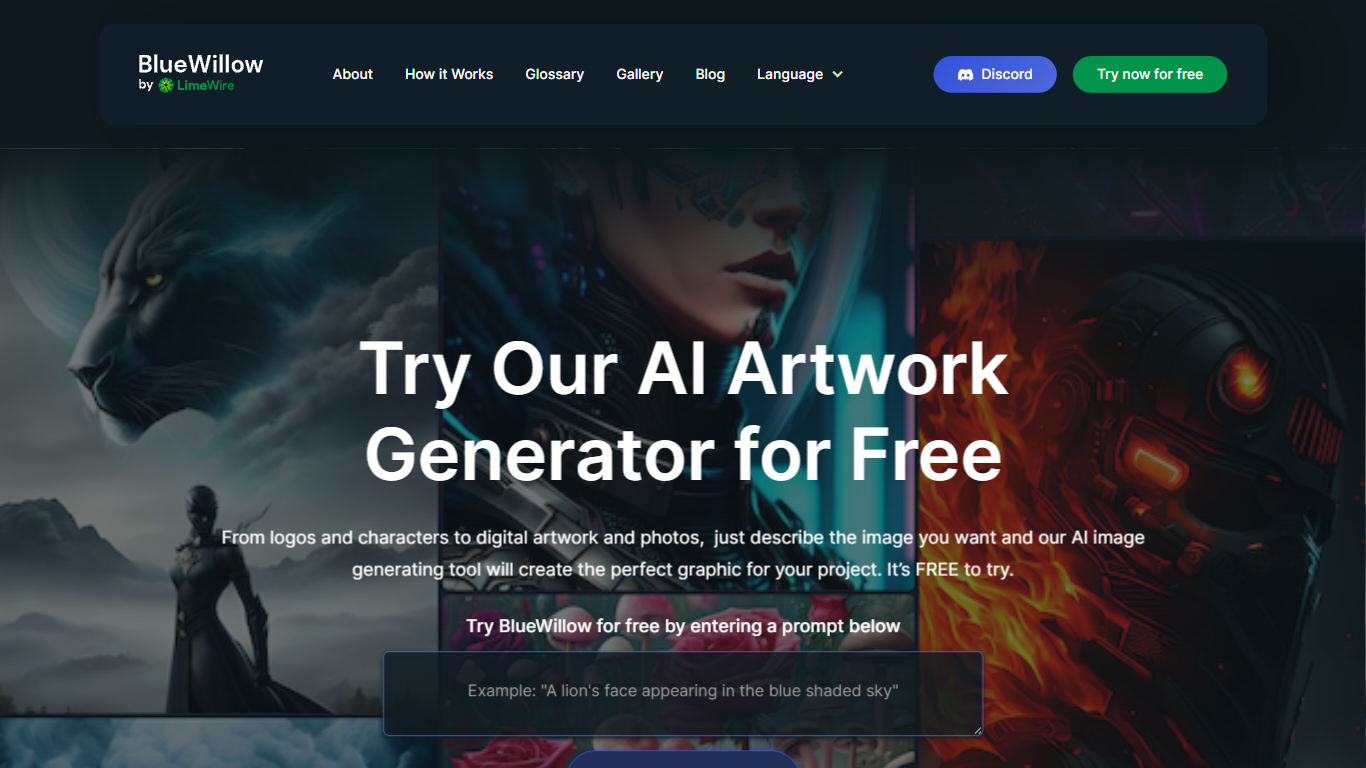
What is BlueWillow?
BlueWillow turns text prompts into AI-generated logos, graphics, and photo-realistic images through a free web tool at bluewillow.ai. You enter a description, click Generate Artwork, and the site routes you to its AI Studio after a quick email signup. Results arrive in seconds, and you can refine, re-generate, or share creations with the BlueWillow community on Discord.
Compared with Midjourney's Discord-only workflow, BlueWillow keeps the entry point on the web with a no-experience-required prompt box on the homepage. The tool targets quick concept art for logos, marketing graphics, and realistic scenes rather than fine-grained professional editing. Discord remains the hub for announcements and community updates, linked from the site header.
Hobbyist designers, social media creators, and small business owners use BlueWillow when they need a visual fast without opening Photoshop. The homepage emphasizes a free trial through the prompt generator, with newsletter signup for tutorials on getting better results from prompts.
Magic Brush AI Upvotes
BlueWillow Upvotes
Magic Brush AI Top Features
AI Powered Plugin: A convenient Figma plugin that utilizes AI for image generation and editing.
Seamless Integration: Integrates with Figma for a streamlined design workflow.
Easy Installation: Simple process to install the plugin directly on Figma.
Community Support: Access to a Discord community for networking and support.
Frequent Updates: Continual improvements and feature additions to enhance user experience.
BlueWillow Top Features
Generate logos, graphics, and photo-realistic images from a text prompt on bluewillow.ai
Free to try through the homepage prompt box before entering the AI Studio
Refine or re-generate artwork batches in seconds inside the AI Studio
Discord community for announcements, support, and sharing generated art
Email-based AI Studio access with no design software required
Newsletter with tips and tutorials for improving AI image prompts
Magic Brush AI Category
- Design
BlueWillow Category
- Design
Magic Brush AI Pricing Type
- Freemium
BlueWillow Pricing Type
- Free