Magic Brush AI vs Visily
When comparing Magic Brush AI vs Visily, which AI Design tool shines brighter? We look at pricing, alternatives, upvotes, features, reviews, and more.
In a comparison between Magic Brush AI and Visily, which one comes out on top?
When we put Magic Brush AI and Visily side by side, both being AI-powered design tools, The upvote count reveals a draw, with both tools earning the same number of upvotes. Your vote matters! Help us decide the winner among aitools.fyi users by casting your vote.
Does the result make you go "hmm"? Cast your vote and turn that frown upside down!
Magic Brush AI

What is Magic Brush AI?
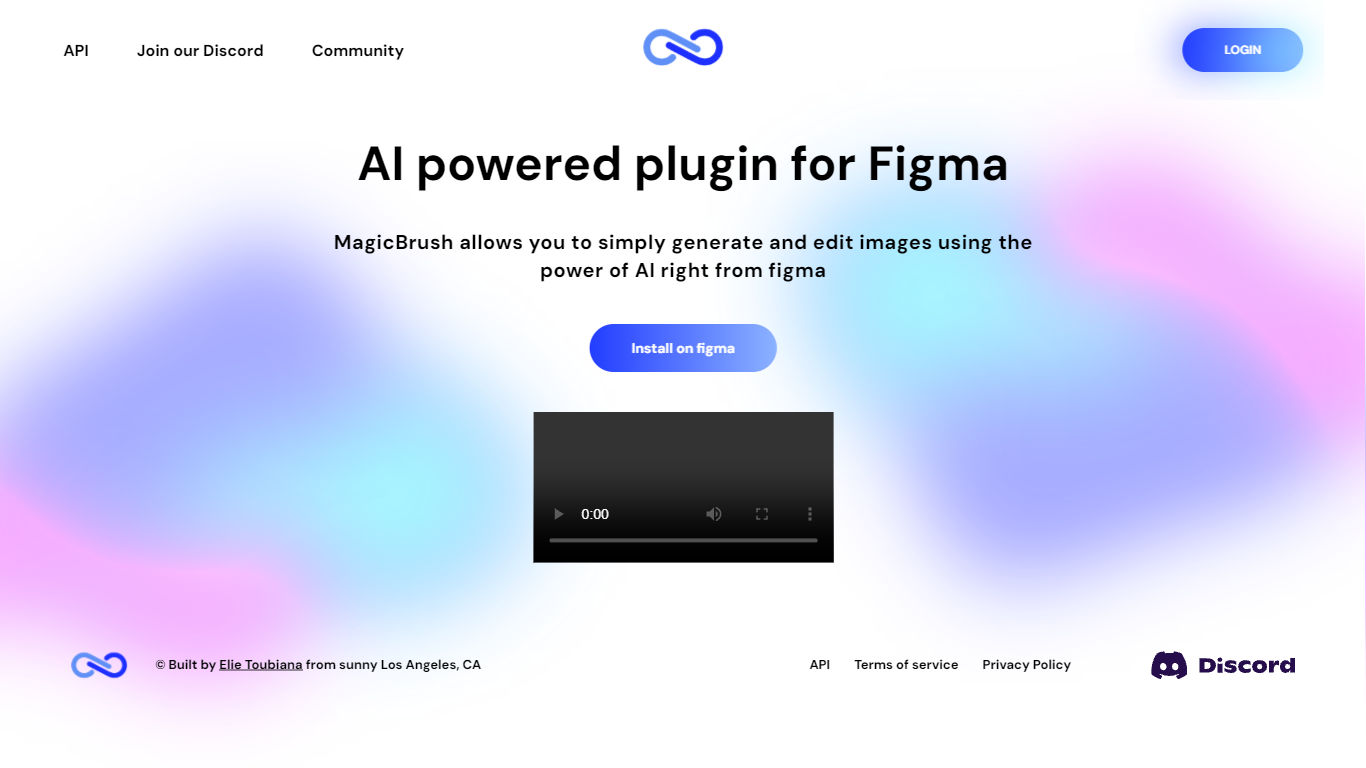
Magic Brush AI introduces an innovative AI-powered plugin specifically designed for Figma users who wish to enhance their design process. The Magic Brush AI plugin seamlessly integrates with Figma, allowing designers to generate and edit images directly within the application. If you're looking to speed up your design workflow and leverage artificial intelligence in your projects, Magic Brush AI offers a simple yet powerful solution. With easy installation and a user-friendly interface, Magic Brush expands creative possibilities without ever leaving your favorite design platform. Additionally, the community aspect is emphasized with an invitation to join their Discord, suggesting a focus on user engagement and support. Designed by Elie Toubiana from sunshine-filled Los Angeles, CA, Magic Brush AI is poised to transform how creatives interact with Figma and image editing.
Visily

What is Visily?
Visily turns text prompts, screenshots, diagrams, and templates into editable wireframes, mockups, and prototypes inside your browser. Drag-and-drop components, Smart Components, and Auto-Prototyping sit on a shared canvas so product teams can sketch mobile and web concepts without opening a full design suite.
Compared with full design suites like Figma, Visily narrows the scope to fast concept work for product teams. The Starter plan is free forever with the same high-fidelity templates and AI models as paid tiers, while Pro and Business add Figma import/export, code export, and the Visily MCP server. That trade-off favors product managers and founders who need stakeholder-ready visuals without a steep learning curve.
Product managers, startup founders, business analysts, and cross-functional teams use Visily to wireframe mobile and web apps, run brainstorming sessions, and share interactive prototypes. Collaboration features include real-time comments, cursor chat, follower mode, and shared asset libraries.
Magic Brush AI Upvotes
Visily Upvotes
Magic Brush AI Top Features
AI Powered Plugin: A convenient Figma plugin that utilizes AI for image generation and editing.
Seamless Integration: Integrates with Figma for a streamlined design workflow.
Easy Installation: Simple process to install the plugin directly on Figma.
Community Support: Access to a Discord community for networking and support.
Frequent Updates: Continual improvements and feature additions to enhance user experience.
Visily Top Features
Starter plan is free with 300 AI credits per month and 2 editable boards
Generate wireframes from text prompts, screenshots, diagrams, or templates
Pro plan costs $11 per editor per month billed annually with 3,000 AI credits
Auto-Prototyping and Smart Components turn layouts into interactive prototypes
Figma export, import, and code export unlock on Pro and Business plans
Magic Brush AI Category
- Design
Visily Category
- Design
Magic Brush AI Pricing Type
- Freemium
Visily Pricing Type
- Freemium