
Last updated 08-09-2026
Category:
Reviews:
Join thousands of AI enthusiasts in the World of AI!
Visily
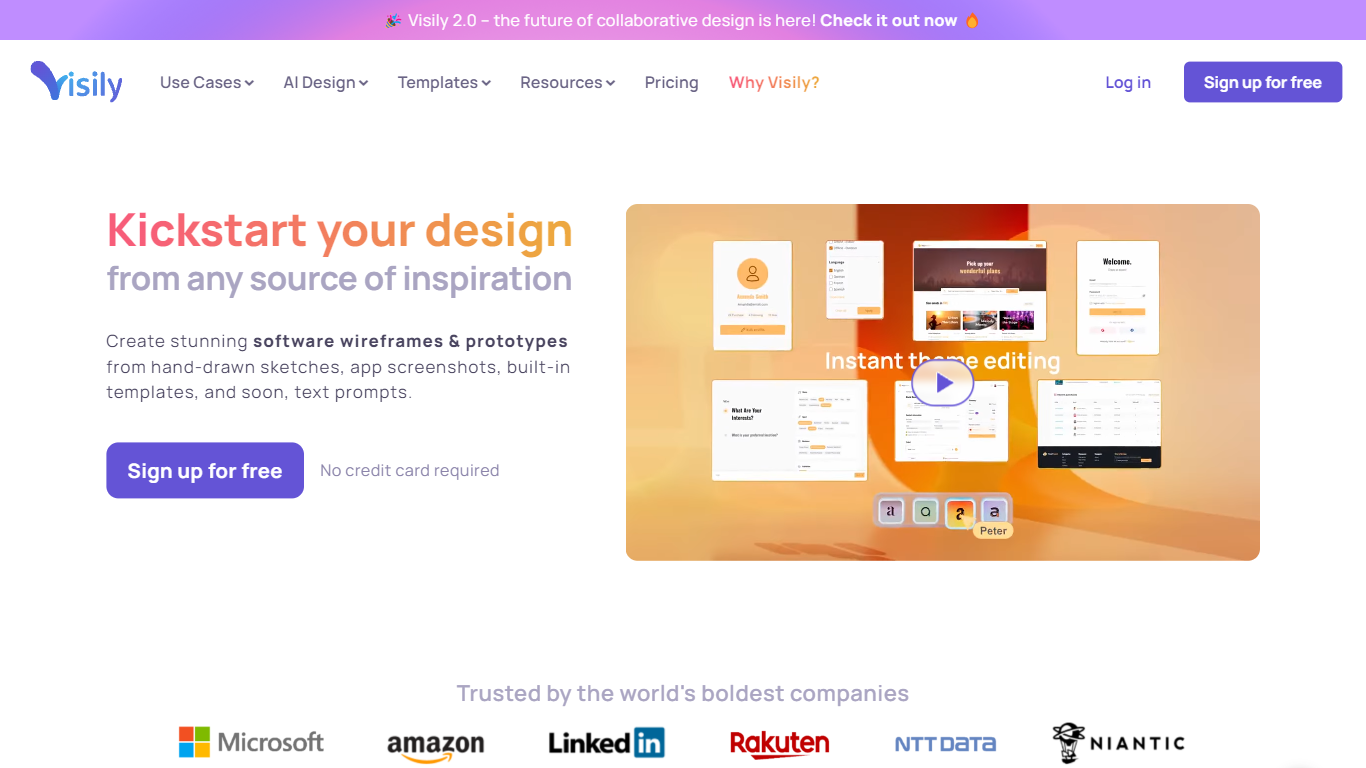
Visily turns text prompts, screenshots, diagrams, and templates into editable wireframes, mockups, and prototypes inside your browser. Drag-and-drop components, Smart Components, and Auto-Prototyping sit on a shared canvas so product teams can sketch mobile and web concepts without opening a full design suite.
Compared with full design suites like Figma, Visily narrows the scope to fast concept work for product teams. The Starter plan is free forever with the same high-fidelity templates and AI models as paid tiers, while Pro and Business add Figma import/export, code export, and the Visily MCP server. That trade-off favors product managers and founders who need stakeholder-ready visuals without a steep learning curve.
Product managers, startup founders, business analysts, and cross-functional teams use Visily to wireframe mobile and web apps, run brainstorming sessions, and share interactive prototypes. Collaboration features include real-time comments, cursor chat, follower mode, and shared asset libraries.
Starter plan is free with 300 AI credits per month and 2 editable boards
Generate wireframes from text prompts, screenshots, diagrams, or templates
Pro plan costs $11 per editor per month billed annually with 3,000 AI credits
Auto-Prototyping and Smart Components turn layouts into interactive prototypes
Figma export, import, and code export unlock on Pro and Business plans
Free Starter tier includes high-fidelity templates and AI credits
Starts from prompts, screenshots, or diagrams instead of a blank canvas
Real-time collaboration with comments and follower mode for remote teams
Starter limits you to 2 editable boards and 2,500 elements per board
Figma export and code export require a paid Pro or Business plan
Visily MCP server is unavailable on free workspaces
Is Visily free to use?
Yes. Visily's Starter plan is free forever with 300 AI credits per month, standard AI design, and limited boards. Pro costs $11 per editor per month billed annually.
Do I need design experience for Visily?
No. Visily was built for non-designers. Its drag-and-drop editor and AI features let product managers and founders create high-fidelity wireframes without learning professional design software.
Can Visily wireframe mobile and web apps?
Yes. Visily supports wireframing for both mobile and web platforms. You can start from templates, screenshots, or AI-generated layouts on the same editable canvas.
How does Visily use AI in design?
Visily generates wireframes from text descriptions, converts diagrams into UI screens, and lets you edit designs through an AI chat that stays synced with the canvas.
Can teams collaborate in Visily?
Yes. Visily includes real-time commenting, shared libraries, follower mode, and cursor chat so remote and cross-functional teams can review concepts together.
Does Visily integrate with Figma?
Yes. Visily offers Figma export and import on Pro and Business plans, plus a Figma plugin for teams that split work between both tools.