MAIA AI vs Dictation
In the face-off between MAIA AI vs Dictation, which AI Web Apps tool takes the crown? We scrutinize features, alternatives, upvotes, reviews, pricing, and more.
In a face-off between MAIA AI and Dictation, which one takes the crown?
If we were to analyze MAIA AI and Dictation, both of which are AI-powered web apps tools, what would we find? Neither tool takes the lead, as they both have the same upvote count. The power is in your hands! Cast your vote and have a say in deciding the winner.
Feeling rebellious? Cast your vote and shake things up!
MAIA AI

What is MAIA AI?
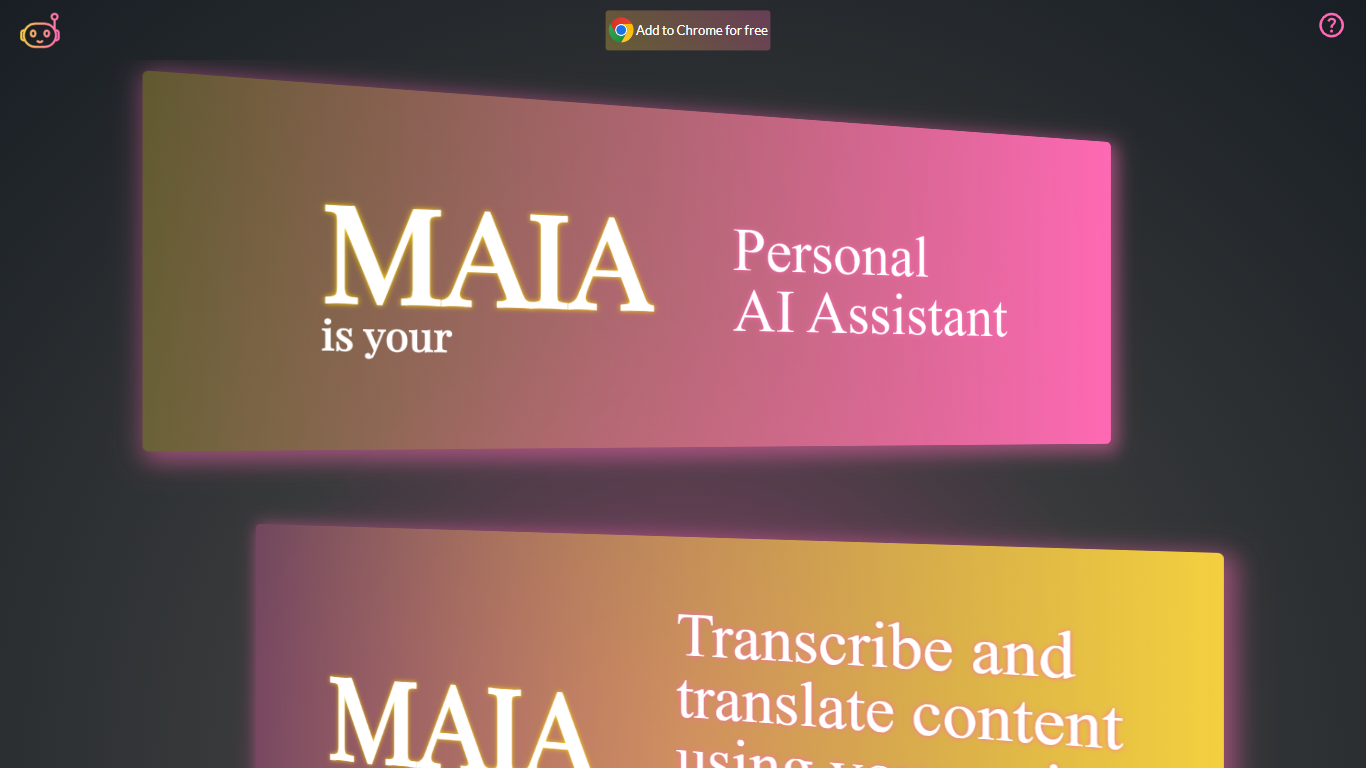
MAIA AI (My AI Assistant) is a Google Chrome extension that puts OpenAI models in a side panel while you browse. Select text on a page, send a prompt, and get summaries, rewrites, or answers without copying content into a separate chat tab.
Unlike all-in-one AI chat wrappers that resell token access, MAIA charges a flat $5 per month subscription and sends every request to your own OpenAI account with zero markup on usage. The extension is built around page context: highlight text on articles, emails, or other sites, then run tasks like summarizing long posts, simplifying complex topics, generating social copy, or turning emails into to-do lists.
Pricing splits into two parts: a MAIA subscription after a 14-day trial, plus pay-as-you-go OpenAI API usage billed directly by OpenAI. You bring your own OpenAI API key, so requests go straight to OpenAI without a markup on token costs.
It fits researchers, writers, and anyone who reads a lot online and wants quick help on the current page. MAIA runs only in Google Chrome on devices that support extensions.
Dictation
What is Dictation?
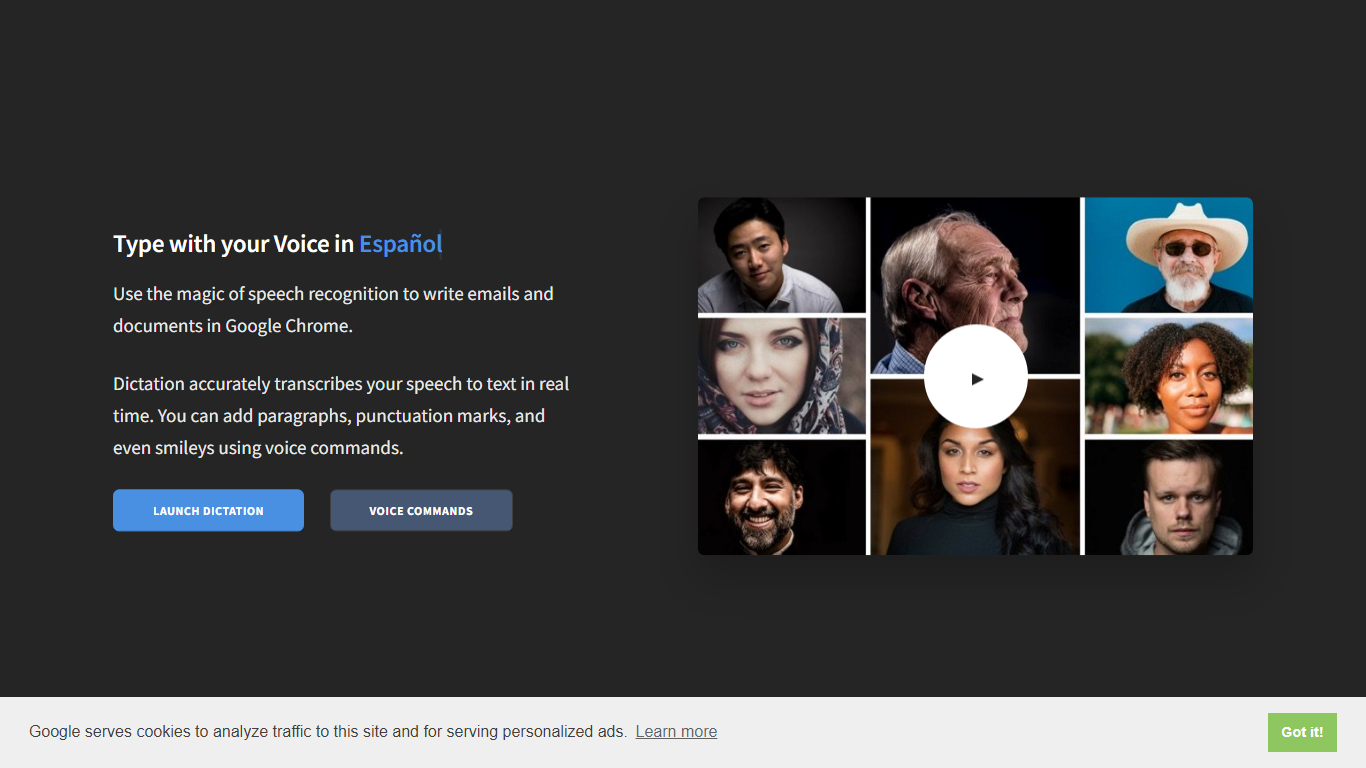
Dictation transcribes your voice into editable text in real time inside Google Chrome. It supports more than 100 languages and regional variants through Google's speech recognition engine, and voice commands add paragraphs, punctuation, and smileys without touching the keyboard. The tool targets anyone drafting emails or documents hands-free on Windows, Mac, or Linux.
Most dictation apps want a desktop install or a paid API key. Dictation keeps everything in the browser, stores converted text locally, and does not upload audio to its own servers according to the help copy. That makes it a lightweight option for drafting emails and documents when you already use Chrome.
Writers, multilingual users, and accessibility-focused workers use Dictation for hands-free typing. The trade-off is Chrome-only support and dependence on Google's recognition quality, which varies by language and microphone setup.
MAIA AI Upvotes
Dictation Upvotes
MAIA AI Top Features
Lives in Chrome's side panel so you can browse and chat at the same time
Highlight page text and send it to MAIA with one click
Talk instead of type with voice recording and transcription up to 20 minutes
Switch between GPT-4 and GPT-3.5 Turbo in settings
100+ starter prompts to kick off common writing and research tasks
Connects with your own OpenAI API key with no markup on usage
Dictation Top Features
Real-time speech transcription in more than 100 languages via Google Speech Recognition
Voice commands for new lines, punctuation marks, and smileys like "Smiling Face"
Runs in Google Chrome on Windows, Mac, and Linux with no account required
Converted text stays in the browser locally with no server upload, per the site help
Dedicated pages list supported languages and per-language voice commands
Free to use with contact at [email protected] for feedback
MAIA AI Category
- Web Apps
Dictation Category
- Web Apps
MAIA AI Pricing Type
- Freemium
Dictation Pricing Type
- Free