ManyExcel vs Columns AI (formerly Columns)
Compare ManyExcel vs Columns AI (formerly Columns) and see which AI Excel tool is better when we compare features, reviews, pricing, alternatives, upvotes, etc.
Which one is better? ManyExcel or Columns AI (formerly Columns)?
When we compare ManyExcel with Columns AI (formerly Columns), which are both AI-powered excel tools, Both tools are equally favored, as indicated by the identical upvote count. Join the aitools.fyi users in deciding the winner by casting your vote.
Does the result make you go "hmm"? Cast your vote and turn that frown upside down!
ManyExcel
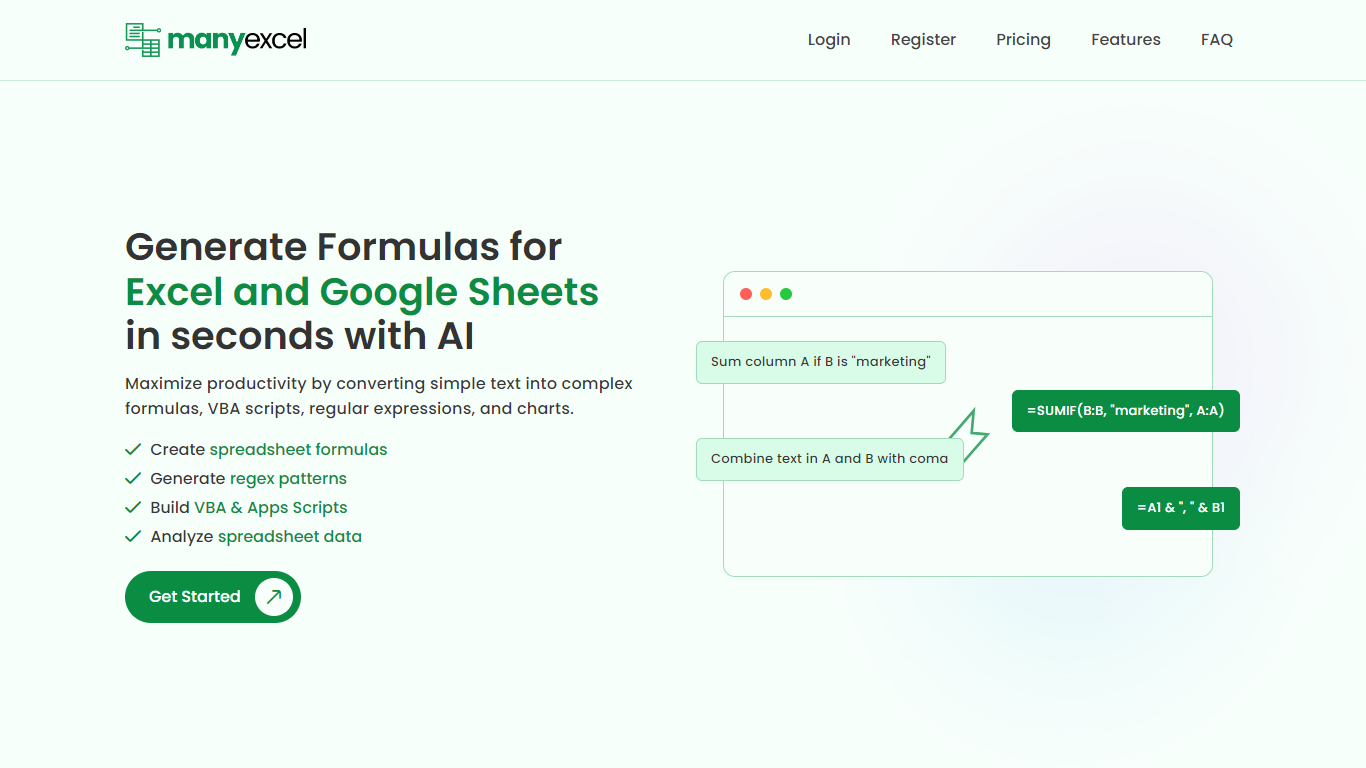

What is ManyExcel?
ManyExcel turns plain-English prompts into spreadsheet formulas, regex patterns, and automation scripts for Excel and Google Sheets. You describe what you want in everyday language, and the tool returns the formula or code plus an explanation of how it works.
Most formula assistants stop at cell logic. ManyExcel also generates regex patterns from text instructions and writes VBA for Excel plus Apps Scripts for Google Workspace, so you can automate repetitive workbook tasks without opening separate tools. Pro subscribers get access to the Data Analysis Tool for working with uploaded spreadsheet files.
ManyExcel is built for analysts, accountants, and anyone who lives in spreadsheets but does not want to memorize function syntax. The free tier lets you try every generator without a credit card, and paid plans remove monthly caps on generation.
Columns AI (formerly Columns)
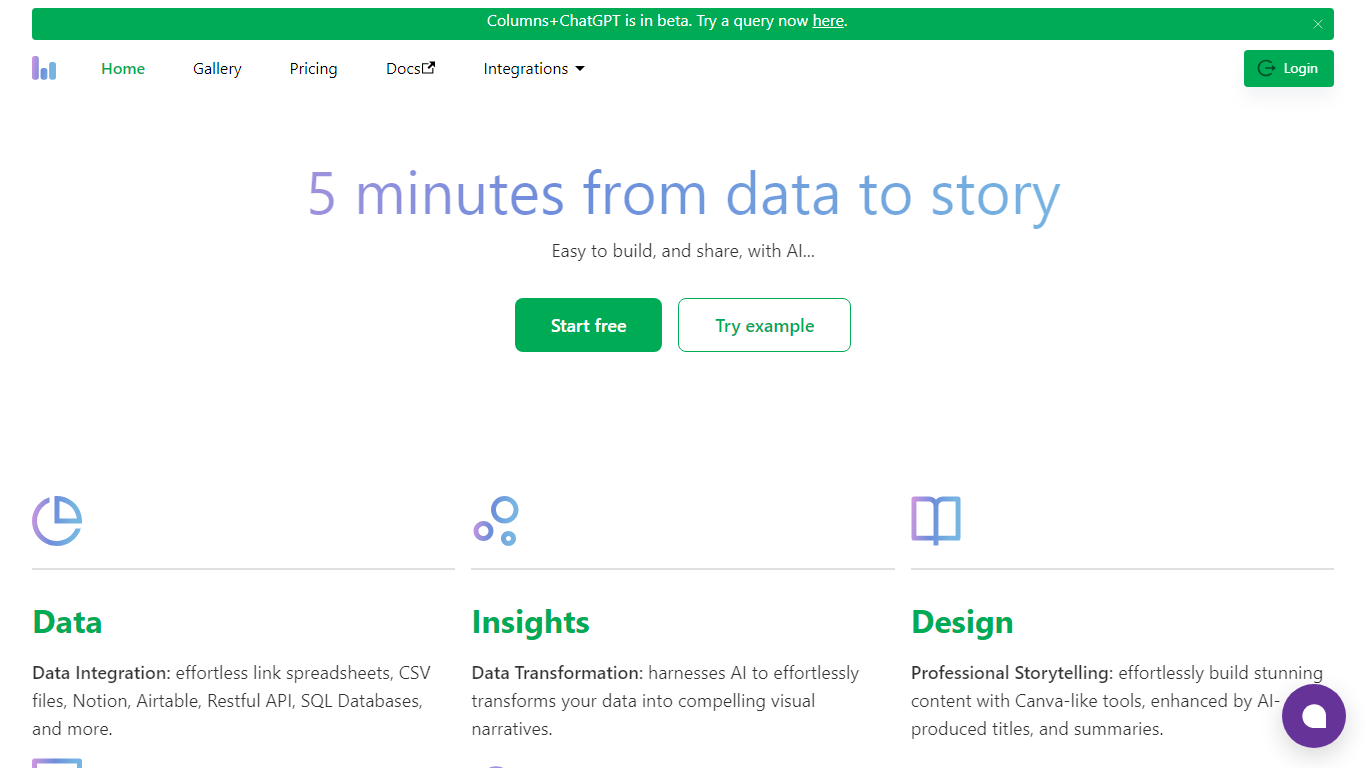
What is Columns AI (formerly Columns)?
Columns AI takes messy files and live data sources through ingestion, automation, and chart publishing without making you stitch together separate tools. Drive ingests CSV, Excel, PDF, and images with OCR, Flow connects warehouses and apps with plain-language transformations, and Graph publishes brand-matched visuals you can embed or export.
Most BI tools assume your data is already clean and your team knows SQL. Columns splits the problem into three steps on purpose: structure files in Drive, automate sync and transforms in Flow, then ship client-ready charts from Graph without opening a separate design tool. You pay per row processed, and the Basic plan has no monthly base fee.
The site lists 12,000+ users across business operators, consultants, marketing and RevOps teams, analysts, and freelancers. Founder Shawn Cao previously built data infrastructure at Microsoft, Facebook, and Pinterest.
ManyExcel Upvotes
Columns AI (formerly Columns) Upvotes
ManyExcel Top Features
Type a sentence like "sum column A if B is marketing" and get a working formula back
Free plan includes 5 formula, 5 regex, and 5 script generations per month with no credit card
Pro plan costs $2.50 per month when billed annually, with 40% off the monthly rate
Regex generator turns plain instructions into patterns with step-by-step breakdowns
VBA and Google Apps Script writer automates repetitive Excel and Sheets tasks
Unlimited formula, regex, and script explanations on every plan tier
Columns AI (formerly Columns) Top Features
Columns Drive accepts CSV, Excel, PDF, PNG, and JPG and runs OCR plus auto-cleaning before data reaches Flow
Columns Flow connects Google Sheets, Airtable, Notion, Postgres, Snowflake, HubSpot, QuickBooks, and Gusto
Basic plan charges $0 per month plus $0.05 per 1,000 rows across Drive, Flow, and Graph
Columns Graph exports live links, iframe embeds, PNG, SVG, CSV, and presentation decks from one chart
Columns Drive has a Gmail add-on in Google Workspace Marketplace for turning email attachments into spreadsheet rows
Scheduled Flow runs keep downstream Graph visuals synced without manual refreshes
ManyExcel Category
- Excel
Columns AI (formerly Columns) Category
- Excel
ManyExcel Pricing Type
- Freemium
Columns AI (formerly Columns) Pricing Type
- Freemium