MaskMyPrompt vs FixMeBot
Explore the showdown between MaskMyPrompt vs FixMeBot and find out which AI Paraphraser tool wins. We analyze upvotes, features, reviews, pricing, alternatives, and more.
When comparing MaskMyPrompt and FixMeBot, which one rises above the other?
When we contrast MaskMyPrompt with FixMeBot, both of which are exceptional AI-operated paraphraser tools, and place them side by side, we can spot several crucial similarities and divergences. In the race for upvotes, FixMeBot takes the trophy. FixMeBot has received 24 upvotes from aitools.fyi users, while MaskMyPrompt has received 6 upvotes.
Feeling rebellious? Cast your vote and shake things up!
MaskMyPrompt

What is MaskMyPrompt?
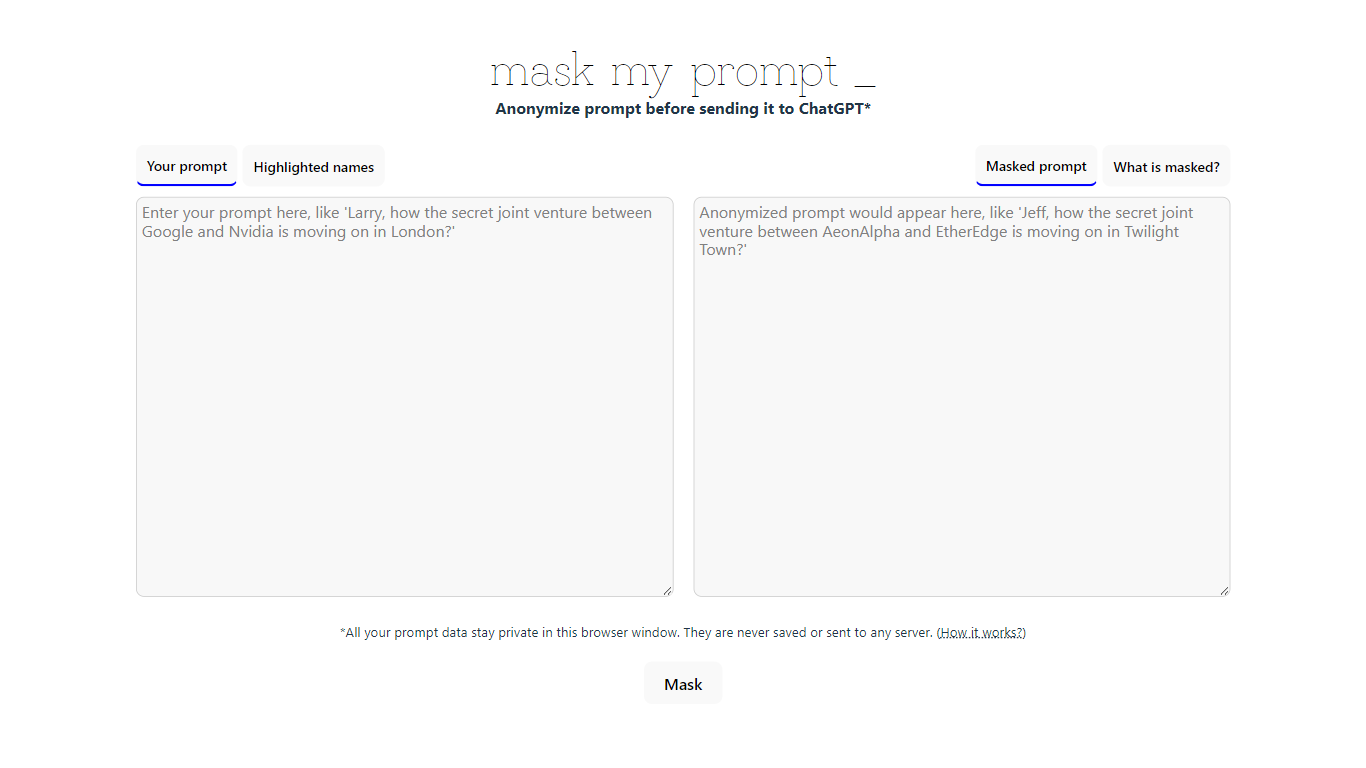
MaskMyPrompt is a browser-based tool that helps you anonymize your prompts before sending them to ChatGPT. It replaces personal details such as names of people, organizations, and locations with made-up substitutes, ensuring your sensitive information stays private. All processing happens locally in your browser, so your data never leaves your device or gets saved on any server. This approach gives you full control over what information is shared with ChatGPT, making it ideal for professionals, researchers, and anyone concerned about privacy. The tool is straightforward to use and does not require any installation or account creation. Developed by Mike Ushakov with the help of ChatGPT and built using Transformers.js, it leverages modern JavaScript libraries to perform anonymization efficiently on the client side. MaskMyPrompt is especially useful for those who want to maintain confidentiality while still benefiting from AI-powered text generation. Its simple interface highlights the original prompt and the masked version side by side, making it easy to verify the anonymization before submission. By focusing on local processing and user control, MaskMyPrompt stands out as a privacy-first solution for prompt anonymization.
FixMeBot
What is FixMeBot?
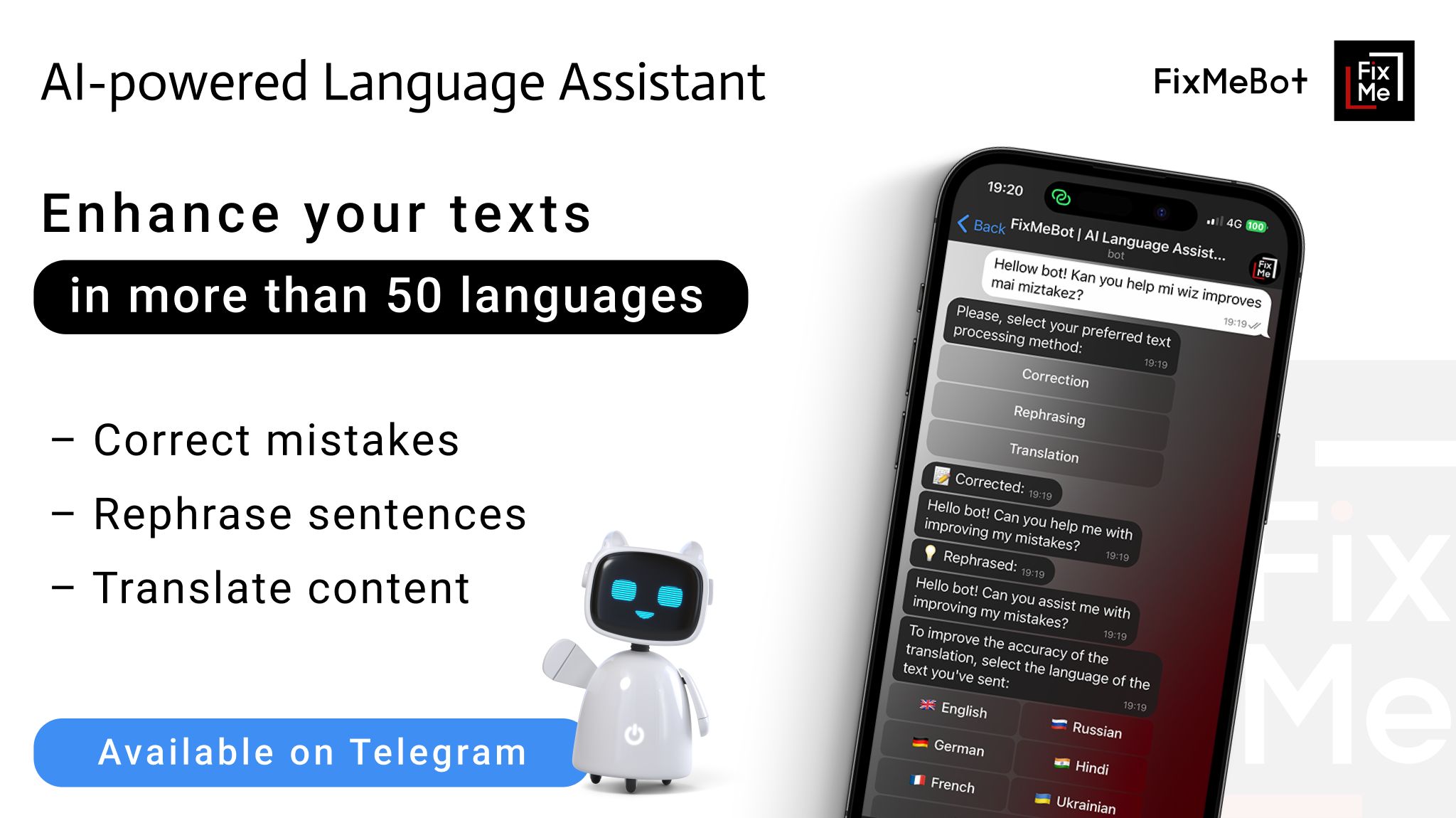
FixMeBot is an AI-powered writing assistant designed to improve your texts by correcting grammar, punctuation, and spelling errors in over 90 languages. It also offers paraphrasing options with various tones and styles to suit academic, professional, or casual writing needs. Beyond basic corrections, FixMeBot supports translation between multiple languages, making it a handy tool for global communication.
The tool includes features like text length adjustment, emoji insertion, hashtag generation, and automatic reply creation to streamline communication tasks. Its Magic Mode allows users to ask questions or give commands and receive instant, context-aware responses, effectively acting as a personal AI assistant.
FixMeBot is accessible as a browser extension compatible with popular browsers and as a Telegram chatbot, with a web version forthcoming. It supports voice-to-text input, broadening its usability for different user preferences. The interface is available in multiple languages, including English, German, French, and Russian.
With over 600,000 users, FixMeBot targets individuals, students, professionals, and non-native speakers who want to enhance their writing accuracy and clarity. Its AI algorithms provide reliable suggestions while encouraging users to review and personalize outputs. The tool handles complex and specialized content, making it versatile for diverse writing tasks.
Subscription plans range from Basic to Pro, offering increasing numbers of feature attempts and access to advanced capabilities like Magic Mode and Explanation. The service emphasizes user data security and privacy, adhering to industry standards. Customer support is available via email for assistance and feedback.
FixMeBot integrates smoothly into many popular websites and platforms, including Gmail, Notion, LinkedIn, and more, through its browser extension. This integration allows users to improve their writing directly within their everyday tools, saving time and effort.
Overall, FixMeBot stands out by combining multiple language tools into a single assistant that enhances writing, translation, and communication with a user-friendly interface and flexible access options.
MaskMyPrompt Upvotes
FixMeBot Upvotes
MaskMyPrompt Top Features
🛡️ Local anonymization keeps data private in your browser
🔄 Replaces names and locations with fictional substitutes
👀 Side-by-side view of original and masked prompts
⚙️ No account or installation needed for quick use
📧 Direct support via email and Twitter for feedback
FixMeBot Top Features
📝 Mistakes Correction: Automatically fix grammar, punctuation, and spelling errors to polish your writing.
🔄 Paraphrasing Modes: Rephrase sentences in different tones and styles to improve clarity and engagement.
🌐 Translation Support: Translate texts effortlessly between over 90 languages for global communication.
⌛ Length Adjustment: Shorten or expand your text to meet specific word or character limits.
🤖 Magic Mode: Ask questions or give commands and get instant, context-aware AI responses.
📱 Multi-Platform Access: Use FixMeBot as a browser extension or Telegram chatbot for convenience.
💬 Auto Reply Generator: Save time by creating relevant replies quickly in chats and emails.
MaskMyPrompt Category
- Paraphraser
FixMeBot Category
- Paraphraser
MaskMyPrompt Pricing Type
- Free
FixMeBot Pricing Type
- Paid