Matrices vs kasipa (formerly deepsheet)
In the battle of Matrices vs kasipa (formerly deepsheet), which AI Excel tool comes out on top? We compare reviews, pricing, alternatives, upvotes, features, and more.
Between Matrices and kasipa (formerly deepsheet), which one is superior?
Upon comparing Matrices with kasipa (formerly deepsheet), which are both AI-powered excel tools, Interestingly, both tools have managed to secure the same number of upvotes. Join the aitools.fyi users in deciding the winner by casting your vote.
Disagree with the result? Upvote your favorite tool and help it win!
Matrices
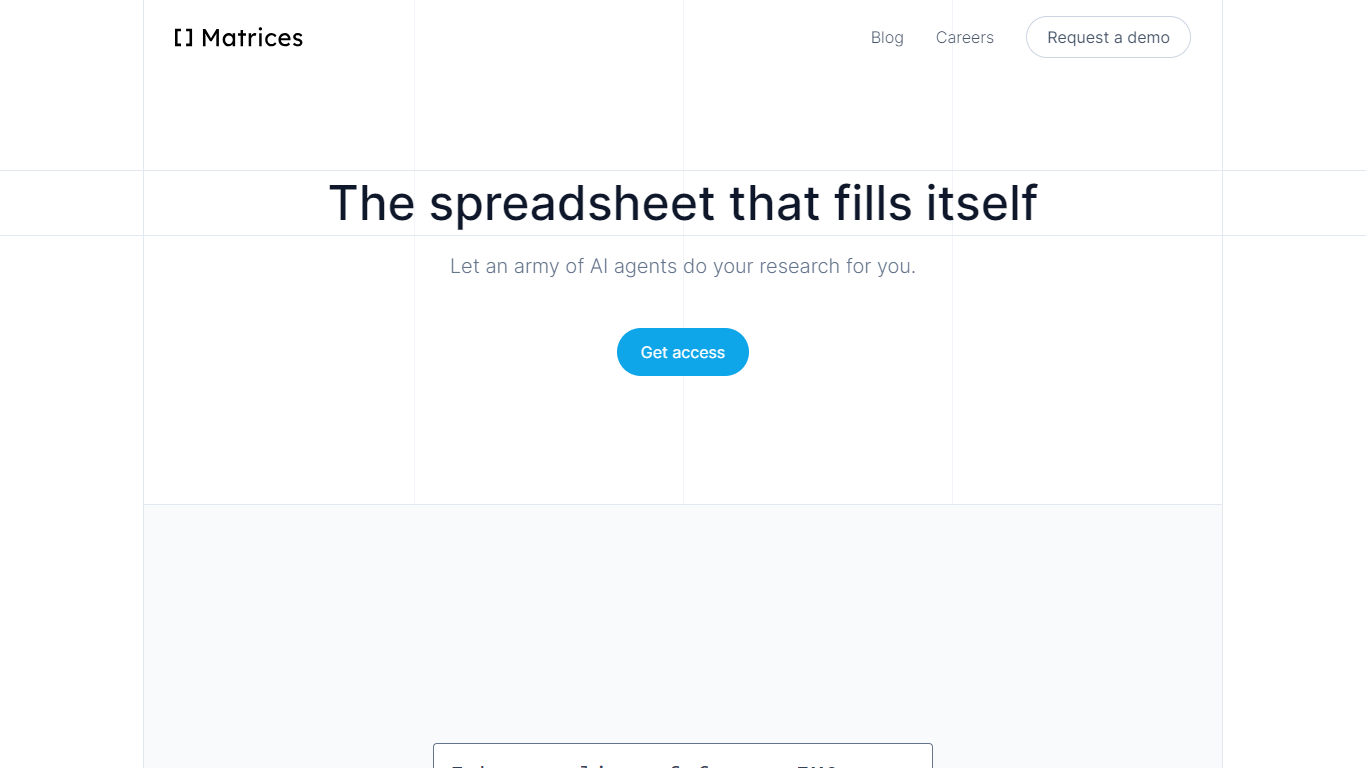

What is Matrices ?
Matrices transforms data analysis by combining AI-powered spreadsheets with an innovative platform for training AI agents in simulated environments. It automates research and data gathering by using AI agents that fill spreadsheets with data from multiple sources, providing confidence scores for transparency. Beyond spreadsheets, Matrices is pioneering a system of virtual 'escape rooms'—complex simulations where AI agents learn tasks through trial and error without real-world risks. This approach enables AI to practice and improve on tasks like market research, coding, and business operations in safe, scalable environments.
The platform supports two main user roles: engineers who build configurable simulation components, and creative designers who craft scenarios for AI to solve. This ecosystem aims to scale AI training by crowdsourcing simulation creation, eventually covering a wide range of real-world tasks. Matrices targets founders, investors, sales professionals, CEOs, and AI researchers who benefit from automated data workflows and advanced AI training environments.
Matrices emphasizes natural language commands to reduce the learning curve, allowing users to automate complex workflows without coding. Its extensible design adapts to diverse needs, from simple data tasks to intricate AI training challenges. The company is actively expanding its simulation library and plans to open its level editor to the public, inviting collaboration to accelerate AI automation across industries.
Technically, Matrices leverages reinforcement learning by placing AI agents in simulated environments where they can experiment and learn from feedback. This method moves beyond imitation learning, enabling AI to achieve higher competence in practical tasks. The platform’s modular architecture supports integration with various web apps and data sources, making it a versatile tool for both data analysis and AI development.
Overall, Matrices offers a unique blend of AI spreadsheet automation and a scalable framework for training AI agents in realistic, risk-free settings. This dual focus positions it as a forward-looking solution for businesses and AI practitioners aiming to automate complex workflows and accelerate AI capabilities.
kasipa (formerly deepsheet)
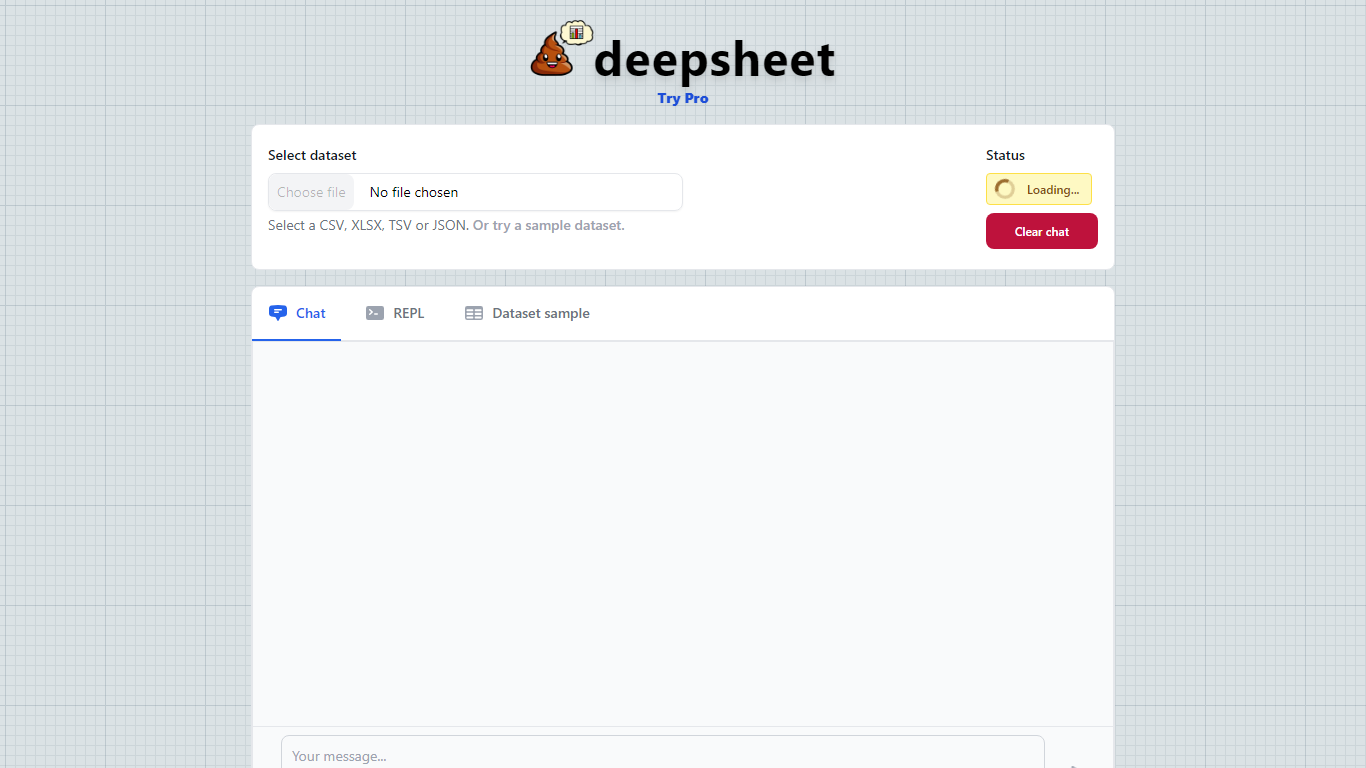
What is kasipa (formerly deepsheet)?
kasipa (formerly deepsheet) is a browser-based data visualization tool that turns spreadsheets into charts and analysis through plain-language questions. Upload a CSV, Excel file, or connect a Google Sheet, describe what you want to see, and get interactive Plotly charts without installing desktop software.
The product runs analysis locally in your browser using WebAssembly, so your spreadsheet data stays on your device during chart generation. You can start from the homepage without creating an account, then refine results with follow-up messages until the chart matches what you need.
Beyond one-off charts, kasipa includes a community showcase where users publish visualizations built from public-interest datasets. The tool also supports multi-sheet Excel workbooks, Google Sheets links, and dedicated CSV and Excel to chart landing pages for quick uploads.
Creator Dylan Castillo built kasipa for analysts, researchers, and business users who want spreadsheet insights without writing code or switching between multiple tools.
Matrices Upvotes
kasipa (formerly deepsheet) Upvotes
Matrices Top Features
🧮 AI-powered spreadsheets that auto-fill data with confidence scores
🕹️ Virtual escape rooms for AI to safely practice complex tasks
🛠️ Modular components let engineers build custom simulation parts
🎨 Creative level editor enables designing AI training scenarios
🗣️ Natural language commands simplify automation without coding
kasipa (formerly deepsheet) Top Features
Upload CSV, Excel (.xlsx/.xls), or paste a Google Sheets link to start charting
Ask questions in plain English and get Plotly charts you can refine with follow-ups
Spreadsheet parsing and chart generation run locally in the browser via WebAssembly
No sign-up required to upload data and build your first visualization
Multi-sheet Excel workbooks let you pick which tab to visualize
Community showcase for browsing and sharing public data visualizations
Bar, line, pie, scatter, histogram, heatmap, and box plot chart types supported
Matrices Category
- Excel
kasipa (formerly deepsheet) Category
- Excel
Matrices Pricing Type
- Freemium
kasipa (formerly deepsheet) Pricing Type
- Freemium