Matrices vs GRID
Explore the showdown between Matrices vs GRID and find out which AI Excel tool wins. We analyze upvotes, features, reviews, pricing, alternatives, and more.
In a face-off between Matrices and GRID, which one takes the crown?
When we contrast Matrices with GRID, both of which are exceptional AI-operated excel tools, and place them side by side, we can spot several crucial similarities and divergences. The upvote count is neck and neck for both Matrices and GRID. Be a part of the decision-making process. Your vote could determine the winner.
Think we got it wrong? Cast your vote and show us who's boss!
Matrices
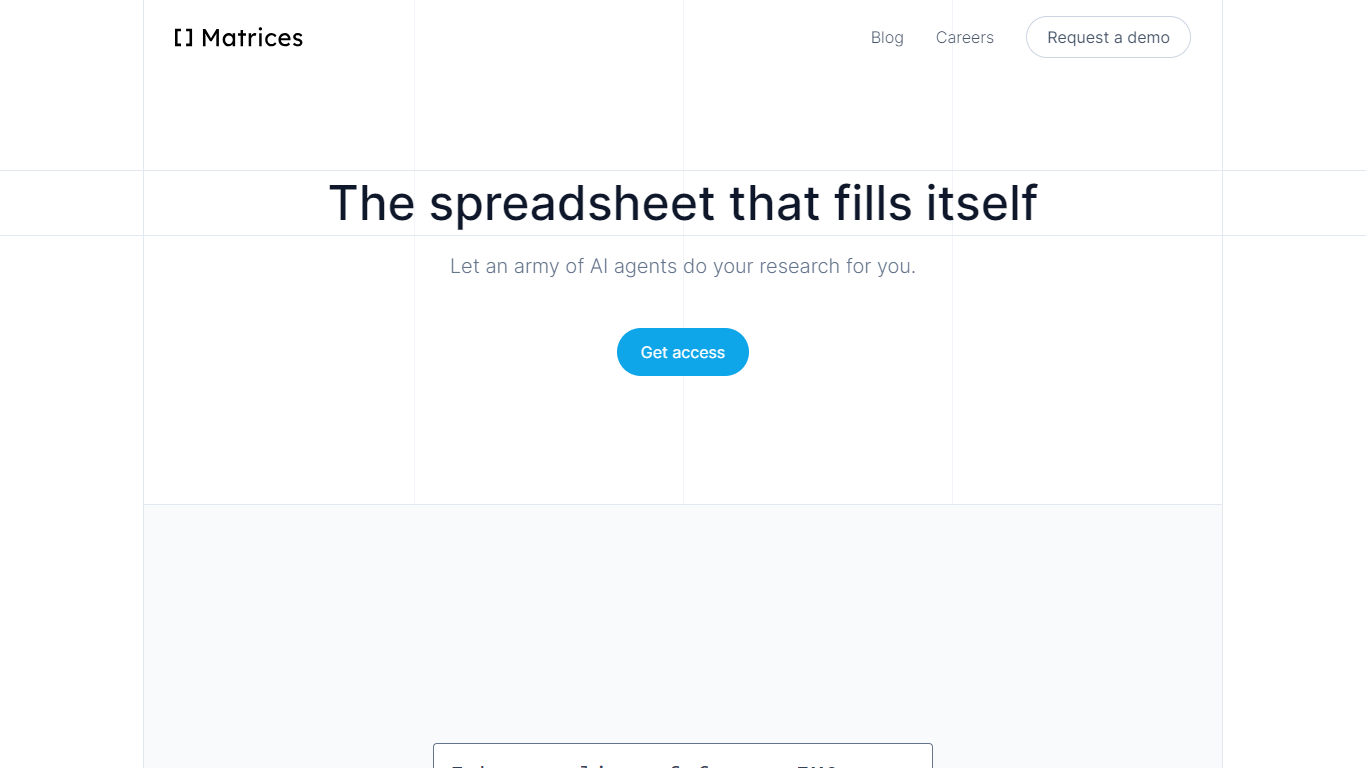

What is Matrices ?
Matrices transforms data analysis by combining AI-powered spreadsheets with an innovative platform for training AI agents in simulated environments. It automates research and data gathering by using AI agents that fill spreadsheets with data from multiple sources, providing confidence scores for transparency. Beyond spreadsheets, Matrices is pioneering a system of virtual 'escape rooms'—complex simulations where AI agents learn tasks through trial and error without real-world risks. This approach enables AI to practice and improve on tasks like market research, coding, and business operations in safe, scalable environments.
The platform supports two main user roles: engineers who build configurable simulation components, and creative designers who craft scenarios for AI to solve. This ecosystem aims to scale AI training by crowdsourcing simulation creation, eventually covering a wide range of real-world tasks. Matrices targets founders, investors, sales professionals, CEOs, and AI researchers who benefit from automated data workflows and advanced AI training environments.
Matrices emphasizes natural language commands to reduce the learning curve, allowing users to automate complex workflows without coding. Its extensible design adapts to diverse needs, from simple data tasks to intricate AI training challenges. The company is actively expanding its simulation library and plans to open its level editor to the public, inviting collaboration to accelerate AI automation across industries.
Technically, Matrices leverages reinforcement learning by placing AI agents in simulated environments where they can experiment and learn from feedback. This method moves beyond imitation learning, enabling AI to achieve higher competence in practical tasks. The platform’s modular architecture supports integration with various web apps and data sources, making it a versatile tool for both data analysis and AI development.
Overall, Matrices offers a unique blend of AI spreadsheet automation and a scalable framework for training AI agents in realistic, risk-free settings. This dual focus positions it as a forward-looking solution for businesses and AI practitioners aiming to automate complex workflows and accelerate AI capabilities.
GRID

What is GRID?
GRID is a spreadsheet engine built for agentic products. Developers install @grid-is/spreadsheet-engine from npm and embed Excel-compatible calculations directly in browsers, Node.js servers, or on-premise infrastructure. Agents call structured spreadsheet operations instead of generating code, which cuts token use and keeps recalculation deterministic.
The platform ships as a family of npm packages: a headless engine for logic, a themeable Spreadsheet Viewer for read-only display, a Spreadsheet Editor for in-product editing, and an Excel add-in for domain-specific skills inside Excel. GRID also publishes agent skills (npx skills add GRID-is/skills) so coding agents like Cursor and Claude Code can scaffold spreadsheet editors quickly.
GRID targets software teams that need spreadsheet reliability inside their own products. The engine runs nearly 200,000 automated unit tests and supports real-world Excel and Google Sheets compatibility. Major investment banks and a leading LLM provider use GRID as core spreadsheet infrastructure.
Founded in 2018 in Reykjavik, Iceland, GRID also offers Calculator Studio for interactive calculators built on spreadsheet models. Evaluation licenses are free for development and testing; commercial licenses are required when shipping to customers.
Matrices Upvotes
GRID Upvotes
Matrices Top Features
🧮 AI-powered spreadsheets that auto-fill data with confidence scores
🕹️ Virtual escape rooms for AI to safely practice complex tasks
🛠️ Modular components let engineers build custom simulation parts
🎨 Creative level editor enables designing AI training scenarios
🗣️ Natural language commands simplify automation without coding
GRID Top Features
Headless TypeScript engine (
@grid-is/spreadsheet-engine) runs in browser, Node.js, or your own serversAgents read, write, and recalculate spreadsheets through structured calls instead of generated code
Spreadsheet Viewer and Editor npm packages render themeable UI inside your product without a backend
Excel add-in runs domain skills with the engine so models never corrupt the underlying workbook
Nearly 200,000 automated unit tests back Excel and Google Sheets compatibility
Matrices Category
- Excel
GRID Category
- Excel
Matrices Pricing Type
- Freemium
GRID Pricing Type
- Freemium