Meetext vs Flux
In the face-off between Meetext vs Flux, which AI tool takes the crown? We scrutinize features, alternatives, upvotes, reviews, pricing, and more.
When we put Meetext and Flux head to head, which one emerges as the victor?
If we were to analyze Meetext and Flux, both of which are AI-powered tools, what would we find? The upvote count favors Flux, making it the clear winner. The upvote count for Flux is 11, and for Meetext it's 7.
Don't agree with the result? Cast your vote and be a part of the decision-making process!
Meetext
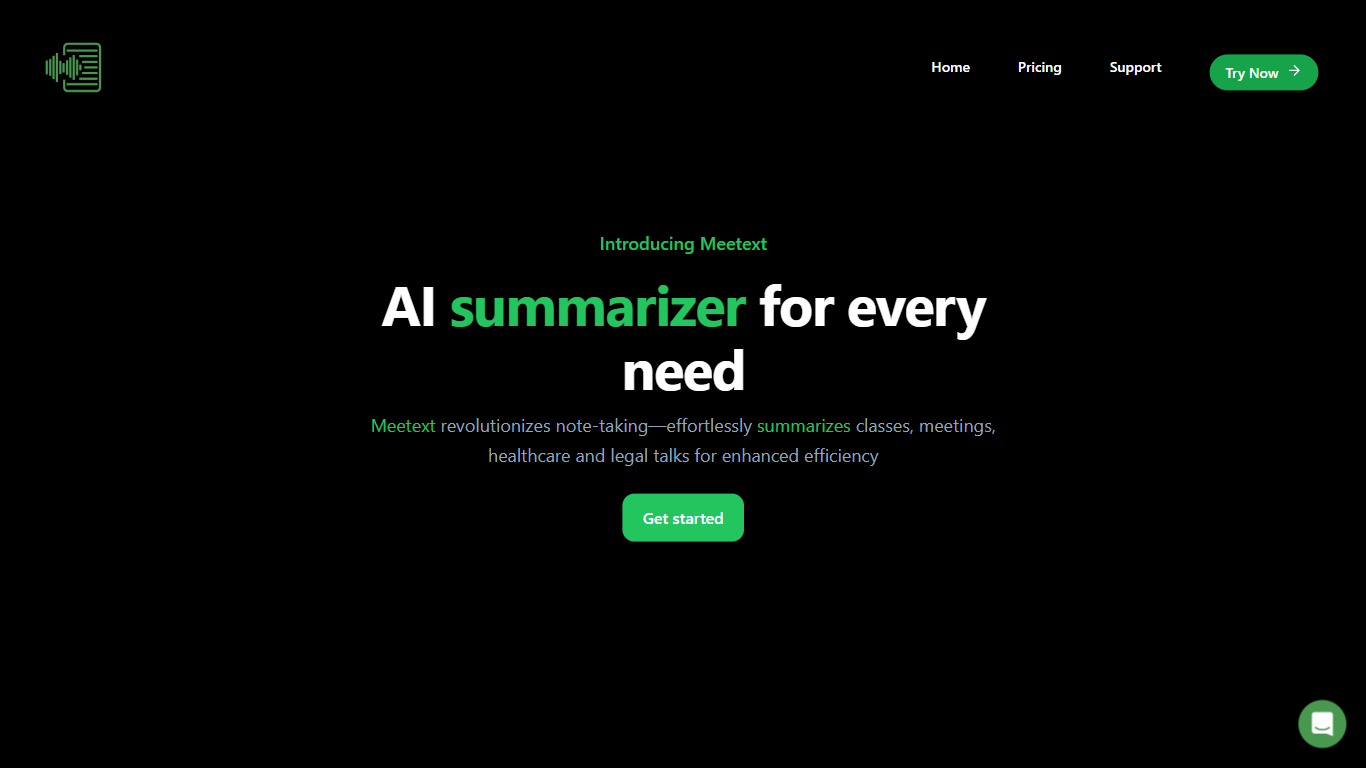

What is Meetext?
Meetext helps users organize and conduct meetings efficiently by simplifying scheduling, coordination, and collaboration. It connects with popular calendar and communication tools to streamline meeting setup and participant invitations.
What sets Meetext apart is its focus on real-time collaboration during meetings, allowing users to share notes, documents, and decisions instantly. This feature helps keep everyone aligned and productive, unlike basic scheduling tools that lack integrated collaboration.
Meetext also emphasizes user privacy and data security, ensuring sensitive meeting content remains protected. Its clean and intuitive interface reduces the learning curve, enabling users to focus on meeting content rather than technical complexities.
Additional features include automated meeting reminders and follow-up task tracking, which help keep projects moving forward. Meetext supports multi-device access, allowing users to join and contribute from anywhere, enhancing flexibility and convenience.
Flux

What is Flux?
Flux runs ECAD in the browser so hardware engineers design printed circuit boards from idea through manufacturing without desktop installs. You describe what you want to build, and Flux Copilot plans the work, generates schematics and layouts, and checks in before key steps so you stay in control.
Compared with traditional desktop ECAD suites, Flux combines collaborative schematic and layout editing with live component data, supply chain pricing, and explainable automation in one workspace. Copilot handles planning, part research, BoM generation, placement, routing, and design reviews while you approve key steps instead of clicking through every net manually.
Flux supports multi-layer PCBs up to eight layers for IoT devices, wearables, robotics, and production-bound hardware. You can import from Altium, Cadence, KiCad, Eagle, and EasyEDA, then export Gerbers, drill files, BoMs, pick-and-place files, and standard netlists for fabrication.
Meetext Upvotes
Flux Upvotes
Meetext Top Features
📅 Easy Scheduling: Connects with calendars like Google Calendar to quickly set up meetings and send invites.
💬 Real-Time Collaboration: Share notes and files instantly during meetings to stay aligned.
🔔 Automated Reminders: Sends alerts to participants to reduce no-shows and keep meetings on track.
🔒 Privacy Focused: Protects your meeting data with strong security measures.
✅ Task Tracking: Assign and monitor follow-up tasks directly from meeting notes.
Flux Top Features
Describe a board in plain language and Copilot maps a plan for approval
Generates schematics, BoMs, and layouts with placement and routing
Runs design reviews for unconnected pins, missing caps, and tolerance issues
Multi-layer PCBs up to eight layers, from prototype to production
Imports Altium, Cadence, KiCad, Eagle, and EasyEDA projects
Exports Gerbers, drill files, BoM, pick-and-place, and netlists
14-day free trial covers all features before Explore, Build, or Pro billing starts
Meetext Category
- Meeting Assistant
Flux Category
- Design
Meetext Pricing Type
- Freemium
Flux Pricing Type
- Freemium