Microsoft Loop vs Azure AI
When comparing Microsoft Loop vs Azure AI, which AI All In One tool shines brighter? We look at pricing, alternatives, upvotes, features, reviews, and more.
In a comparison between Microsoft Loop and Azure AI, which one comes out on top?
When we put Microsoft Loop and Azure AI side by side, both being AI-powered all in one tools, The upvote count reveals a draw, with both tools earning the same number of upvotes. You can help us determine the winner by casting your vote and tipping the scales in favor of one of the tools.
You don't agree with the result? Cast your vote to help us decide!
Microsoft Loop
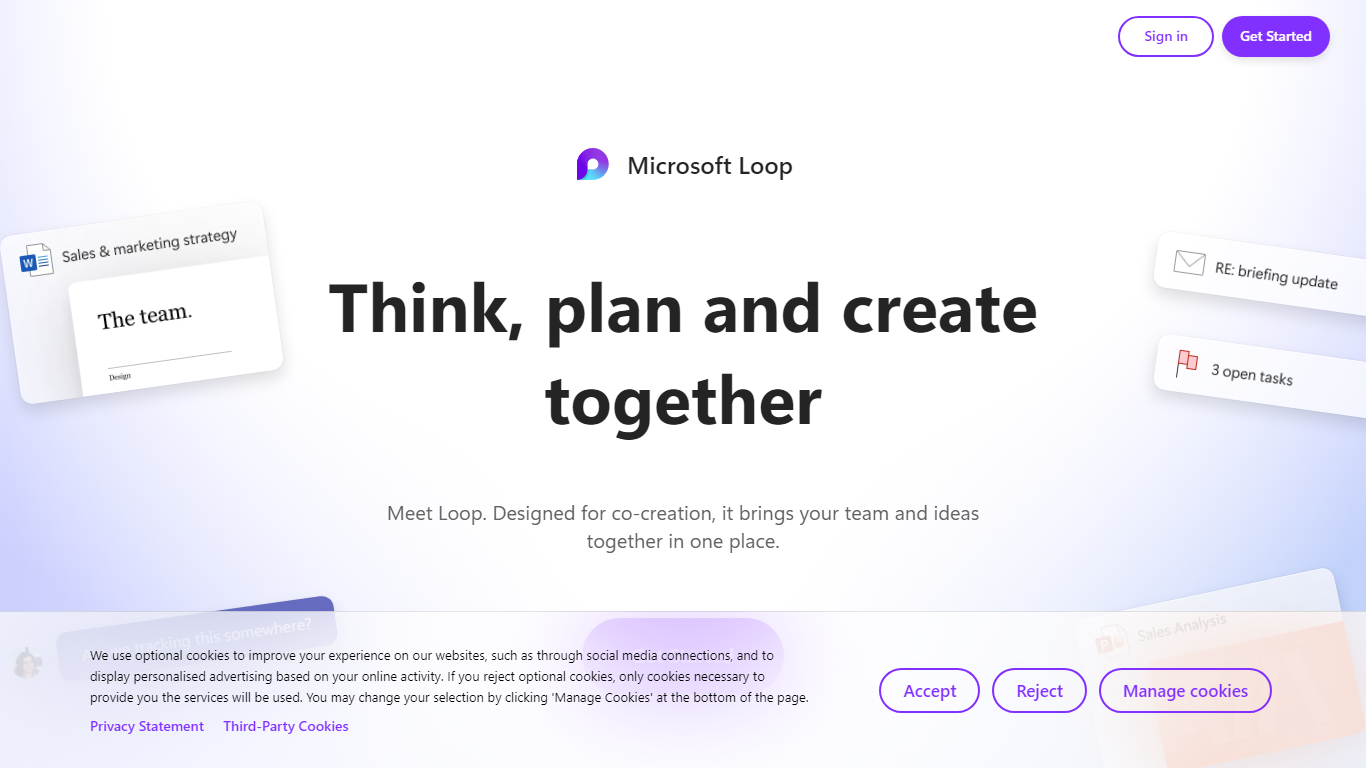

What is Microsoft Loop?
Microsoft Loop lets teams capture ideas, tasks, and notes on flexible pages that stay connected across Microsoft 365. Work lives in shared workspaces and portable Loop components you can drop into Teams chats, Outlook emails, OneNote notebooks, and Whiteboard sessions. Edits sync in real time whether someone works in the Loop web app, on iOS, or on Android.
Most planning tools trap content in one app. Loop components are built to travel: paste a task tracker or voting table into a Teams message or Outlook draft, and changes in either place update everywhere. That cross-app portability is the core design, not an integration add-on. Copilot blocks add group AI co-authoring when your organization has a Copilot for Microsoft 365 plan.
Loop fits teams already on Microsoft 365 who want an all-in-one surface for notes, tasks, tables, and decisions without leaving chat and email. Project leads spin up pages from templates like Team Decision, Project Plan, and Meeting Notes. Remote and hybrid groups use mentions, nudges, status changes, and task assignments to stay aligned across time zones.
Azure AI
What is Azure AI?
Discover Azure AI—a portfolio of artificial intelligence (AI) services designed for developers and data scientists—to do more with less. Take advantage of the decades of breakthrough research, responsible AI practises, and flexibility that Azure AI offers to build and deploy your own AI solutions. Access high-quality vision, speech, language, and decision-making AI models through simple API calls, and create your own machine learning models using an AI supercomputing infrastructure, familiar tools like Jupyter Notebooks and Visual Studio Code, and open-source frameworks like TensorFlow and PyTorch—all backed by Microsoft's responsible AI principles.
Microsoft Loop Upvotes
Azure AI Upvotes
Microsoft Loop Top Features
Loop components (lists, tables, notes, task trackers) stay in sync when pasted into Teams, Outlook, OneNote, or Whiteboard
Page templates include Team Decision, Project Plan, Project Goals, and Meeting Notes
Type "/" to open an insert menu for lists, tables, @mentions, files, and other block types
Copilot blocks support Create, Brainstorm, Summarize, and Answer modes for group co-authoring
Apps run on the web at loop.cloud.microsoft plus native iOS and Android clients
Voting tables let teammates rank options with live multi-user editing
Azure AI Top Features
Modernise business processes with task-specific AI to solve for common scenarios.
Accelerate development with built-in business logic that enables you to launch solutions in days—not months.
Run responsibly anywhere with security that extends from the cloud to intelligent edge.
Microsoft Loop Category
- All In One
Azure AI Category
- All In One
Microsoft Loop Pricing Type
- Freemium
Azure AI Pricing Type
- Freemium