Missive vs Scribe
In the clash of Missive vs Scribe, which AI Productivity tool emerges victorious? We assess reviews, pricing, alternatives, features, upvotes, and more.
When we put Missive and Scribe head to head, which one emerges as the victor?
Let's take a closer look at Missive and Scribe, both of which are AI-driven productivity tools, and see what sets them apart. The users have made their preference clear, Scribe leads in upvotes. The number of upvotes for Scribe stands at 17, and for Missive it's 6.
Feeling rebellious? Cast your vote and shake things up!
Missive

What is Missive?
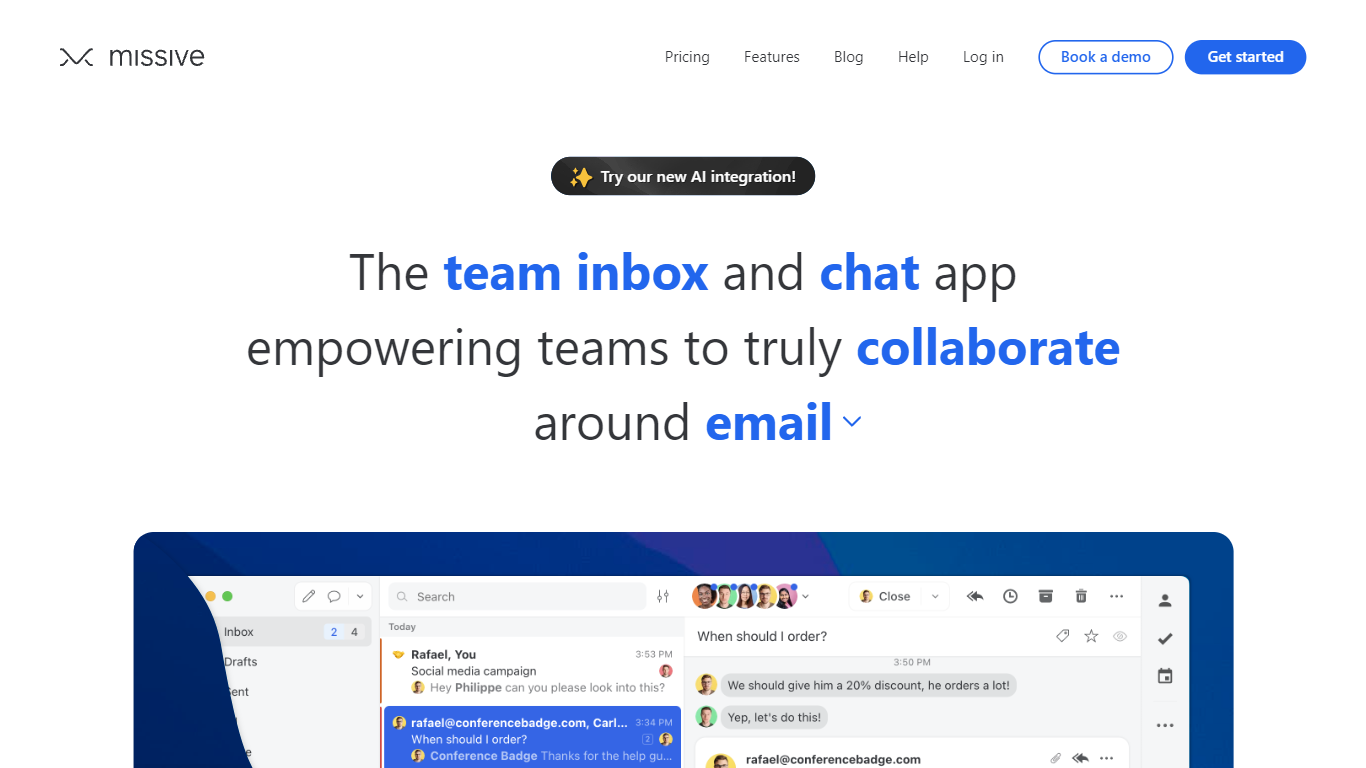
Missive turns shared email, SMS, and social inboxes into a team workspace where coworkers assign threads, comment internally, and track tasks without forwarding chains. The product splits into Collaborate for inbox teamwork, Coordinate for turning messages into work, and Connect for pulling CRM and tool context into conversations.
Where basic shared Gmail folders collapse into reply-all chaos, Missive adds @mentions, conversation assignments, and rules with up to 1,000 automations on higher tiers. Pricing is per seat with a 30-day trial and no credit card, and plans scale from five users on Starter to unlimited seats on Business with SAML SSO and IP restrictions.
Small agencies, law firms, logistics teams, and remote operators use Missive to keep client email visible across the team while personal inboxes stay private. The site cites SOC 2 Type II compliance, integrations with ChatGPT, Pipedrive, and Trello, plus desktop and mobile apps synced through mail.missiveapp.com.
Scribe
What is Scribe?
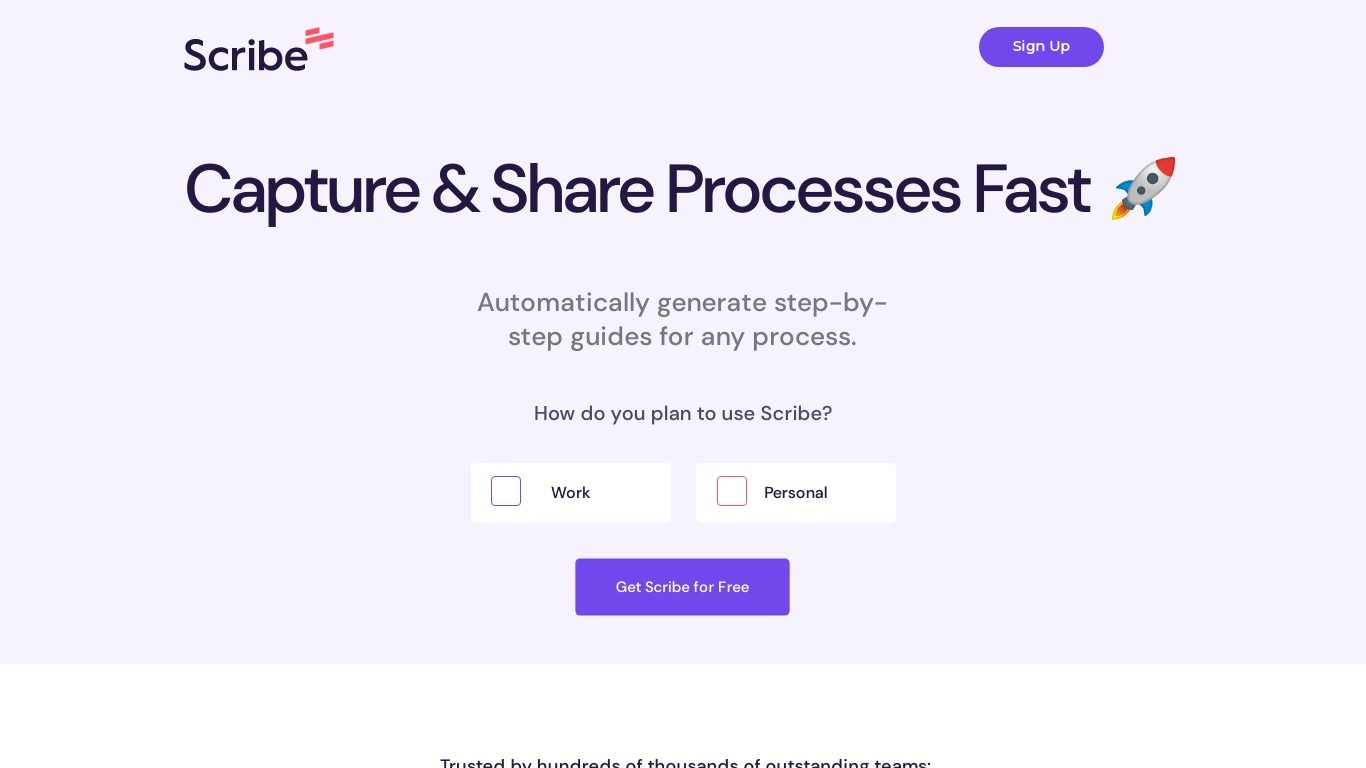
Scribe captures how work actually gets done and turns it into step-by-step guides your team and AI agents can follow. It records workflows as people perform them in the browser, desktop, or mobile apps, then generates documentation without manual screenshots or write-ups. Teams use it for SOPs, training, onboarding, and feeding workflow context to AI tools.
Where most documentation tools expect you to write guides from memory or schedule walkthroughs, Scribe watches real workflows and documents them automatically. Capture surfaces the processes teams run most often and turns them into shareable guides, while Optimize maps inefficiencies across approved apps and recommends where to automate or invest in AI.
Operations, IT, HR, and enablement teams rely on Scribe to share tribal knowledge before someone goes on PTO. Companies rolling out new software or building AI agent roadmaps use it to give bots accurate workflow context through MCP and enterprise search APIs.
Missive Upvotes
Scribe Upvotes
Missive Top Features
Unified email, SMS, and social accounts inside team spaces and inboxes
Starter plan at $14 per user per month billed yearly with up to 5 users
Productive tier adds integrations, rules, basic analytics, and API access for up to 50 users at $24 per user monthly
Business tier at $36 per user monthly includes SAML SSO, IP restrictions, and advanced analytics
30-day free trial with no credit card required before upgrade
AI assistant and automations available on paid plans with API key setup
SOC 2 Type II audited security policies listed across all workspace tiers
Scribe Top Features
Records any workflow and outputs a polished step-by-step guide automatically
Chrome and Edge extensions plus desktop apps capture web, mobile, and desktop processes
Export guides to PDF, HTML, Markdown, or Word, or embed them anywhere
Pro Team starts at 5 seats with comments and collaboration on shared guides
Feed workflow context to AI assistants through MCP and enterprise search API
Enterprise auto-redaction for PII and PHI with SOC 2 Type II and HIPAA compliance
Missive Category
- Productivity
Scribe Category
- Productivity
Missive Pricing Type
- Paid
Scribe Pricing Type
- Freemium