Mito vs NeuralStudio
Dive into the comparison of Mito vs NeuralStudio and discover which AI Data Science tool stands out. We examine alternatives, upvotes, features, reviews, pricing, and beyond.
In a comparison between Mito and NeuralStudio, which one comes out on top?
When we compare Mito and NeuralStudio, two exceptional data science tools powered by artificial intelligence, and place them side by side, several key similarities and differences come to light. Neither tool takes the lead, as they both have the same upvote count. Join the aitools.fyi users in deciding the winner by casting your vote.
Think we got it wrong? Cast your vote and show us who's boss!
Mito
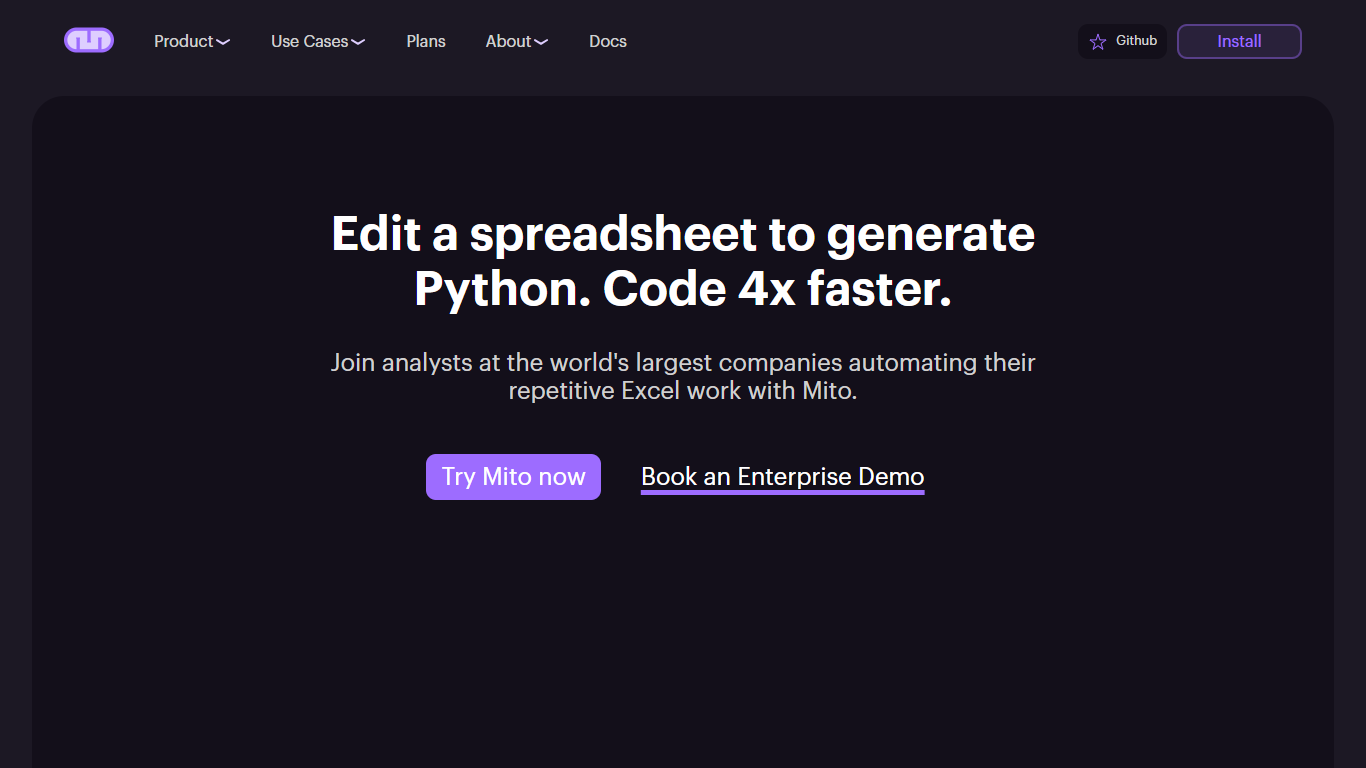

What is Mito?
Mito is an AI Jupyter Notebook platform for database connections, Excel automations, and data workflows. It runs as a Jupyter extension inside JupyterLab, JupyterHub, SageMaker, and other notebook environments, and also ships as a standalone Mito Desktop app for macOS, Windows, and Linux.
The core idea is simple: edit data in a familiar spreadsheet interface, and Mito writes the Python code for you. Every filter, pivot, formula, or formatting change becomes reusable production code. Mito AI adds chat, agent, and autocomplete features that understand your notebook cells, dataframe structure, and recent edits.
For enterprise teams, Mito runs entirely on your own infrastructure. You can bring your own LLM API keys through Azure, AWS, LiteLLM, or other providers so sensitive data never leaves your environment. The open source project lives on GitHub with active community contributions.
Mito is used by analysts automating Excel reports, data scientists doing exploratory analysis, and ML engineers building models faster. The site lists Fortune 500 customers across financial services and life sciences.
NeuralStudio
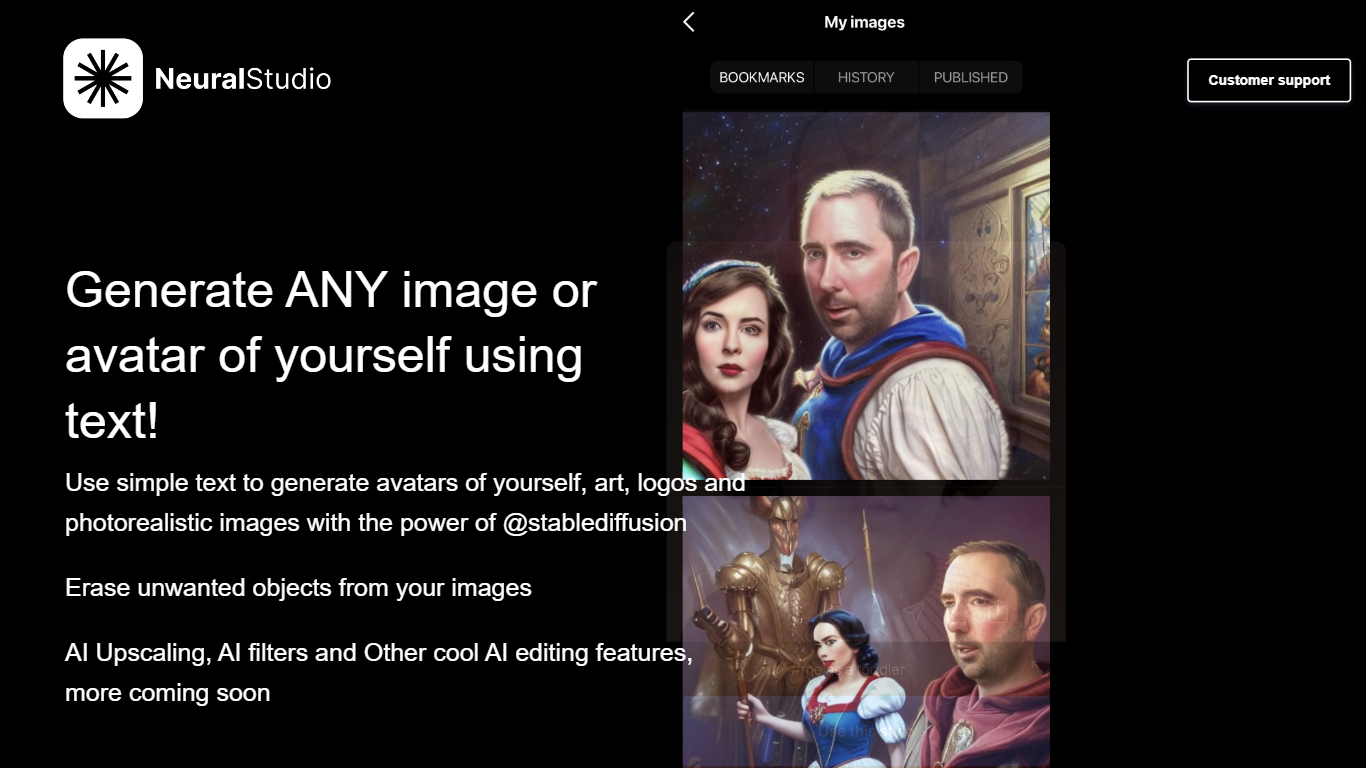
What is NeuralStudio?
NeuralStudio is a website that offers a range of AI-powered tools and services. It provides customer support to assist users with any issues or inquiries they may have. Additionally, NeuralStudio offers the unique ability to generate personalized avatars, art, logos, and photorealistic images using simple text input. With the power of @stablediffusion, users can create stunning visuals without any design skills. The website also offers AI editing features such as erasing unwanted objects from images, AI upscaling, AI filters, and more. Whether you need to enhance your images or create unique artwork, NeuralStudio has you covered. Published in partnership with MWM, NeuralStudio is a reliable platform for all your AI editing needs.
Mito Upvotes
NeuralStudio Upvotes
Mito Top Features
Every spreadsheet edit generates reusable Python code behind the scenes
Jupyter Agent, chat, and autocomplete that read your notebook and dataframe context
Low-code SQL editor with Snowflake query builder and database connections
Runs on your infrastructure with bring-your-own LLM keys for Azure, AWS, or LiteLLM
Mito Desktop for macOS, Windows, and Linux, plus pip install for existing Python setups
Connects to BigQuery, Snowflake, PostgreSQL, Excel, S3, Google Drive, and more
NeuralStudio Top Features
Generate Personalized Avatars: Transform simple text into unique avatars of yourself and unleash your creativity.
Create Art Logos and Photorealistic Images: Use the power of @stablediffusion to generate stunning artwork professional logos and lifelike images.
AI Editing Features: Erase unwanted objects enhance image quality with AI upscaling apply AI filters and access a range of other cool AI editing features.
User-Friendly Interface: NeuralStudio provides a user-friendly interface that makes it easy for users to navigate and utilize the AI tools.
Quality Customer Support: NeuralStudio offers reliable customer support to assist users with any questions or concerns they may have.
Mito Category
- Data Science
NeuralStudio Category
- Data Science
Mito Pricing Type
- Freemium
NeuralStudio Pricing Type
- Freemium