Mode vs CX Analytics
Compare Mode vs CX Analytics and see which AI Analytics tool is better when we compare features, reviews, pricing, alternatives, upvotes, etc.
Which one is better? Mode or CX Analytics?
When we compare Mode with CX Analytics, which are both AI-powered analytics tools, The upvote count reveals a draw, with both tools earning the same number of upvotes. Your vote matters! Help us decide the winner among aitools.fyi users by casting your vote.
Not your cup of tea? Upvote your preferred tool and stir things up!
Mode

What is Mode?
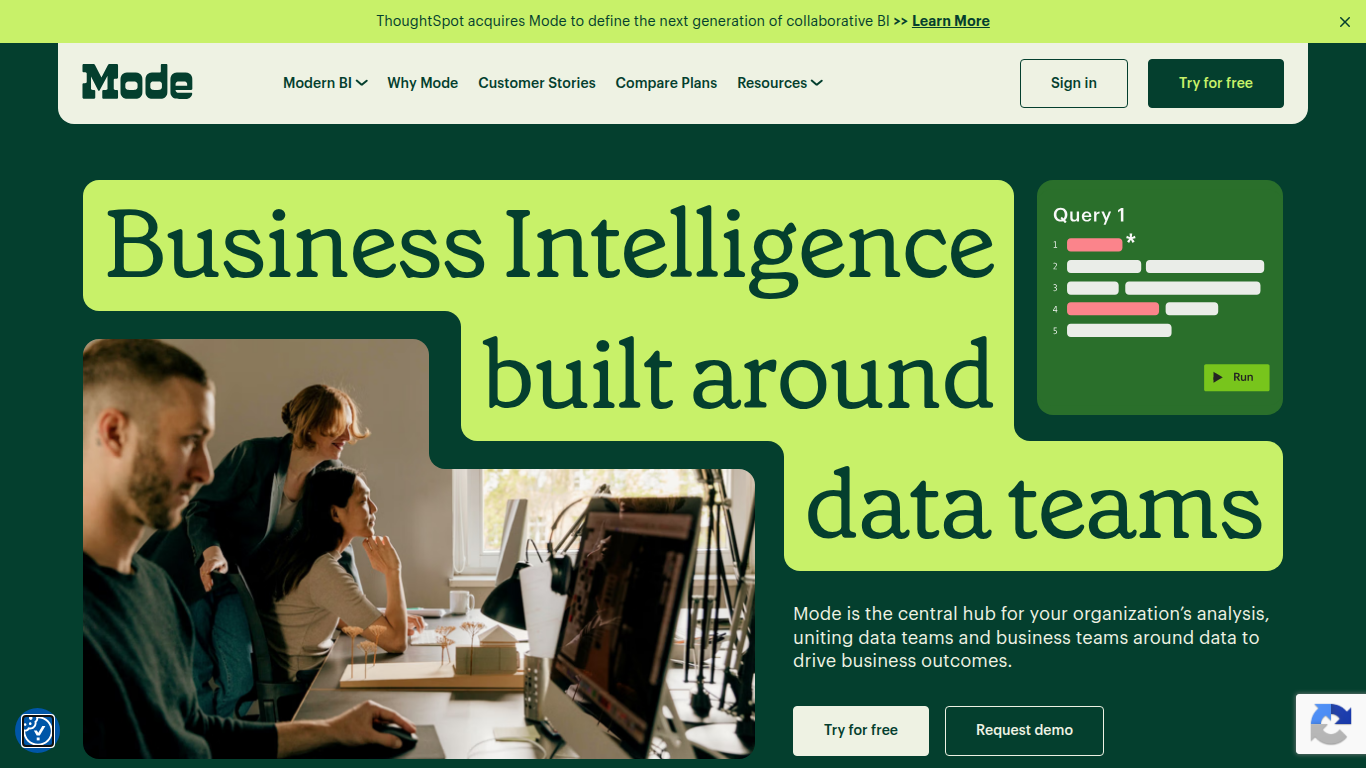
Mode unites data teams and business teams around SQL, Python, R, and visual analysis in one workspace. Analysts run ad hoc queries, build interactive dashboards, and publish self-service reports without switching tools. The platform connects to major data warehouses and integrates with the dbt Semantic Layer for governed metrics across the organization.
Most BI tools force a choice between analyst-grade depth and business-user simplicity. Mode runs both on the same platform: data teams write SQL and Python notebooks while business users explore curated datasets through drag-and-drop dashboards. Reusable datasets, scheduled reports, and Slack sharing keep everyone on the same numbers without maintaining separate data models for each audience.
Mode targets data analysts, analytics engineers, and business intelligence teams at companies that have invested in a modern data stack. The free Studio plan supports up to 3 users with SQL, Python, and R at 10 MB per query. Pro and Enterprise tiers add 250 GB monthly compute, permissioning, API access, and visualization of tens of millions of rows. ThoughtSpot acquired Mode to combine collaborative BI with search-driven analytics.
CX Analytics
What is CX Analytics?
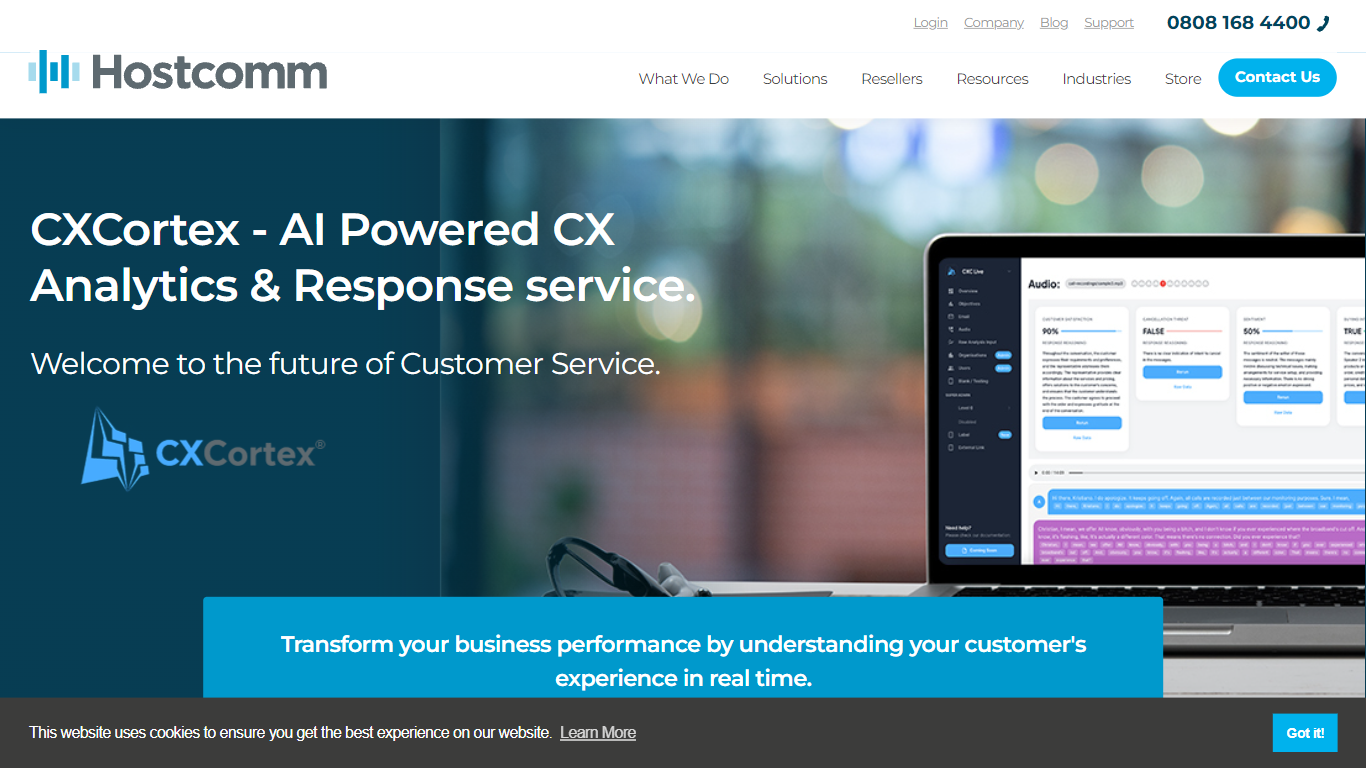
CX Analytics is Hostcomm's analytics platform for contact centers that turns voice, chat, and email interactions into real-time quality and compliance insights. Sold as Interaction Analytics on hostcomm.co.uk, it applies AI transcription and scoring across your full interaction database so QA teams stop sampling random calls.
Where traditional QA teams manually review a fraction of conversations, CX Analytics automates quality checks and tracks behavior, compliance, and resolution rates across distributed multilingual teams from one dashboard. Custom AI prompts let you define the metrics and behaviors you care about instead of relying on fixed scorecards.
Alerts reach managers through email, Slack, Teams, or WhatsApp when compliance risks surface, and Power BI integration pushes the same data into familiar BI views. Hostcomm has operated UK contact center technology since 2004 and holds PCI DSS Level 1 and G-Cloud accreditation.
Mode Upvotes
CX Analytics Upvotes
Mode Top Features
SQL editor with connected Python and R notebooks using 60+ libraries
Visual exploration of 100,000+ datapoints directly in the browser
Interactive dashboards with drilldowns, filters, and scheduled reports
Reusable datasets curated by data teams for self-service reporting
dbt Semantic Layer integration for governed metrics across the org
Email and Slack sharing with REST API and webhook automation
Custom data apps built with HTML, CSS, and JavaScript for internal tools
CX Analytics Top Features
AI transcription and analysis across voice, chat, and email in one unified analytics workflow
Automated QA scoring across your entire call database instead of manual spot checks
Custom AI prompts let teams track specific metrics and agent behaviors
Real-time compliance and service alerts via email, Slack, Teams, and WhatsApp
Power BI integration exports interaction analytics into existing BI dashboards
Unified CX dashboard monitors distributed multilingual agent teams globally
API integration pushes risk alerts into existing systems for automated response
Mode Category
- Analytics
CX Analytics Category
- Analytics
Mode Pricing Type
- Freemium
CX Analytics Pricing Type
- Paid