Mode vs flowpoint.ai
In the battle of Mode vs flowpoint.ai, which AI Analytics tool comes out on top? We compare reviews, pricing, alternatives, upvotes, features, and more.
Between Mode and flowpoint.ai, which one is superior?
Upon comparing Mode with flowpoint.ai, which are both AI-powered analytics tools, The users have made their preference clear, flowpoint.ai leads in upvotes. The upvote count for flowpoint.ai is 15, and for Mode it's 6.
Think we got it wrong? Cast your vote and show us who's boss!
Mode
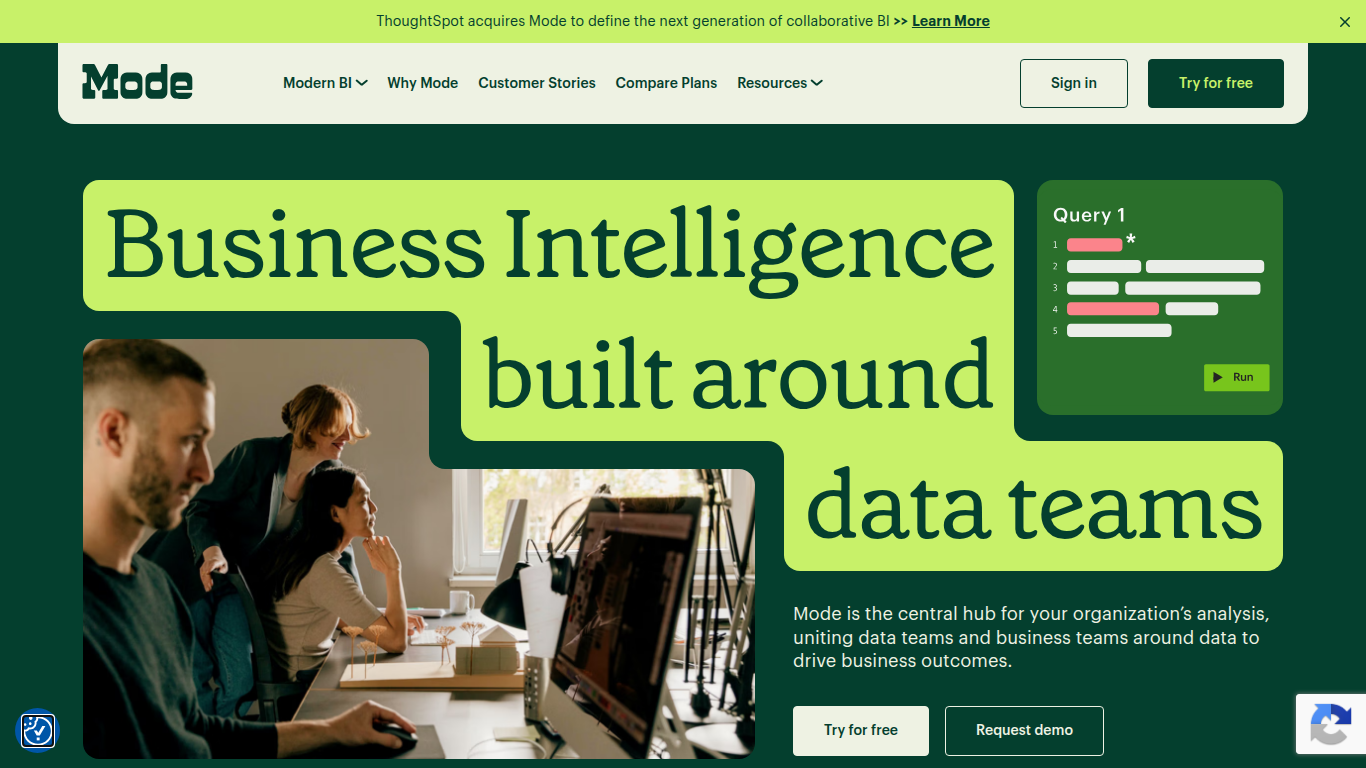

What is Mode?
Mode unites data teams and business teams around SQL, Python, R, and visual analysis in one workspace. Analysts run ad hoc queries, build interactive dashboards, and publish self-service reports without switching tools. The platform connects to major data warehouses and integrates with the dbt Semantic Layer for governed metrics across the organization.
Most BI tools force a choice between analyst-grade depth and business-user simplicity. Mode runs both on the same platform: data teams write SQL and Python notebooks while business users explore curated datasets through drag-and-drop dashboards. Reusable datasets, scheduled reports, and Slack sharing keep everyone on the same numbers without maintaining separate data models for each audience.
Mode targets data analysts, analytics engineers, and business intelligence teams at companies that have invested in a modern data stack. The free Studio plan supports up to 3 users with SQL, Python, and R at 10 MB per query. Pro and Enterprise tiers add 250 GB monthly compute, permissioning, API access, and visualization of tens of millions of rows. ThoughtSpot acquired Mode to combine collaborative BI with search-driven analytics.
flowpoint.ai
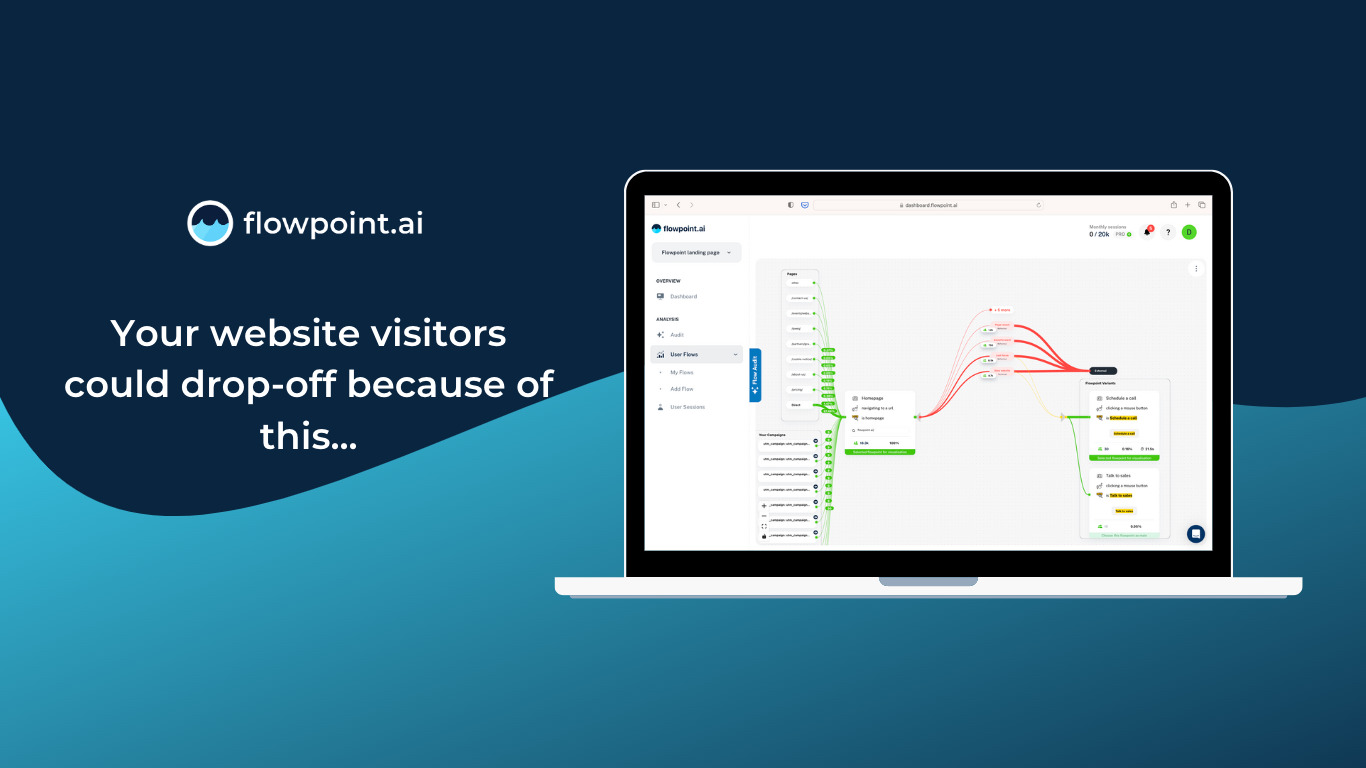
What is flowpoint.ai?
flowpoint.ai is on-premise website analytics software where an AI agent builds dashboards from your traffic data inside your own infrastructure. You deploy Flowpoint on your servers or cloud, add a single tracking script to your site, and ask for reports in plain English through the built-in UI or an MCP client like Claude or Cursor. Analytics are collected, stored, and processed locally, so raw visitor data never leaves your network.
Most analytics tools route data through a vendor cloud. Flowpoint flips that model: you license the software, host the deployment, and choose whether inference runs on a local model or a cloud API like Claude. The agent assembles charts, funnels, and tables without shipping your analytics dataset to an external processor. That trade-off means more setup than signing up for SaaS, but teams with strict data residency or GDPR obligations get control without giving up conversational reporting.
Marketing teams, growth leads, and product managers who need funnel analysis, UTM breakdowns, and real-time session views without SQL can use Flowpoint. Rentoza and ActionVFX are published customers. Installation guides cover HTML, React, Next.js, WordPress, Shopify, Framer, and Angular, and custom events are tracked through a global flowpoint() function.
Mode Upvotes
flowpoint.ai Upvotes
Mode Top Features
SQL editor with connected Python and R notebooks using 60+ libraries
Visual exploration of 100,000+ datapoints directly in the browser
Interactive dashboards with drilldowns, filters, and scheduled reports
Reusable datasets curated by data teams for self-service reporting
dbt Semantic Layer integration for governed metrics across the org
Email and Slack sharing with REST API and webhook automation
Custom data apps built with HTML, CSS, and JavaScript for internal tools
flowpoint.ai Top Features
Deploys on your servers or cloud with a single tracking script from cdn.flowpoint.ai
Built-in MCP server exposes traffic, sessions, events, sources, and funnels as agent tools
Filter sessions by device, browser, country, and UTM source without writing SQL
Real-time visitor, session, event, and conversion tracking inside your own systems
Export dashboards and funnel reports to PDF for stakeholder sharing
Custom events via flowpoint() with optional product_id, price, and currency fields
Connect Claude, Cursor, or any MCP-compatible client to query analytics locally
Mode Category
- Analytics
flowpoint.ai Category
- Analytics
Mode Pricing Type
- Freemium
flowpoint.ai Pricing Type
- Paid