Morse Code Translator vs Noty AI
In the clash of Morse Code Translator vs Noty AI, which AI tool emerges victorious? We assess reviews, pricing, alternatives, features, upvotes, and more.
When we put Morse Code Translator and Noty AI head to head, which one emerges as the victor?
Let's take a closer look at Morse Code Translator and Noty AI, both of which are AI-driven tools, and see what sets them apart. With more upvotes, Morse Code Translator is the preferred choice. Morse Code Translator has garnered 6 upvotes, and Noty AI has garnered 4 upvotes.
Does the result make you go "hmm"? Cast your vote and turn that frown upside down!
Morse Code Translator

What is Morse Code Translator?
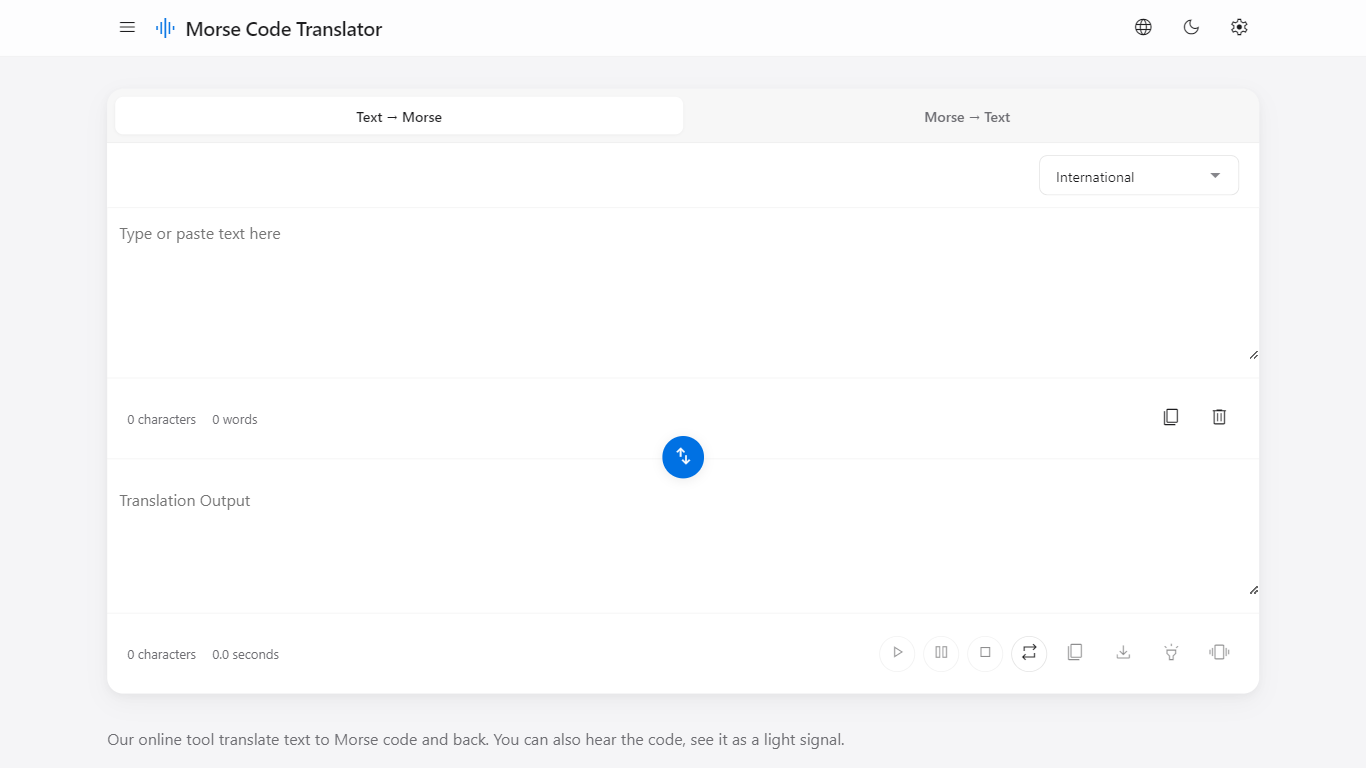
Morse Code Translator turns plain text into Morse dots and dashes, and decodes pasted Morse back to readable letters on the same page. Type or paste on either side, pick an alphabet in Settings, and the translation updates instantly in the opposite box.
Unlike basic Morse charts that only show letter tables, this translator adds audio playback, a flashing light signal popup, device vibration for the pattern, and WAV file export. It also covers nine Morse systems beyond International, including American, Greek, Cyrillic, Hebrew, Arabic, Japanese Wabun, Korean SKATS, and Thai.
It works for hobbyists learning Morse, scouts and students practicing SOS and HELLO patterns, radio operators checking encodings, and anyone decoding a message without installing desktop software. No account is required and the interface runs entirely in the browser.
Noty AI
What is Noty AI?
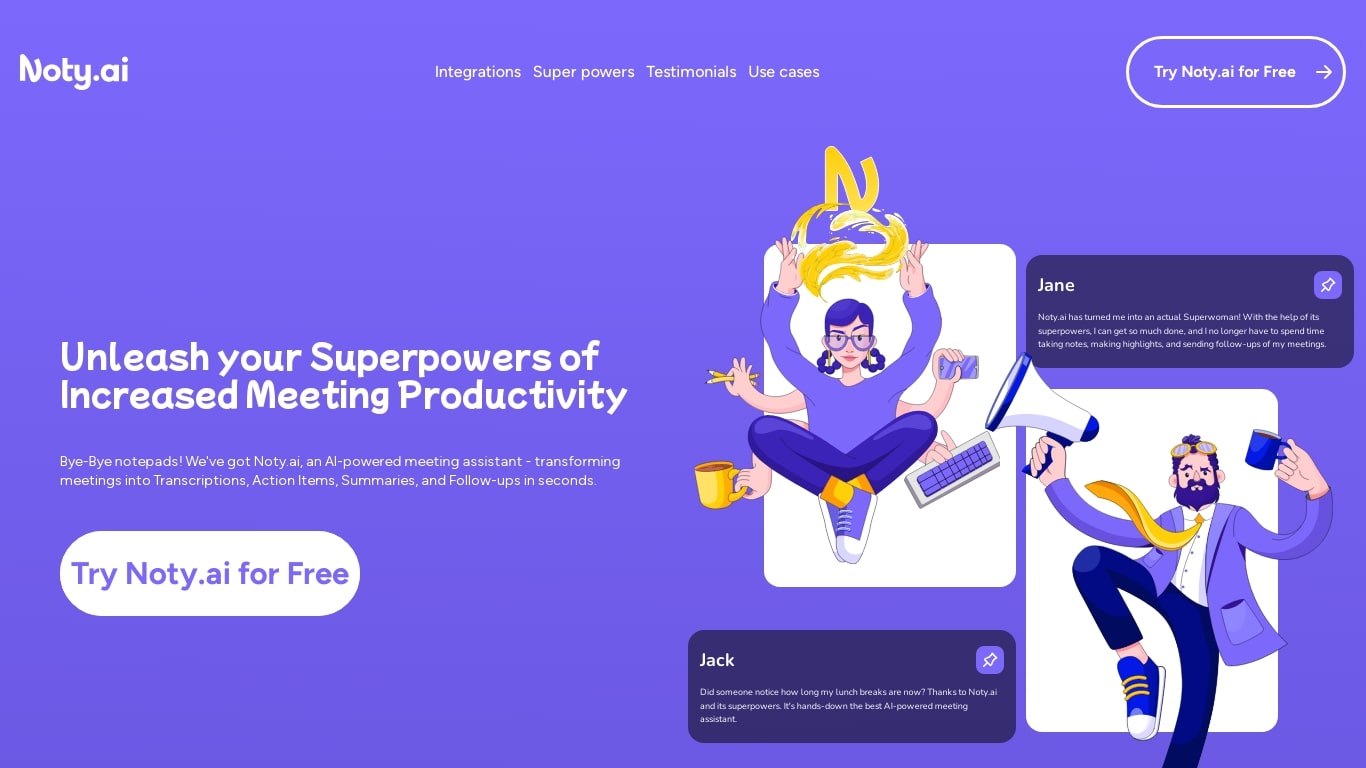
Noty AI is a meeting assistant that turns live video calls into transcripts, summaries, and tasks your team can act on. It records conversations in real time, highlights key moments during the call, and generates post-meeting recaps so nothing discussed gets lost between sessions.
Most meeting transcription tools stop at searchable text. Noty pushes output into assignable tasks, pre-drafted follow-ups, and a shared workspace so the meeting actually moves work forward. The site claims it handles about 95% of post-meeting admin, which is the gap note-taking apps typically leave open.
It works with Google Meet, Zoom, and Microsoft Teams, with live transcription during calls and 98% accuracy cited for Google Meet. After each session, Noty builds summaries, detects action items with deadlines and assignees, and lets you export to Docs, PDF, or plain text.
Project managers, customer success teams, and remote workers use Noty to cut post-meeting admin and keep projects moving without manual note-taking.
Morse Code Translator Upvotes
Noty AI Upvotes
Morse Code Translator Top Features
Bidirectional translation between plain text and Morse code in real time
Nine Morse alphabet systems: International, American, Greek, Cyrillic, Hebrew, Arabic, Japanese Wabun, Korean SKATS, and Thai
Play, pause, stop, and repeat audio playback of the Morse pattern
Download Morse code sound as a WAV audio file
Flashing light signal popup shows dots and dashes visually
Device vibration mode reproduces the Morse pattern on supported phones
Swap button flips translation direction between text-to-Morse and Morse-to-text
Noty AI Top Features
Live transcription during Google Meet, Zoom, and Teams calls with 98% accuracy cited for Google Meet
100 hours of transcription per month on Pro with 3 AI credits per meeting
Post-meeting summaries you can review, edit, comment on, or query through in-app chat
Action items, deadlines, and assignees pulled from conversation into a shared to-do list
One-click follow-ups that send recap emails with takeaways and tasks to participants
Global search across all meeting data with export to Docs, PDF, or plain text
90 languages supported for transcription, with several still marked beta on the pricing page
Morse Code Translator Category
- Translation
Noty AI Category
- Meeting Assistant
Morse Code Translator Pricing Type
- Free
Noty AI Pricing Type
- Freemium