Bing Microsoft AI Translator vs Noty AI
Compare Bing Microsoft AI Translator vs Noty AI and see which AI tool is better when we compare features, reviews, pricing, alternatives, upvotes, etc.
Which one is better? Bing Microsoft AI Translator or Noty AI?
When we compare Bing Microsoft AI Translator with Noty AI, which are both AI-powered tools, In the race for upvotes, Bing Microsoft AI Translator takes the trophy. Bing Microsoft AI Translator has 10 upvotes, and Noty AI has 4 upvotes.
Not your cup of tea? Upvote your preferred tool and stir things up!
Bing Microsoft AI Translator

What is Bing Microsoft AI Translator?
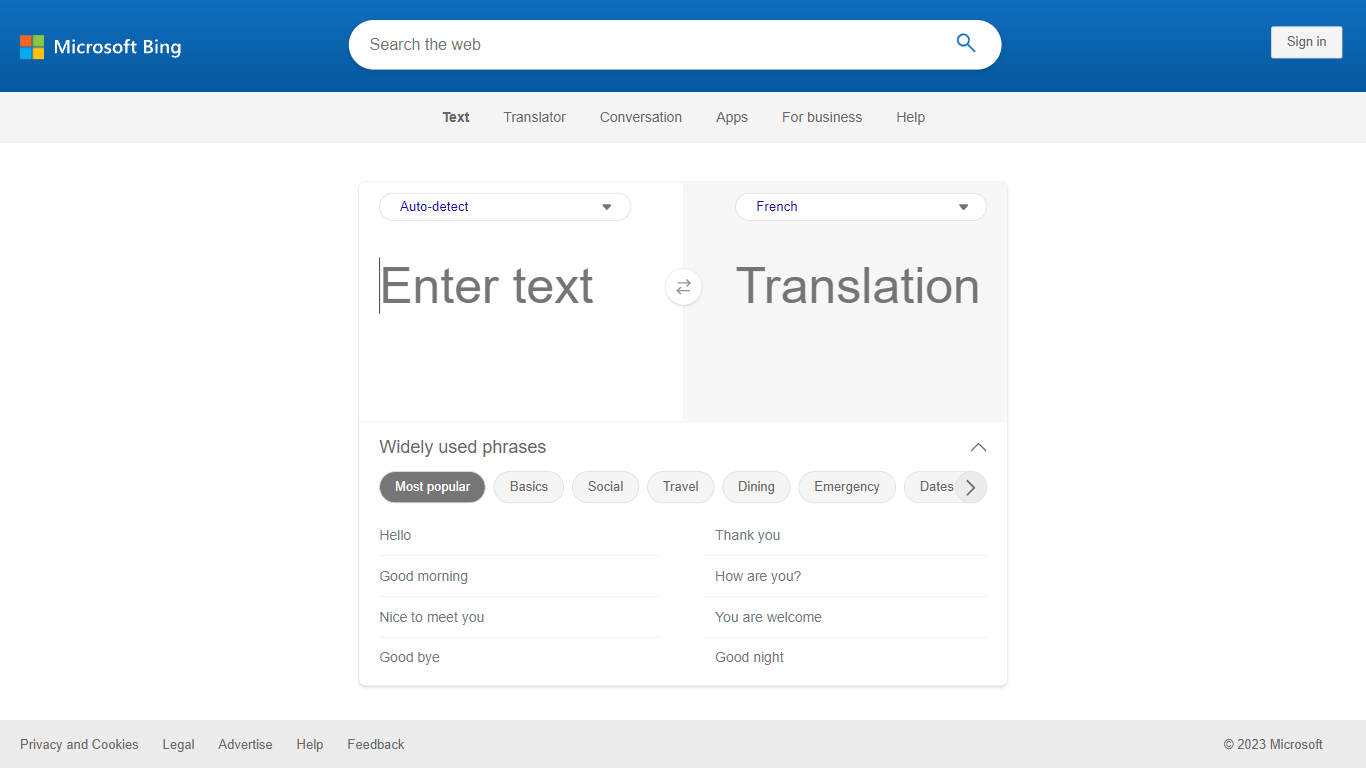
Microsoft Translator on Bing is a free web translator for turning words and phrases between English and more than 100 languages. Paste text, pick languages from long dropdown lists, or let the page auto-detect the source language before you translate.
The Bing interface adds practical extras beyond basic text swap. You can listen to a translation, open an on-screen keyboard, capture or upload an image to translate text in photos, and regenerate results in Standard, Casual, or Formal tone. A phrase helper surfaces common expressions grouped by topics like travel, dining, and emergencies.
It fits travelers, students, and anyone who needs a quick translation in the browser without installing software. Navigation on the page also points to separate Microsoft Translator experiences for live conversation, mobile apps, and business use.
Noty AI
What is Noty AI?
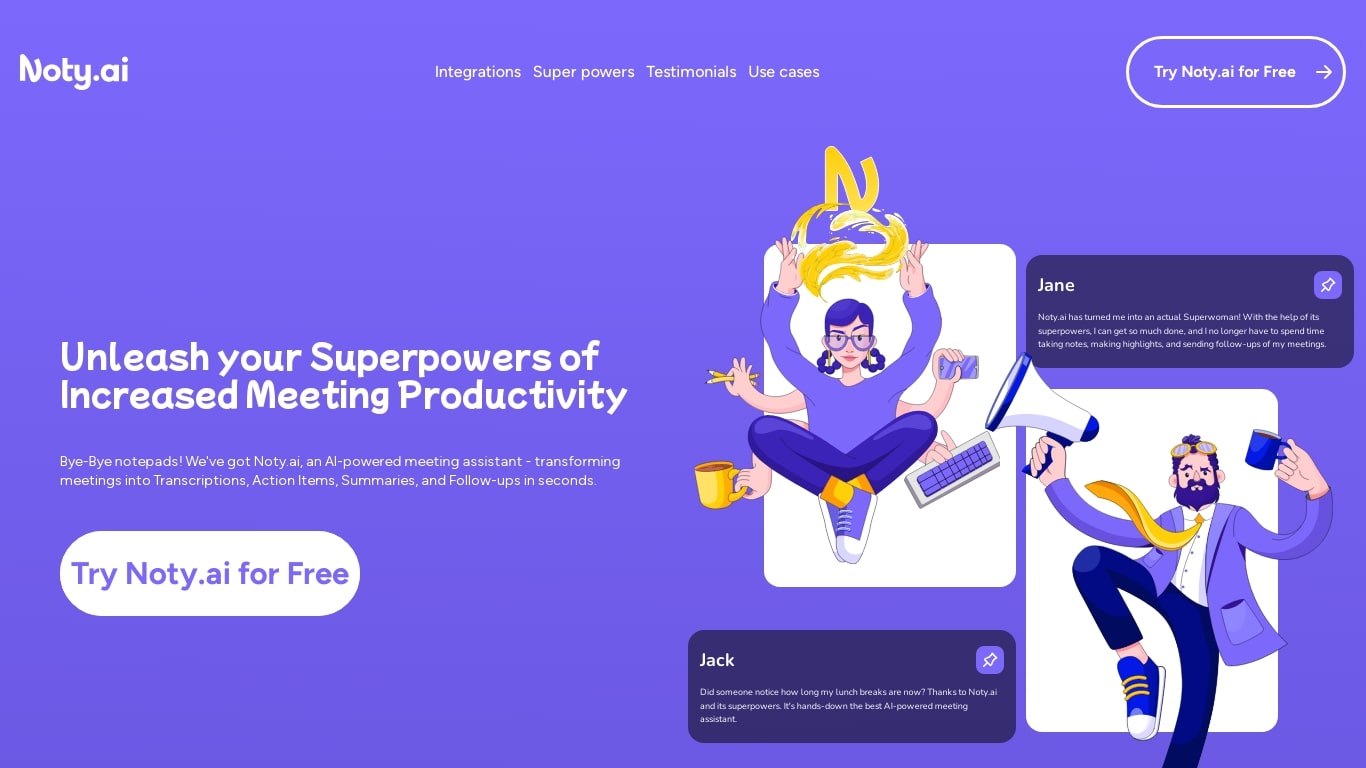
Noty AI is a meeting assistant that turns live video calls into transcripts, summaries, and tasks your team can act on. It records conversations in real time, highlights key moments during the call, and generates post-meeting recaps so nothing discussed gets lost between sessions.
Most meeting transcription tools stop at searchable text. Noty pushes output into assignable tasks, pre-drafted follow-ups, and a shared workspace so the meeting actually moves work forward. The site claims it handles about 95% of post-meeting admin, which is the gap note-taking apps typically leave open.
It works with Google Meet, Zoom, and Microsoft Teams, with live transcription during calls and 98% accuracy cited for Google Meet. After each session, Noty builds summaries, detects action items with deadlines and assignees, and lets you export to Docs, PDF, or plain text.
Project managers, customer success teams, and remote workers use Noty to cut post-meeting admin and keep projects moving without manual note-taking.
Bing Microsoft AI Translator Upvotes
Noty AI Upvotes
Bing Microsoft AI Translator Top Features
Auto-detect source language across more than 100 listed language options
Each translation request accepts up to 1,000 characters of input text
Regenerate results in Standard, Casual, or Formal tone with one click
Capture or upload an image to translate text found in photos
Speak to translate when typing is awkward on mobile or desktop
Listen to translations read aloud from the results panel
Browse common phrase sets for travel, dining, and emergencies
Noty AI Top Features
Live transcription during Google Meet, Zoom, and Teams calls with 98% accuracy cited for Google Meet
100 hours of transcription per month on Pro with 3 AI credits per meeting
Post-meeting summaries you can review, edit, comment on, or query through in-app chat
Action items, deadlines, and assignees pulled from conversation into a shared to-do list
One-click follow-ups that send recap emails with takeaways and tasks to participants
Global search across all meeting data with export to Docs, PDF, or plain text
90 languages supported for transcription, with several still marked beta on the pricing page
Bing Microsoft AI Translator Category
- Translation
Noty AI Category
- Meeting Assistant
Bing Microsoft AI Translator Pricing Type
- Free
Noty AI Pricing Type
- Freemium