Moshi AI vs Presentia AI (formerly VozPod)
Dive into the comparison of Moshi AI vs Presentia AI (formerly VozPod) and discover which AI Audio Generation tool stands out. We examine alternatives, upvotes, features, reviews, pricing, and beyond.
When comparing Moshi AI and Presentia AI (formerly VozPod), which one rises above the other?
When we compare Moshi AI and Presentia AI (formerly VozPod), two exceptional audio generation tools powered by artificial intelligence, and place them side by side, several key similarities and differences come to light. Both tools are equally favored, as indicated by the identical upvote count. Join the aitools.fyi users in deciding the winner by casting your vote.
Want to flip the script? Upvote your favorite tool and change the game!
Moshi AI
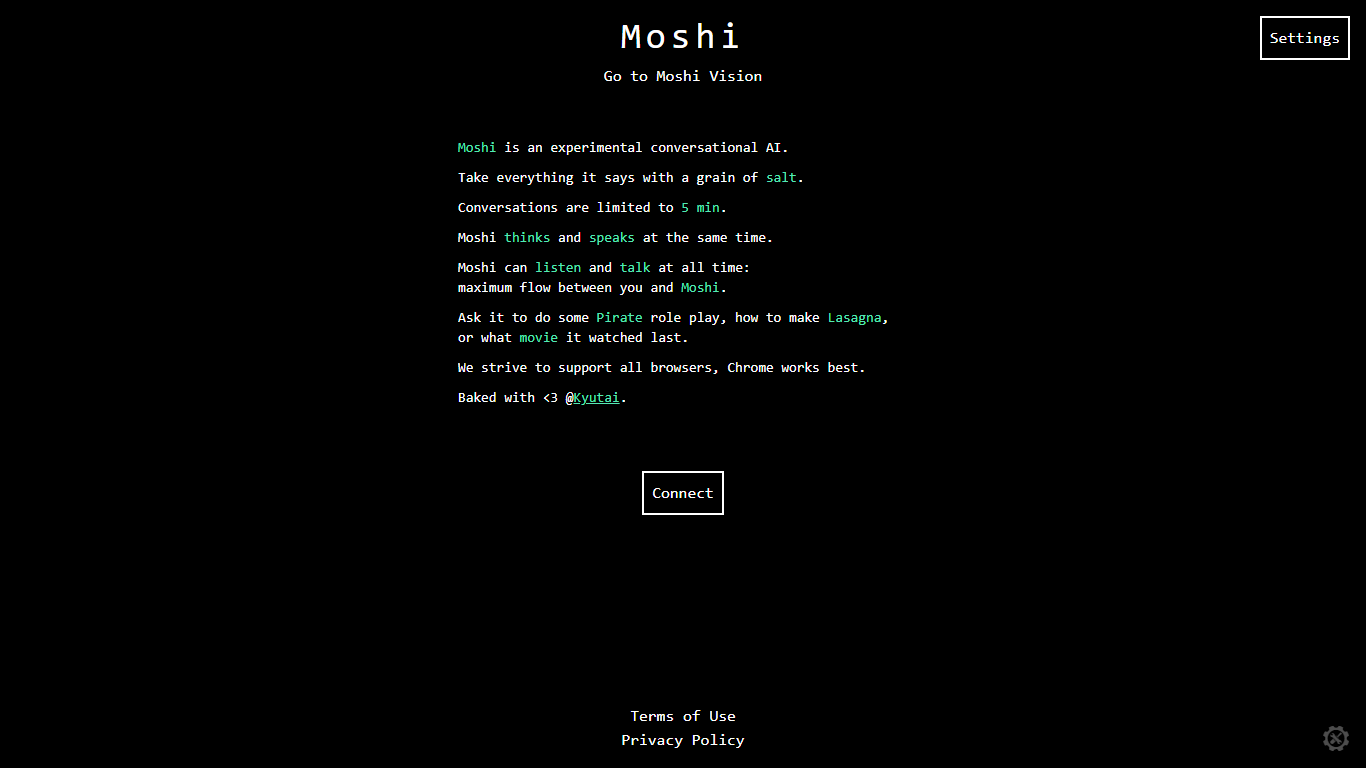

What is Moshi AI?
Moshi AI is a speech-native conversational model from Kyutai, a Paris-based open-science research lab. Instead of chaining speech recognition, text generation, and text-to-speech, Moshi processes audio directly and holds full-duplex voice conversations with minimal latency.
Its multi-stream design runs separate channels for the user, Moshi's spoken output, and an Inner Monologue text stream that improves coherence. That setup lets Moshi listen and talk at the same time, handle overlaps, interruptions, and backchanneling like a real conversation rather than rigid speaker turns.
Moshi is built on Helium, a 7B language model, and Mimi, Kyutai's neural audio codec. Weights and inference code ship for PyTorch, Rust, and MLX, and you can try it in the browser at moshi-chat.kyutai.org. Researchers, voice AI developers, and anyone building real-time spoken interfaces will find the most value here.
Presentia AI (formerly VozPod)
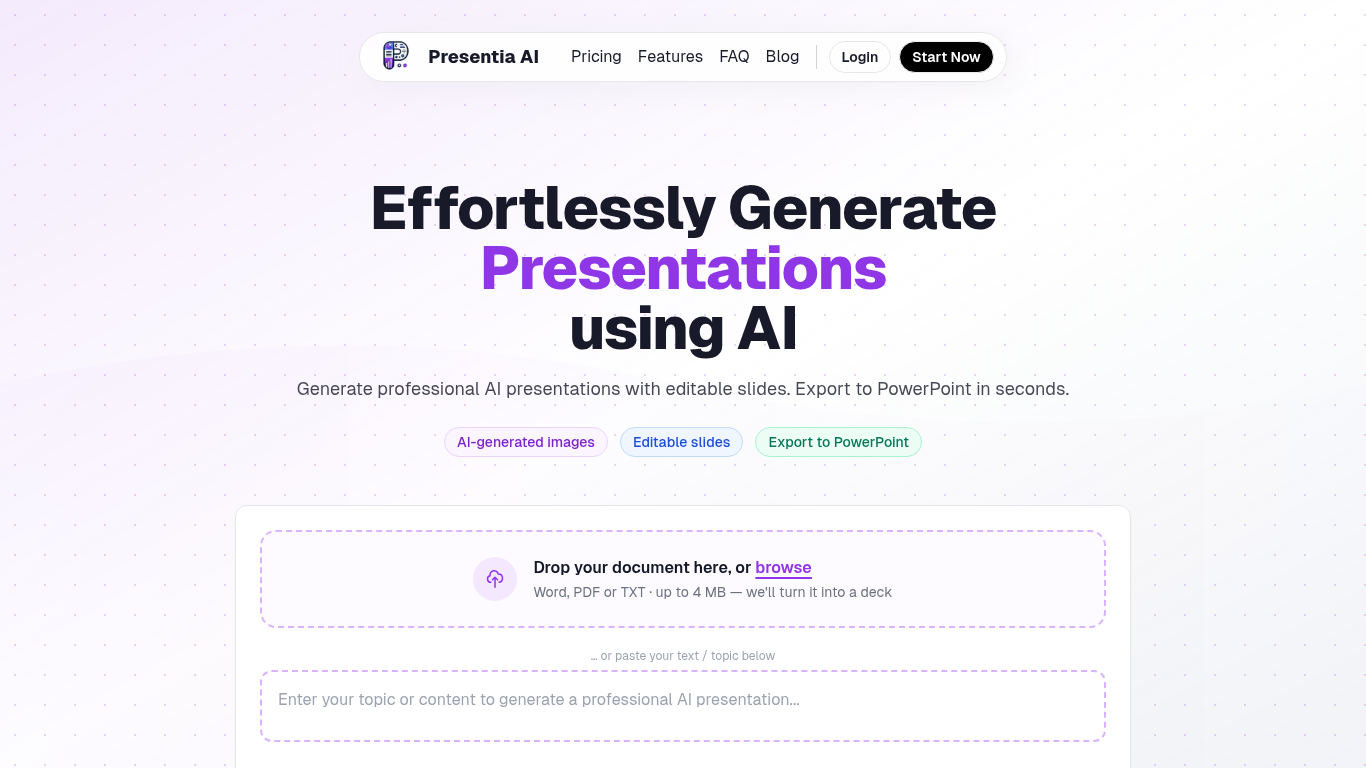
What is Presentia AI (formerly VozPod)?
Presentia AI generates professional presentations from a topic, pasted text, or uploaded documents. You describe your subject or drop a Word, PDF, or TXT file up to 4 MB, and the tool builds editable slides with AI-generated images, structured layouts, and themes sized to your content.
The workflow has three steps: describe your topic, let AI generate the deck, then fine-tune slides in the built-in editor or with AI batch-edit commands before exporting to PowerPoint. You can also create single-page infographics or formatted written documents from the same interface.
The site reports over 143,000 presentations created. Plans are credit-based with monthly slide limits, a 7-day free trial on paid tiers, and top-up credits available anytime.
Moshi AI Upvotes
Presentia AI (formerly VozPod) Upvotes
Moshi AI Top Features
Processes speech directly without a text pipeline in the middle
Listens and talks simultaneously with overlap and interruption support
Inner Monologue text stream improves speech quality and reasoning
Runs real-time on an L4 GPU or M3 MacBook Pro via the Mimi codec
Open weights on Hugging Face with PyTorch, Rust, and MLX inference code
Presentia AI (formerly VozPod) Top Features
Turn a topic, pasted text, or uploaded Word, PDF, or TXT file into a full slide deck
AI picks themes and generates context-aware images for each slide automatically
Edit slides in a built-in editor or use AI commands to batch-edit your deck
Export finished presentations to PowerPoint that match your on-screen design
Create presentations, single-page infographics, or formatted written documents from one interface
Supports multiple languages and customizable presentation themes
Moshi AI Category
- Audio Generation
Presentia AI (formerly VozPod) Category
- Audio Generation
Moshi AI Pricing Type
- Free
Presentia AI (formerly VozPod) Pricing Type
- Freemium