Presentia AI (formerly VozPod) vs Murf AI
Dive into the comparison of Presentia AI (formerly VozPod) vs Murf AI and discover which AI Audio Generation tool stands out. We examine alternatives, upvotes, features, reviews, pricing, and beyond.
When comparing Presentia AI (formerly VozPod) and Murf AI, which one rises above the other?
When we compare Presentia AI (formerly VozPod) and Murf AI, two exceptional audio generation tools powered by artificial intelligence, and place them side by side, several key similarities and differences come to light. In the race for upvotes, Murf AI takes the trophy. The number of upvotes for Murf AI stands at 82, and for Presentia AI (formerly VozPod) it's 6.
Think we got it wrong? Cast your vote and show us who's boss!
Presentia AI (formerly VozPod)

What is Presentia AI (formerly VozPod)?
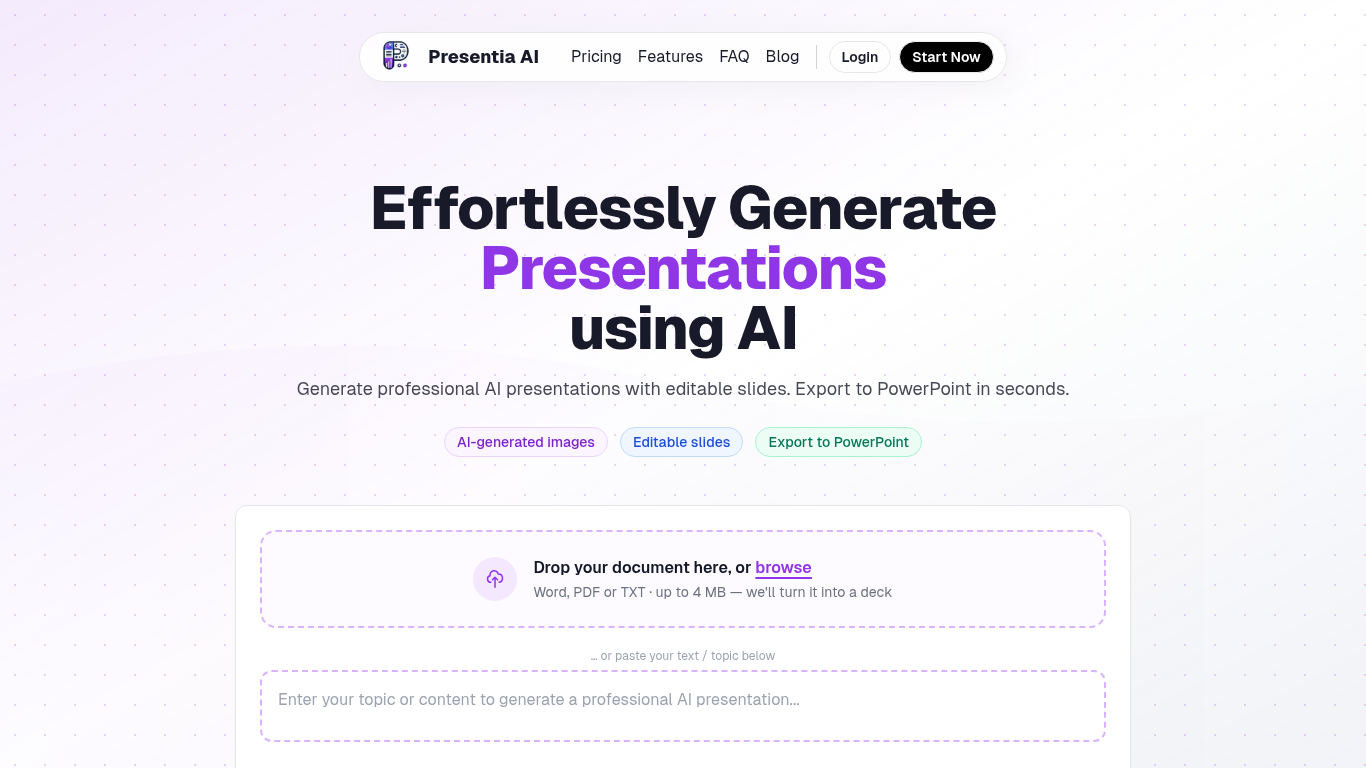
Presentia AI generates professional presentations from a topic, pasted text, or uploaded documents. You describe your subject or drop a Word, PDF, or TXT file up to 4 MB, and the tool builds editable slides with AI-generated images, structured layouts, and themes sized to your content.
The workflow has three steps: describe your topic, let AI generate the deck, then fine-tune slides in the built-in editor or with AI batch-edit commands before exporting to PowerPoint. You can also create single-page infographics or formatted written documents from the same interface.
The site reports over 143,000 presentations created. Plans are credit-based with monthly slide limits, a 7-day free trial on paid tiers, and top-up credits available anytime.
Murf AI
What is Murf AI?
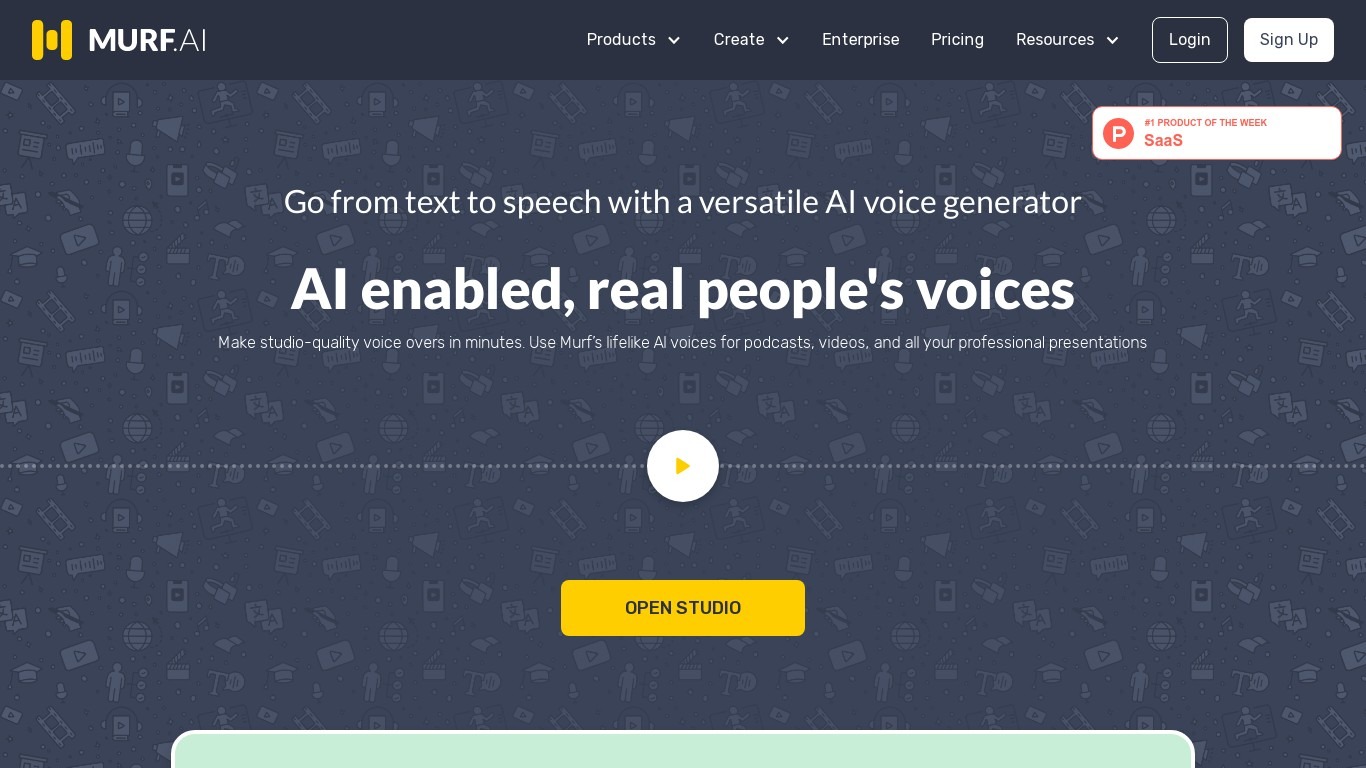
Murf AI turns text, documents, and scripts into lifelike speech for videos, courses, and phone agents. Murf Studio offers 200+ voices across 35+ languages with pitch, speed, and pronunciation controls, while the Falcon text-to-speech API targets real-time voice agents with sub-100ms time-to-first-audio. Murf Dubbing translates videos into 40+ languages while preserving tone.
Most text-to-speech tools sound flat or lag on live calls. Murf splits the problem: Gen 2 scored 99.38% pronunciation accuracy on multilingual news sentences, and Falcon 2 prices at $0.01 per minute with sub-55ms model latency for 10,000 concurrent calls. That dual-model setup costs more complexity than a single voice picker, but it covers both studio voiceovers and IVR agents in one platform.
Nestle, Air France, and Vertiv use Murf for training audio and multilingual content. The free Studio tier includes 10 minutes of voice generation without commercial rights, and paid monthly plans unlock downloads, team workspaces, and commercial licensing.
Presentia AI (formerly VozPod) Upvotes
Murf AI Upvotes
Presentia AI (formerly VozPod) Top Features
Turn a topic, pasted text, or uploaded Word, PDF, or TXT file into a full slide deck
AI picks themes and generates context-aware images for each slide automatically
Edit slides in a built-in editor or use AI commands to batch-edit your deck
Export finished presentations to PowerPoint that match your on-screen design
Create presentations, single-page infographics, or formatted written documents from one interface
Supports multiple languages and customizable presentation themes
Murf AI Top Features
200+ voices across 35+ languages with word-level pitch, speed, and pause controls
Falcon 2 API delivers sub-100ms time-to-first-audio at $0.01 per minute
Gen 2 model scored 99.38% pronunciation accuracy on 4,710 multilingual test words
Free Studio tier includes 10 minutes of voice generation without commercial licensing
Murf Dubbing localizes videos into 40+ languages while preserving original tone
SOC 2, ISO 27001, GDPR, and HIPAA compliance for enterprise deployments
Presentia AI (formerly VozPod) Category
- Audio Generation
Murf AI Category
- Audio Generation
Presentia AI (formerly VozPod) Pricing Type
- Freemium
Murf AI Pricing Type
- Freemium