
Last updated 07-25-2026
Category:
Reviews:
Join thousands of AI enthusiasts in the World of AI!
Presentia AI (formerly VozPod)
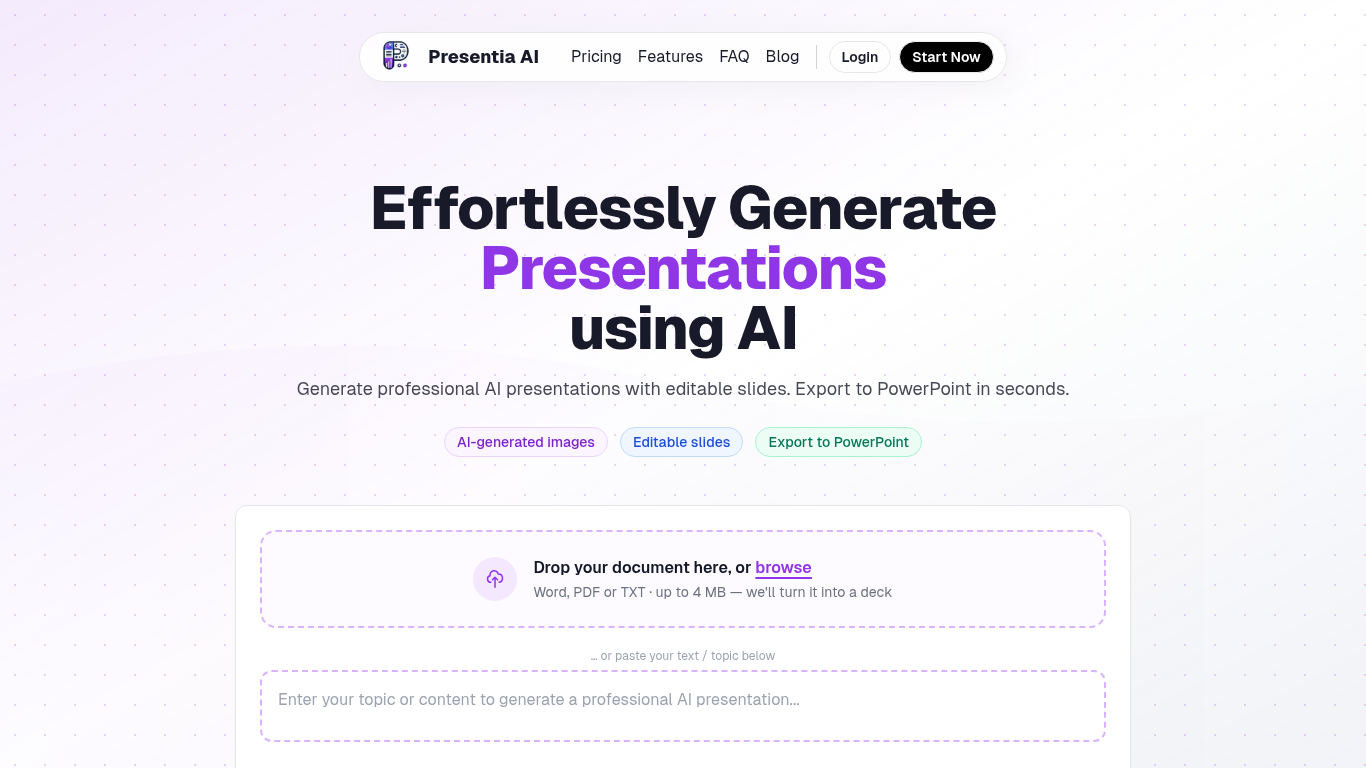
Presentia AI generates professional presentations from a topic, pasted text, or uploaded documents. You describe your subject or drop a Word, PDF, or TXT file up to 4 MB, and the tool builds editable slides with AI-generated images, structured layouts, and themes sized to your content.
The workflow has three steps: describe your topic, let AI generate the deck, then fine-tune slides in the built-in editor or with AI batch-edit commands before exporting to PowerPoint. You can also create single-page infographics or formatted written documents from the same interface.
The site reports over 143,000 presentations created. Plans are credit-based with monthly slide limits, a 7-day free trial on paid tiers, and top-up credits available anytime.
Turn a topic, pasted text, or uploaded Word, PDF, or TXT file into a full slide deck
AI picks themes and generates context-aware images for each slide automatically
Edit slides in a built-in editor or use AI commands to batch-edit your deck
Export finished presentations to PowerPoint that match your on-screen design
Create presentations, single-page infographics, or formatted written documents from one interface
Supports multiple languages and customizable presentation themes
Converts topics, pasted text, or uploaded documents into editable slide decks quickly.
Exports to PowerPoint so you can continue editing in familiar presentation software.
7-day free trial on Starter and Pro plans lets you test before committing.
Plans are limited by monthly slide credits rather than unlimited generation.
Team sharing is listed as coming soon on the Pro plan.
Document uploads are capped at 4 MB per file.
What file types can Presentia AI convert into presentations?
You can upload Word, PDF, or TXT files up to 4 MB. The tool extracts text and turns it into a slide deck.
Can I export Presentia AI presentations to PowerPoint?
Yes. After generating and editing your deck, you can download it as a PowerPoint file.
Does Presentia AI offer a free trial?
Yes. The Starter and Pro plans include a 7-day free trial.
What formats besides presentations does Presentia AI support?
In addition to full slide decks, you can generate single-page infographics or formatted written documents.
How are Presentia AI plans priced?
Plans are credit-based with monthly slide limits. Starter includes up to 50 slides per month, Pro up to 110, and Max Yearly up to 1,500 slides per year.