Movavi vs Cascadeur
In the contest of Movavi vs Cascadeur , which AI Video Editing tool is the champion? We evaluate pricing, alternatives, upvotes, features, reviews, and more.
If you had to choose between Movavi and Cascadeur , which one would you go for?
When we examine Movavi and Cascadeur , both of which are AI-enabled video editing tools, what unique characteristics do we discover? There's no clear winner in terms of upvotes, as both tools have received the same number. Since other aitools.fyi users could decide the winner, the ball is in your court now to cast your vote and help us determine the winner.
Don't agree with the result? Cast your vote and be a part of the decision-making process!
Movavi


What is Movavi ?
Movavi Video Editor 2024 enables users to create and edit videos with a variety of tools designed for both beginners and experienced creators. It provides features such as background removal, motion tracking, noise reduction, color correction, and video stabilization to enhance video projects.
What sets Movavi apart is its combination of over 6,000 effects and transitions with AI-powered tools that speed up editing tasks like cutting and overlay effects. This balance of extensive creative options and intelligent automation helps users produce polished videos efficiently.
The software supports a wide range of video formats and offers a drag-and-drop interface that simplifies applying filters, titles, and effects. Movavi also includes a free music library and tutorials to assist users in mastering video editing techniques.
Movavi Video Editor 2024 is designed primarily for Windows users who want to create engaging content such as travel videos, vlogs, or family memories without a steep learning curve. Its value lies in making powerful editing accessible while maintaining quality results.
Overall, Movavi stands out for its extensive effects, AI enhancements, and approachable design that help users bring their video ideas to life quickly and effectively.
Cascadeur
What is Cascadeur ?
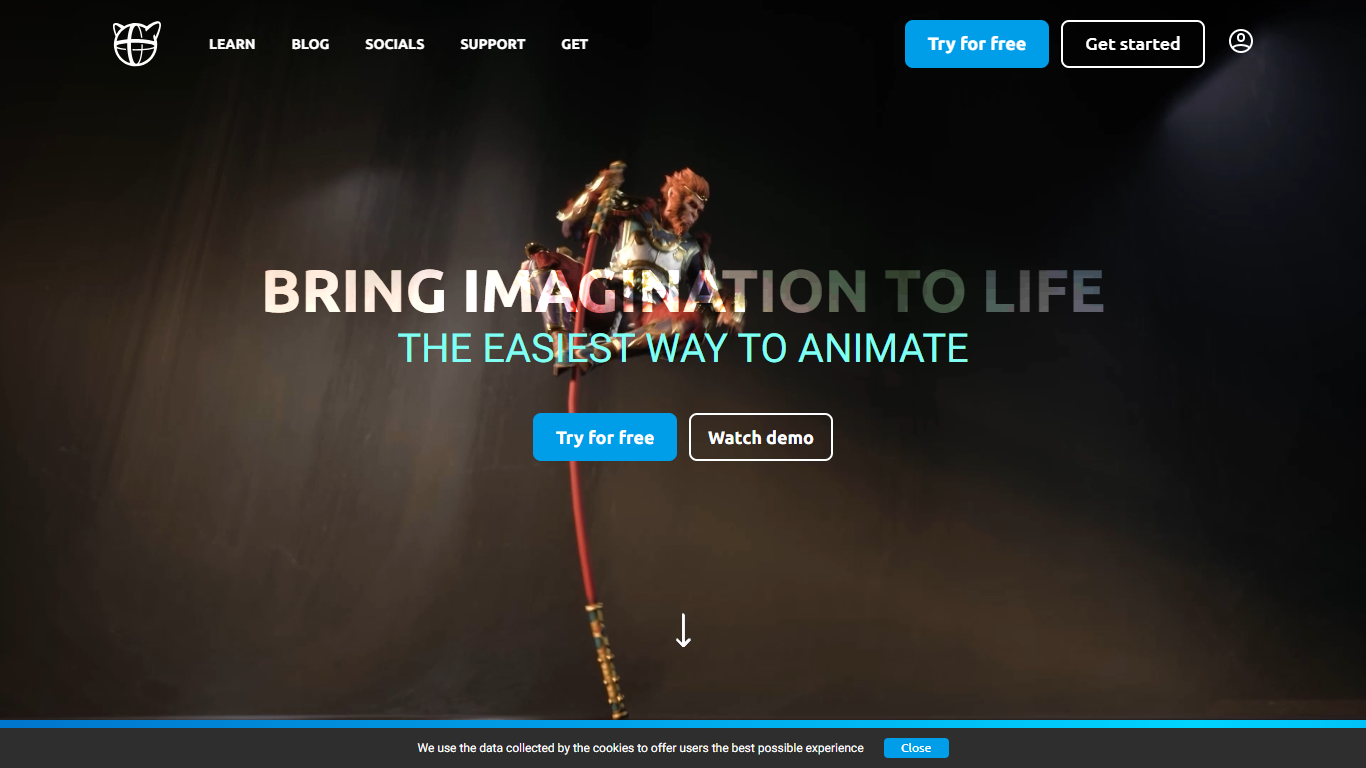
Cascadeur is standalone 3D keyframe animation software for rigging, posing, and cleaning up character motion in video editing and game pipelines. You build animations from scratch, import baked clips from mocap or other DCC tools, and export finished work as FBX, DAE, or USD when your license allows. The desktop app runs on Windows, Mac, and Linux.
Where general-purpose suites leave you to fight secondary motion and finger poses by hand, Cascadeur bakes physics and neural posing into the workflow. AutoPhysics suggests gravity-correct motion on a green preview twin, AutoPosing fills in limbs from a few control points, and Animation Unbaking turns dense mocap keyframes into editable intervals. That focus is narrower than Blender or Maya, but it targets the grunt work those tools skip.
Game studios, VFX shops, and solo animators use Cascadeur to retarget clips between rigs, polish Rokoko or Move AI mocap, and block action sequences with believable body mechanics. Quick Rigging supports Mixamo, Metahuman, Daz3D, and Character Creator skeletons out of the box.
Movavi Upvotes
Cascadeur Upvotes
Movavi Top Features
AI-powered video cutting speeds up editing tasks
Background removal tool for clean subject isolation
Motion tracking to follow objects smoothly in videos
Free music library included for adding soundtracks
Over 6,000 effects and transitions to customize videos
Cascadeur Top Features
AutoPhysics previews gravity-correct motion on a green character twin before you commit changes
AutoPosing uses neural networks to position limbs from a handful of control points, including finger controllers
Animation Unbaking converts baked mocap (every frame a keyframe) into editable keyframe intervals
Copy/paste retargeting transfers animations between humanoid rigs of different proportions in two clicks
Imports and exports FBX, DAE, and USD files for Blender, Maya, Unreal Engine, and Unity workflows
Quick Rigging auto-generates rigs from Daz3D, Mixamo, Metahuman, Character Creator, and Unreal skeletons
Movavi Category
- Video Editing
Cascadeur Category
- Video Editing
Movavi Pricing Type
- Freemium
Cascadeur Pricing Type
- Freemium