
Last updated 07-30-2026
Category:
Reviews:
Join thousands of AI enthusiasts in the World of AI!
Cascadeur
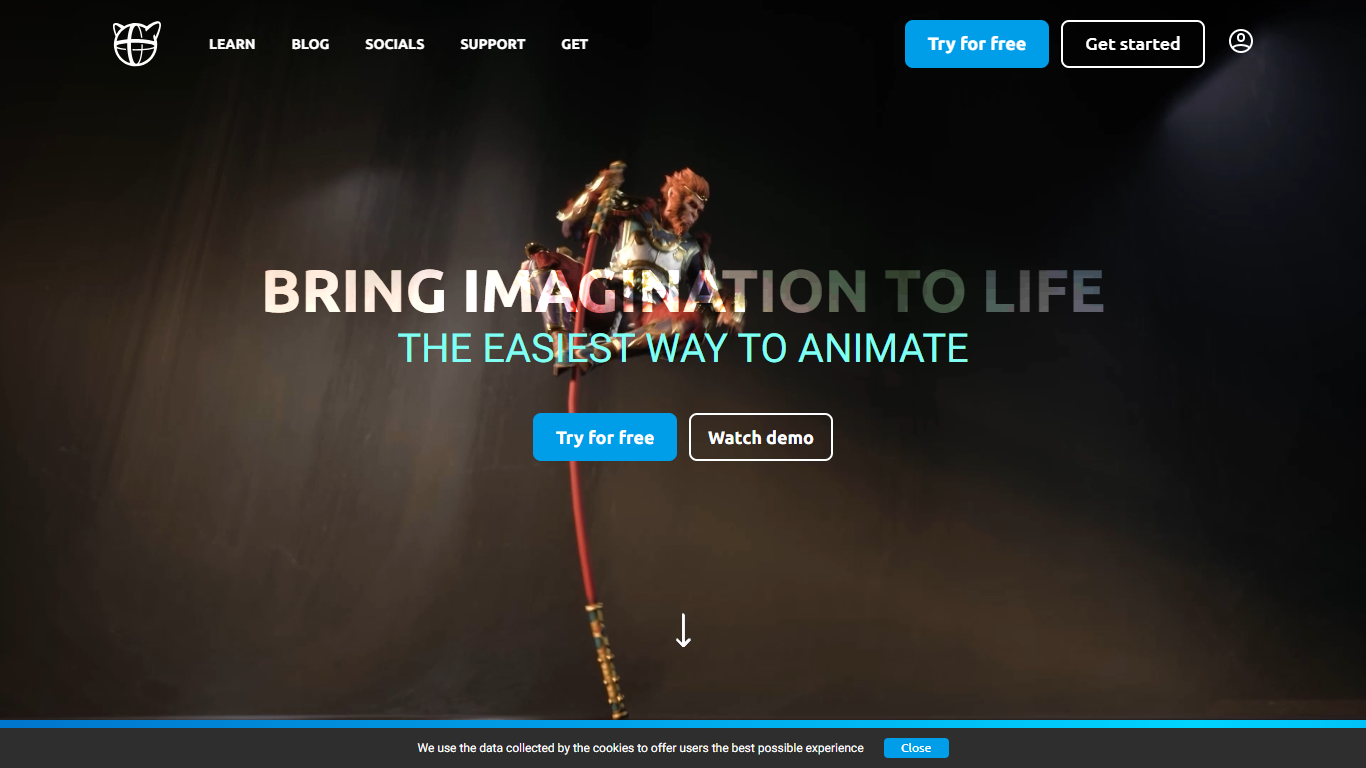
Cascadeur is standalone 3D keyframe animation software for rigging, posing, and cleaning up character motion in video editing and game pipelines. You build animations from scratch, import baked clips from mocap or other DCC tools, and export finished work as FBX, DAE, or USD when your license allows. The desktop app runs on Windows, Mac, and Linux.
Where general-purpose suites leave you to fight secondary motion and finger poses by hand, Cascadeur bakes physics and neural posing into the workflow. AutoPhysics suggests gravity-correct motion on a green preview twin, AutoPosing fills in limbs from a few control points, and Animation Unbaking turns dense mocap keyframes into editable intervals. That focus is narrower than Blender or Maya, but it targets the grunt work those tools skip.
Game studios, VFX shops, and solo animators use Cascadeur to retarget clips between rigs, polish Rokoko or Move AI mocap, and block action sequences with believable body mechanics. Quick Rigging supports Mixamo, Metahuman, Daz3D, and Character Creator skeletons out of the box.
AutoPhysics previews gravity-correct motion on a green character twin before you commit changes
AutoPosing uses neural networks to position limbs from a handful of control points, including finger controllers
Animation Unbaking converts baked mocap (every frame a keyframe) into editable keyframe intervals
Copy/paste retargeting transfers animations between humanoid rigs of different proportions in two clicks
Imports and exports FBX, DAE, and USD files for Blender, Maya, Unreal Engine, and Unity workflows
Quick Rigging auto-generates rigs from Daz3D, Mixamo, Metahuman, Character Creator, and Unreal skeletons
AutoPhysics and AutoPosing cut hours off secondary motion and hand posing work.
Animation Unbaking makes dense mocap clips editable without re-recording.
Two-click retargeting works across humanoid rigs with different proportions.
Free tier has no time limit for learning and non-commercial projects.
Yearly Indie and Pro subscriptions convert to perpetual licenses after 12 months.
Free plan exports only to .casc, so you need a paid license for FBX or USD pipelines.
Desktop-only with no web or mobile editor; you install a 370+ MB application.
Indie commercial use caps at $100,000 annual revenue, so growing studios must upgrade to Pro.
Is Cascadeur free to use?
Cascadeur includes a forever-free tier for non-commercial work. The free tier has the full animation toolset but exports to the proprietary .casc format only. Paid Indie and Pro plans add FBX, DAE, and USD export plus commercial use rights.
What file formats does Cascadeur export?
Cascadeur exports to FBX, DAE, USD, and its own .casc scene format depending on your license. The free plan limits export to .casc only. Indie and Pro plans add FBX, DAE, and USD, which integrate with Blender, Maya, Unreal Engine, and Unity.
Does Cascadeur have a free trial for Pro features?
Cascadeur offers a 14-day Pro trial with full export and every Pro tool, claimable from the pricing page. Free and Indie license holders can claim it once per major release (2024.1, 2024.2, etc.). Trial output cannot be used commercially.
What platforms does Cascadeur run on?
Cascadeur is a desktop application for Windows, Mac, and Linux. The latest release (2026.1.3) is available from cascadeur.com/download. Installers range from about 373 MB on Windows to 465 MB on Linux.
How much does Cascadeur Pro cost?
Cascadeur Pro is $49 per month or $33 per month billed annually ($396 per year). Pro includes unrestricted commercial use, animation retargeting, environment interaction, scene linking, and quadruped AutoPosing. Yearly Pro converts to a perpetual license of versions released during your subscription.
Who makes Cascadeur?
Cascadeur is developed by Nekki Limited, based in Limassol, Cyprus. Nekki also publishes mobile games. Support is available at [email protected], and the product has an active Discord community and tutorial library on cascadeur.com/learn.