MyPaste vs Programming-Helper
In the face-off between MyPaste vs Programming-Helper, which AI Code Assistant tool takes the crown? We scrutinize features, alternatives, upvotes, reviews, pricing, and more.
In a face-off between MyPaste and Programming-Helper, which one takes the crown?
If we were to analyze MyPaste and Programming-Helper, both of which are AI-powered code assistant tools, what would we find? The community has spoken, MyPaste leads with more upvotes. MyPaste has 6 upvotes, and Programming-Helper has 3 upvotes.
Feeling rebellious? Cast your vote and shake things up!
MyPaste

What is MyPaste ?
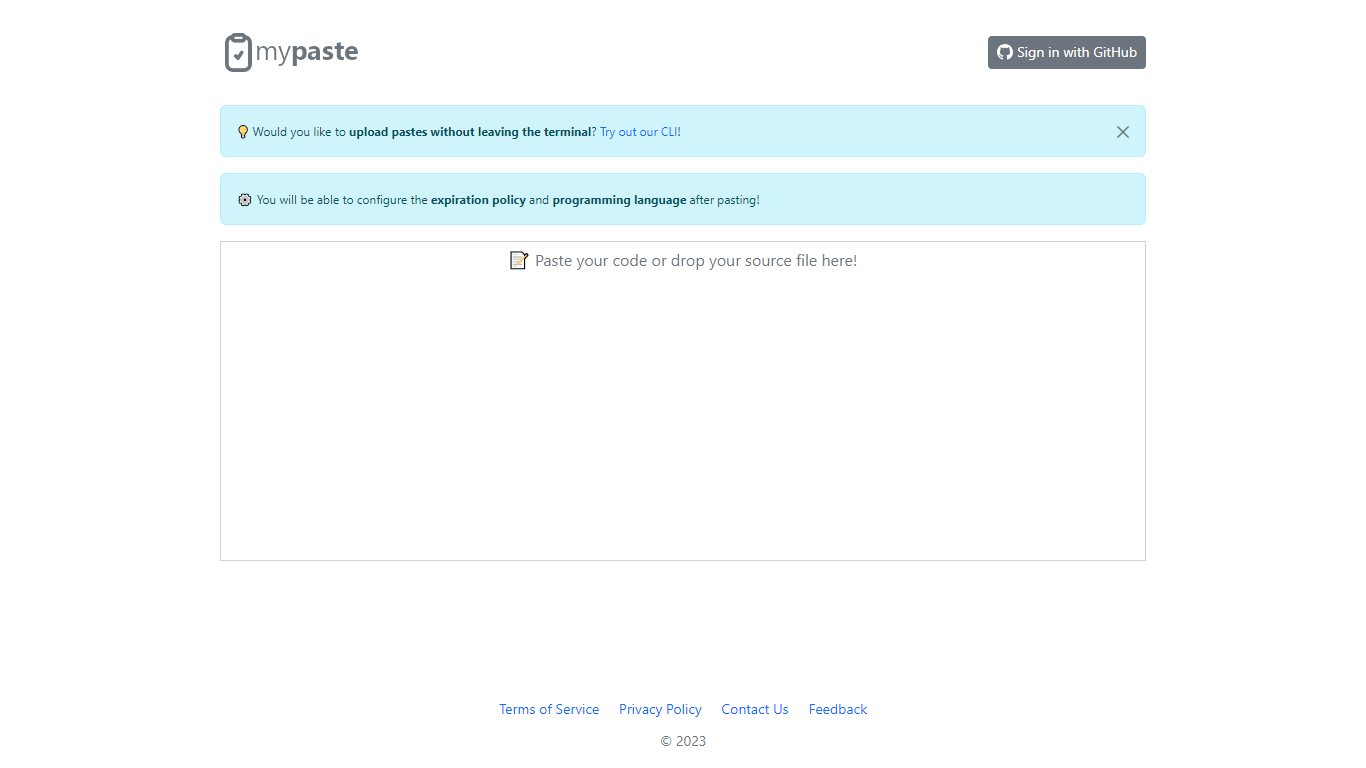
MyPaste is a code pasting service built for developers who need to share snippets fast. Paste your code on the homepage and get a shareable link with automatic programming language detection, so you are not stuck picking syntax from a dropdown before anyone can read your snippet.
After you paste, MyPaste lets you fine-tune the expiration policy and programming language before you send the link. That post-paste control is useful when you want a quick share first and settings second. The site also offers GitHub sign-in and a CLI for uploading pastes straight from your terminal.
MyPaste is still alpha software, and the team welcomes feedback on bugs and feature requests. It fits developers, open source contributors, and anyone who shares code snippets or logs during debugging sessions.
Programming-Helper
What is Programming-Helper?
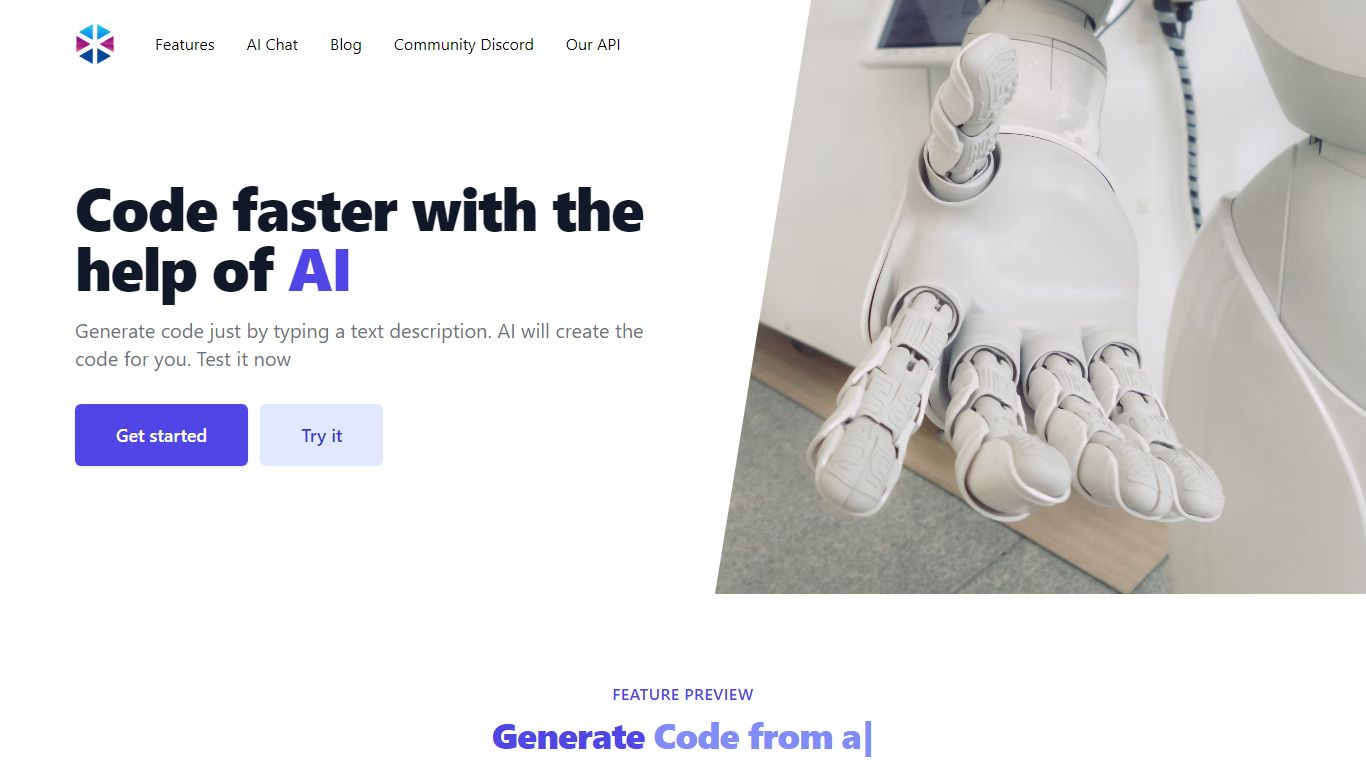
Programming-Helper is a browser-based code assistant that turns plain-English prompts into functions, SQL, HTML, regex, Git commands, and more. You pick a task like generate function or text to SQL, describe what you need, and the site returns code you can copy, with community generations visible to other users.
Most code assistants chase one workflow, usually chat inside an IDE. Programming-Helper spreads dozens of narrow generators across a single site, from docstring-to-function and fix invalid code to Linux command lookup and time-complexity analysis. That breadth trades deep project context for quick one-off answers.
It fits students, indie developers, and analysts who need a specific snippet without opening a full IDE copilot. The newer AI Studio bundles the tools behind one interface with workflows, collaboration, and one-click exports for heavier use.
MyPaste Upvotes
Programming-Helper Upvotes
MyPaste Top Features
Detects the programming language automatically when you paste code
Set expiration policy and syntax language after the paste is created
Sign in with GitHub to manage pastes tied to your account
Upload snippets from the terminal with the MyPaste CLI
Access paste uploads through API services listed in the terms
Programming-Helper Top Features
Generate functions from text descriptions across many programming languages
Text-to-SQL converts plain English into SQL commands
Translate code between programming languages from a description
Regex from description and regex-to-English explanation tools
Fix invalid code, add typing, and generate unit tests from existing code
AI Studio bundles all generators with workflows, collaboration, and one-click exports
MyPaste Category
- Code Assistant
Programming-Helper Category
- Code Assistant
MyPaste Pricing Type
- Free
Programming-Helper Pricing Type
- Freemium